Side by side
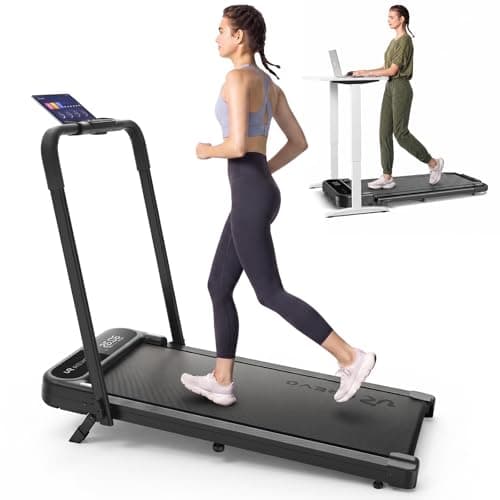
01 Low deck, faster mode
UREVO Strol 2E Pro
UREVO Strol 2E Pro Walking Pad Treadmill
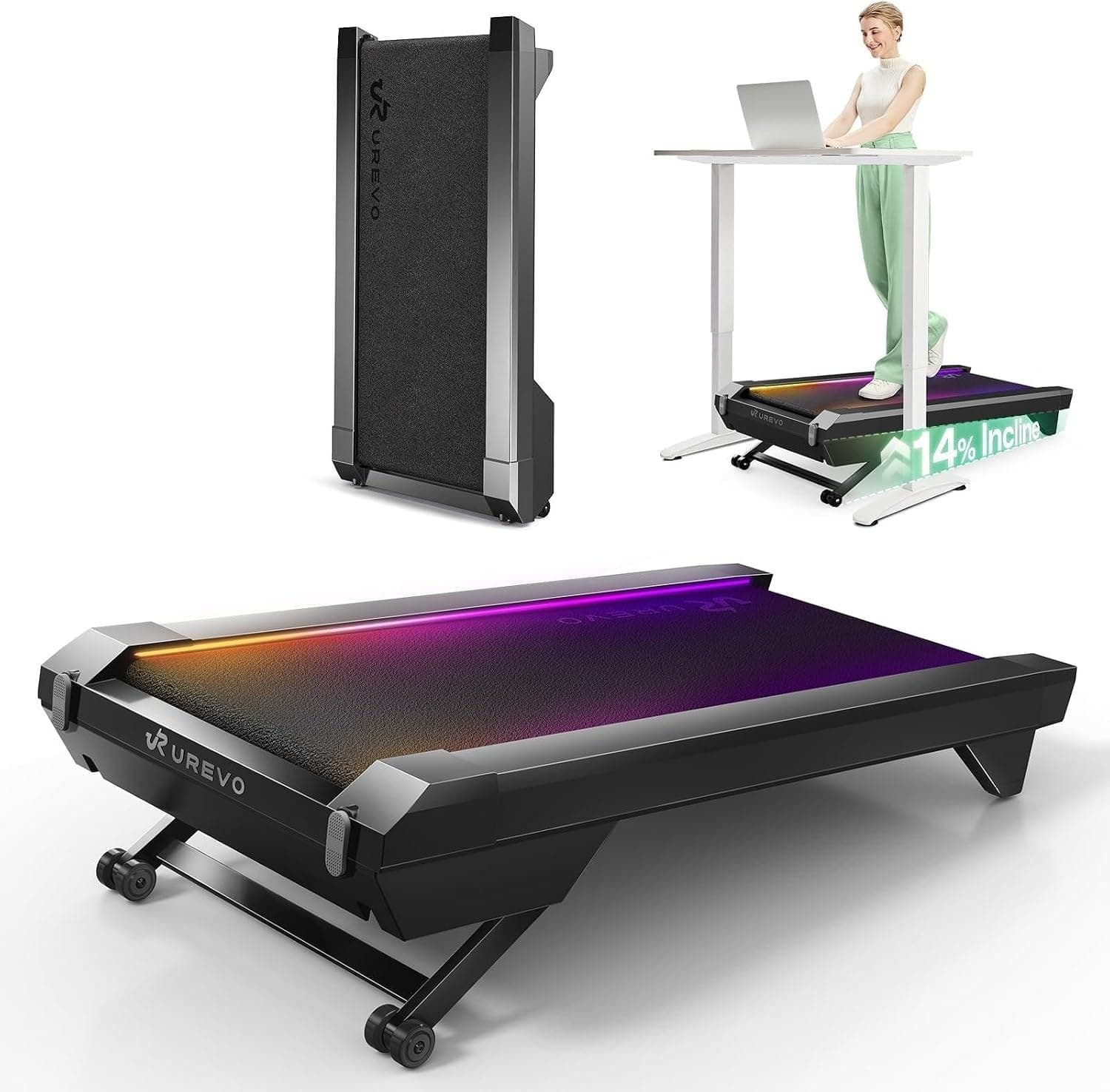
02 Incline while walking
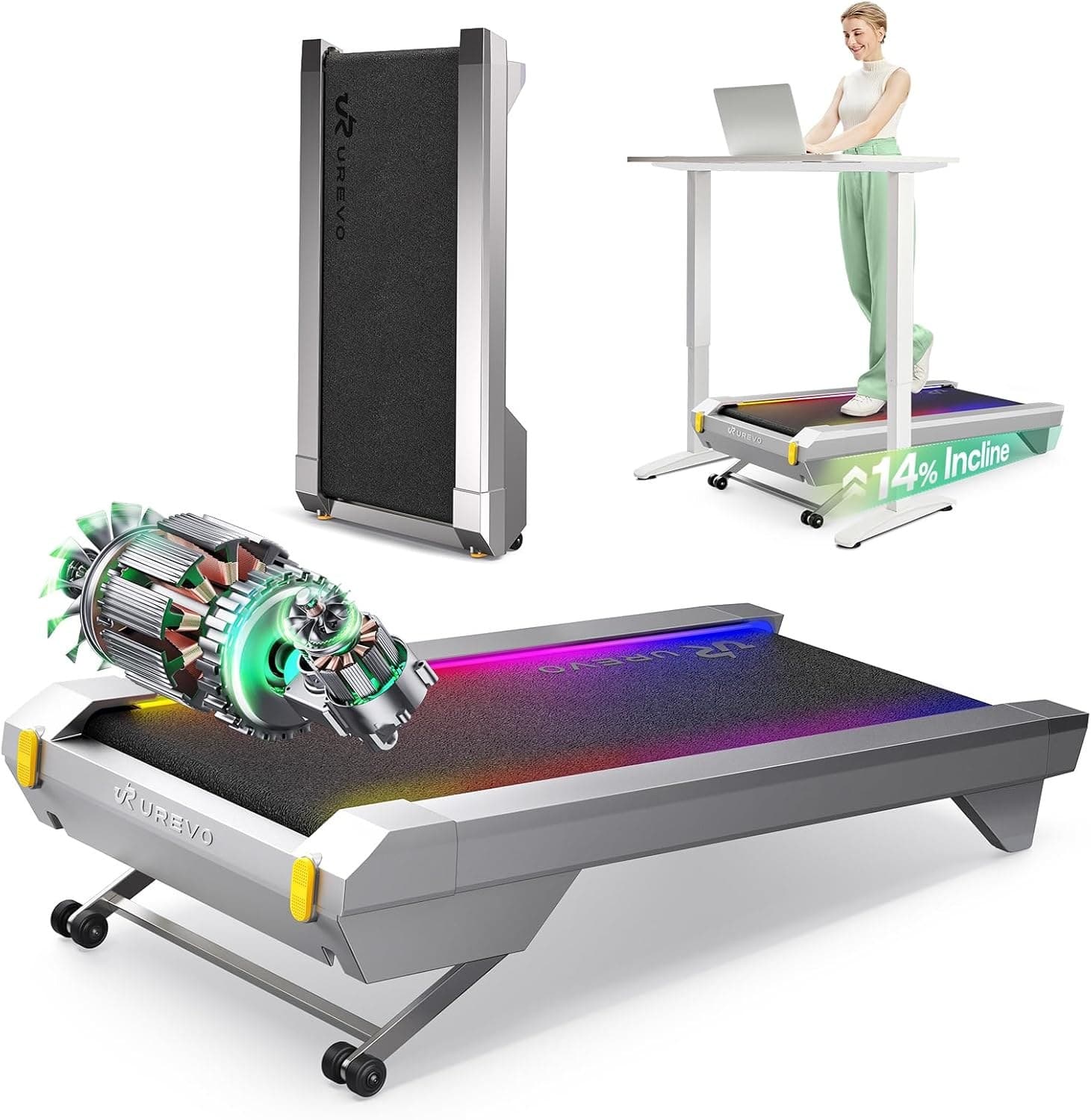
UREVO CyberPad
UREVO CyberPad Smart Walking Pad with 14% Auto Incline
| UREVO Strol 2E Pro | UREVO CyberPad | |
|---|---|---|
| Best for | Desk walkers who also want manual incline and a raised-handlebar speed mode. | Walkers who want motorized incline and have room for a taller, heavier deck. |
| Speed range | 0.6–6.2 mph (walking mode 0.6–4 mph) | 0.6–4.0 mph |
| Weight capacity | 265 lb / 120 kg maximum per URTM059 manual; UREVO product page says 300 lb | 300 lb / 136 kg maximum per US URTM051 V1.0 quick guide; US product page says 400 lb |
| Unit weight | 43.4 to 43.6 lb per UREVO; 44 lb per the linked Amazon listing | 63.1 lb |
| Motor | 2.25 HP | UREVO product page lists 2.5 HP; guide does not specify motor HP |
| Max incline | 12% (manual, flip-down front legs) | Not listed |
| Running surface | 36.2" x 15.2" | Not listed |
| Handlebar-down dimensions | 44.9" L x 21.9" W x 4.2" H | Not listed |
| Incline | Not listed | Motorized, up to 14% in 14 levels (UREVO) |
| Walking area | Not listed | 39.4" x 16.5" |
| Dimensions | Not listed | 42.9" L x 22.8" W x 6.3" H |
| Strengths |
|
|
| Tradeoffs |
|
|
Both pads add incline, but the controls lead to different sessions. The Strol 2E Pro reaches 12% with support legs set by hand and offers a 6.2 mph maximum with the handlebar raised. The CyberPad for Office changes up to 14% by motor while walking and has a 4 mph ceiling. If you expect to change grade during a session, the CyberPad is the simpler choice; if a lower handlebar-down profile and faster mode matter more, compare the Strol.
The short version
The Strol deck is 4.2 inches high with the handlebar down; the CyberPad is 6.3 inches high and has a wider 16.5-inch walking area. The Strol URTM059 manual says 265 lb (120 kg), despite the product page's 300 lb listing. The CyberPad URTM051 quick guide says 300 lb (136 kg), despite the US product page's 400 lb listing. Follow each user guide's lower safety limit.
The decision
| Priority | Difference |
|---|---|
| Change grade while walking | CyberPad: motorized 14-level incline; Strol: manually set 12% incline |
| Higher listed speed | Strol: up to 6.2 mph with handlebar raised; CyberPad: 4 mph |
| Lower deck | Strol: 4.2 in handlebar down; CyberPad: 6.3 in |
| Wider walking area | CyberPad: 16.5 in; Strol: 15.2 in |
| Lower machine weight | Strol: 43.4-44 lb across maker/listing; CyberPad: 63.1 lb |
| Capacity | US user-guide limits: 265 lb Strol; 300 lb CyberPad |
Specs side by side
| Spec | UREVO Strol 2E Pro | UREVO CyberPad for Office |
|---|---|---|
| Incline | 12%, manual according to Amazon listing | 0-14%, motorized, 14 levels according to UREVO |
| Speed | 0.6-4 mph handlebar down; up to 6.2 mph raised | 0.6-4 mph |
| Walking area | 36.2 x 15.2 in | 39.4 x 16.5 in |
| Deck height / size | 4.2 in high with handlebar down (Amazon listing) | 42.9 x 22.8 x 6.3 in (UREVO) |
| Weight | 43.4-43.6 lb (UREVO); 44 lb (Amazon) | 63.1 lb (UREVO) |
| Capacity | 265 lb (URTM059 manual); UREVO product page says 300 lb | 300 lb (URTM051 guide); UREVO US product page says 400 lb |
| Motor | 2.25 HP (UREVO) | 2.5 HP (UREVO US page) |
| Noise | No decibel rating located on exact product page | 35 dB marketing figure; method not published |
| Exact model identifier | URTM059 | URTM051 |
Confirm capacity before use
The URTM059 Version 2.0 manual states 265 lb (120 kg), do not exceed; the URTM051 US quick guide states 300 lb (136 kg), do not exceed. Their product pages list 300 lb and 400 lb respectively. Follow the model-specific user guide and check with UREVO if your unit or region differs.
Strol 2E Pro: manual incline and raised-handlebar speed

The Strol's distinction is its two speed modes and low handlebar-down profile. The higher speed requires the handlebar raised. The 12% incline is described as manual in the exact Amazon listing, so plan to stop and configure it rather than adjust it from the remote.
See the full Strol 2E Pro review for the dimensions, desk-fit calculation and capacity limitation.
CyberPad: motorized grade and wider belt
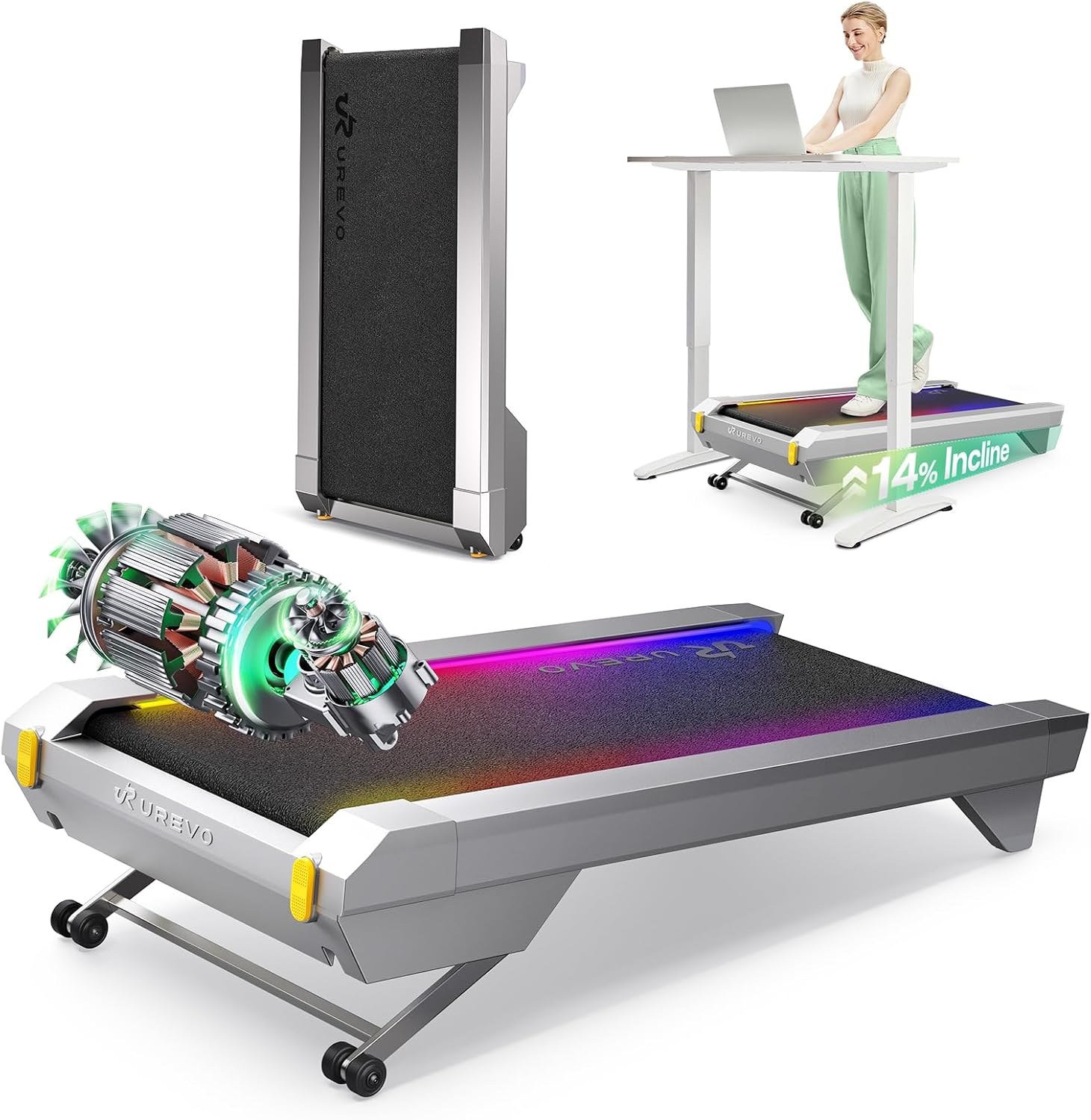
The CyberPad lets you change its 14 incline levels from the remote or app while walking. Its 16.5-inch walking area is wider than the Strol's published 15.2 inches, but its deck is taller and machine heavier. The US quick guide does not specify upright storage, so this comparison makes no vertical-storage recommendation.
See the CyberPad review for its Office/Home distinction and the conflicting capacity pages.
Frequently asked questions
Is the Strol 2E Pro incline automatic?
The Amazon listing describes its 12% incline as manual. The CyberPad's 0-14% incline is motorized according to UREVO.
Can the CyberPad jog?
UREVO lists a 4 mph maximum. The Strol listing and maker page give a higher 6.2 mph maximum with the handlebar raised, though that number alone does not establish suitability for sustained running.
Which has the safer capacity rating?
The URTM059 manual says 265 lb (120 kg); the URTM051 US quick guide says 300 lb (136 kg). Each UREVO product page lists a higher figure. Follow the user guide for the exact model and confirm with UREVO if your unit or region differs.
For more options, see the best under-desk walking pads and best walking pads guides, or use the walking pad fit checker.
Sources
Show all 7 sources
| Claim | Source |
|---|---|
| Strol dimensions, speed, capacity, incline, motor | UREVO Strol 2E Pro product page |
| Strol listing dimensions, weight and title | Amazon listing details for ASIN B0H1H4JT4C, checked 2026-10-13; capacity was not returned |
| Strol URTM059 manual, safety limit and incline setup | UREVO Strol 2E Pro user manual V2.0 (PDF) |
| CyberPad Office specifications | UREVO CyberPad for Office |
| CyberPad's 300 lb regional listing | UREVO Sweden CyberPad for Office |
| CyberPad URTM051 quick guide and safety limit | UREVO CyberPad for Office quick guide V1.0 (PDF) |
| CyberPad listing identity and returned fields | Amazon listing details for ASIN B0F6LJGZ12, checked 2026-10-13; capacity was not returned |