The short version
Wellfit supplied the treadmill for this review. Kit Authority may earn a commission if you buy through our links. As an Amazon Associate, Kit Authority earns from qualifying purchases.
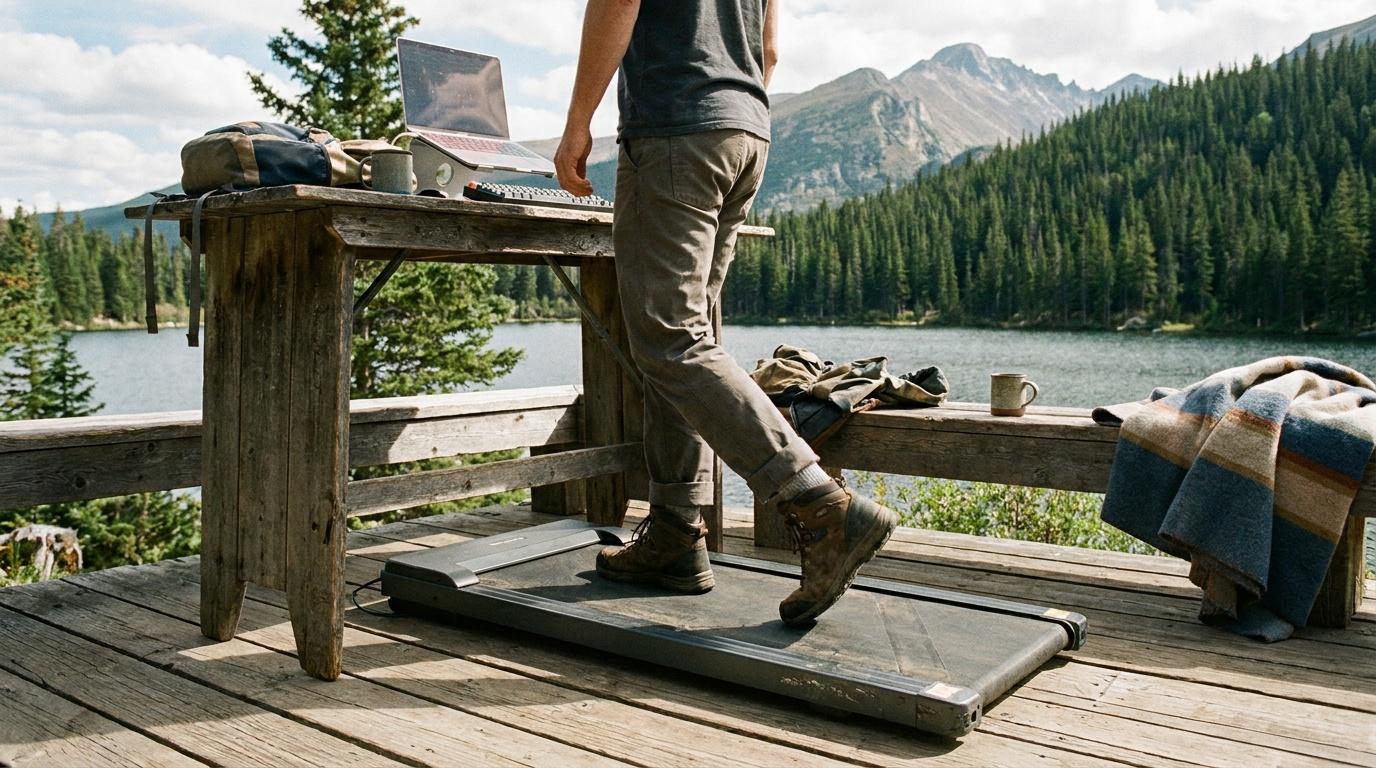
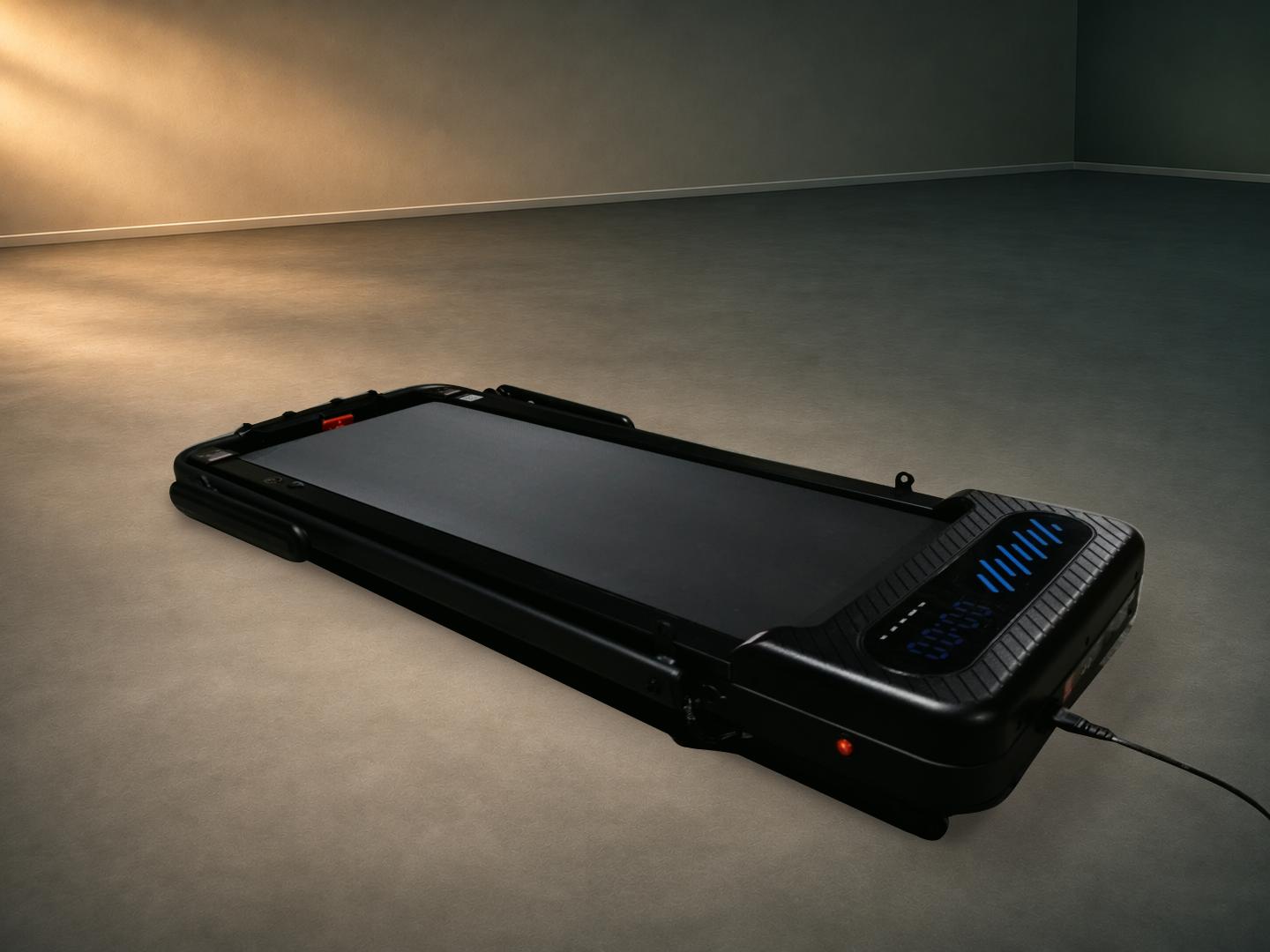
The Wellfit TM037 Pro has two sensible jobs. With the handlebar down, it’s a low walking pad for a standing desk or an easy walk in front of the TV. Raise the handlebar and you get a console, side rails and a place to put your phone. Powered incline lets you add intensity to either setup.
What stood out during testing was how much the same machine could do at a walking pace. You can fit in steps during the day, then give a separate walk more purpose by bringing the deck up.
- Max powered incline
- 12%
- Rated user capacity
- 375 lb
- Walking surface
- 16 × 40 in
- Top speed, handle up
- 7.6 mph
Strengths
- Folds low for desk walks and storage
- Powered incline works in both handlebar positions
- Remote and console controls work without the app
Tradeoffs
- The 40-inch belt may be short for a longer stride
- The full-length deck needs storage space
How I tested it
I tried both handlebar positions, used powered incline and the app, and checked how the treadmill folds and rolls away.
- Walked at my normal pace and tried a weighted walk with a backpack.
- Changed incline with the remote and played a scenic route in the app.
- Unboxed, assembled, leveled, folded and rolled the treadmill aside.
Wellfit supplied the review unit.
One deck, two ways to walk
With the handlebar folded down, the remote handles speed and incline and the display on the deck shows your progress. The speed range starts at 0.6 mph and tops out at 3.8 mph in this mode. That low starting speed makes sense for the desk use case. If you plan to type while walking, check that your standing desk still reaches a comfortable keyboard height once you’re on the deck.
With the handlebar up, the console lights up and the speed range extends to 7.6 mph. The rails and screen holder make this the setup I prefer for a dedicated walk. The best upgrade here is the powered incline. There are six levels across the 0–12% range, and you can change the grade with the remote. For a more demanding session, you can bring the front of the deck up and keep walking at a familiar pace.
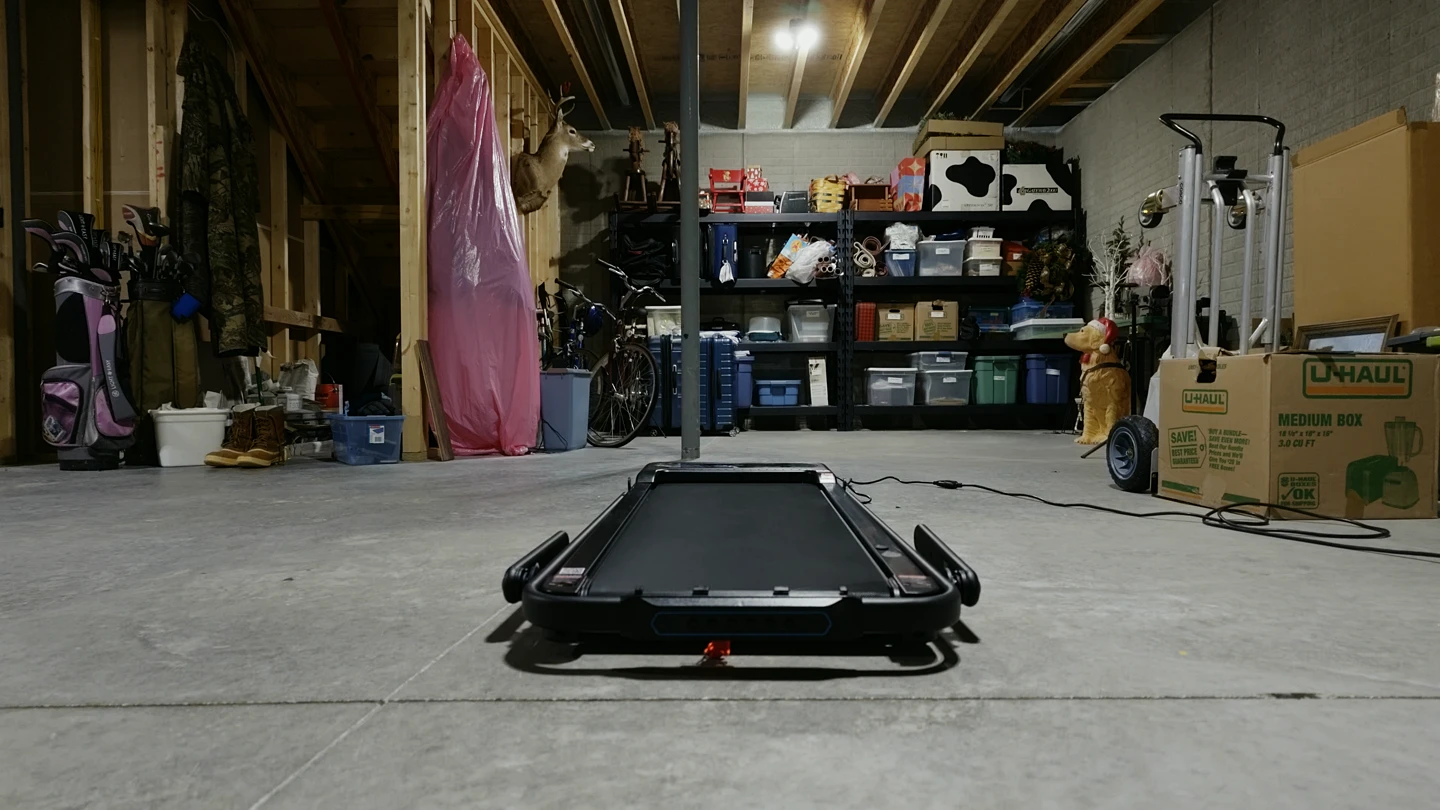
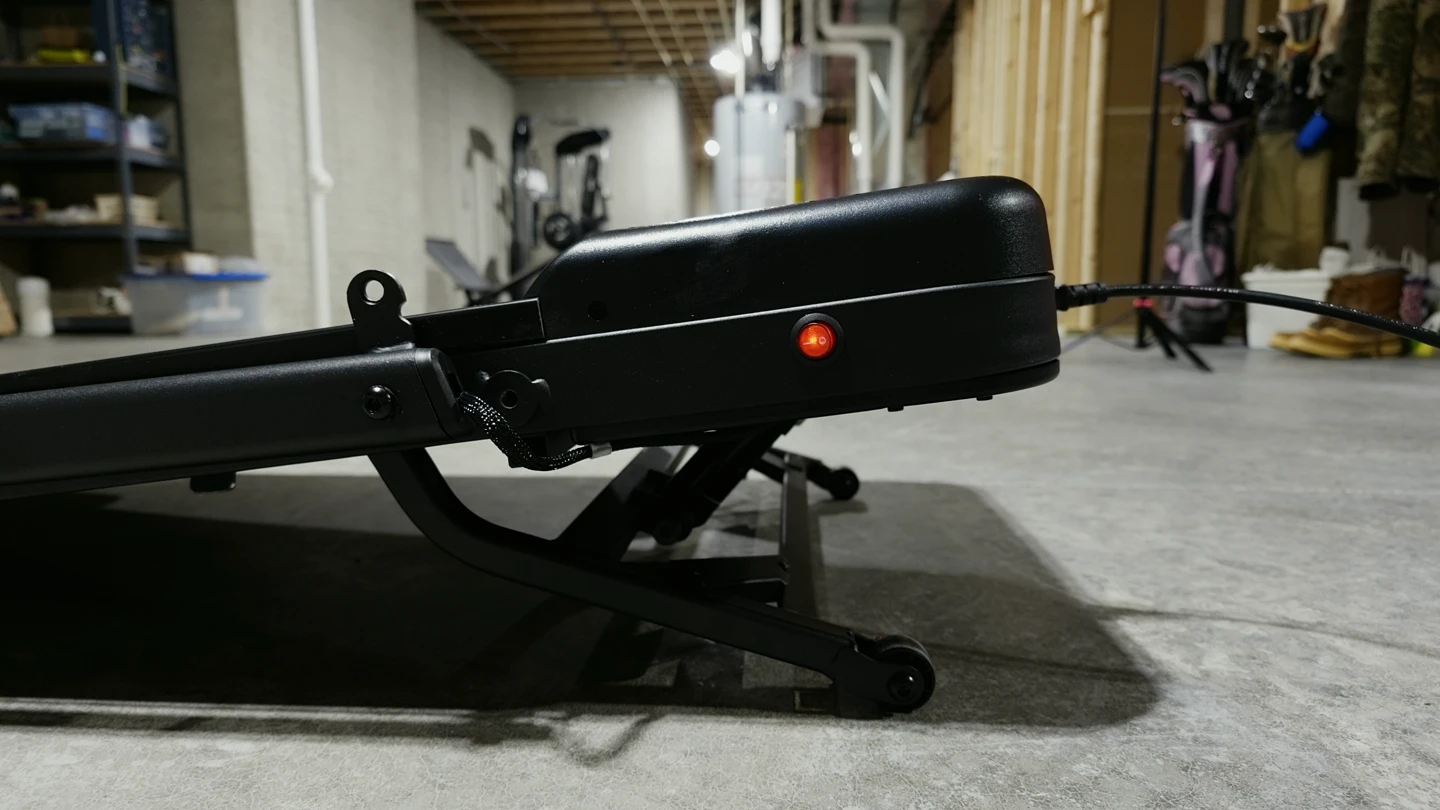
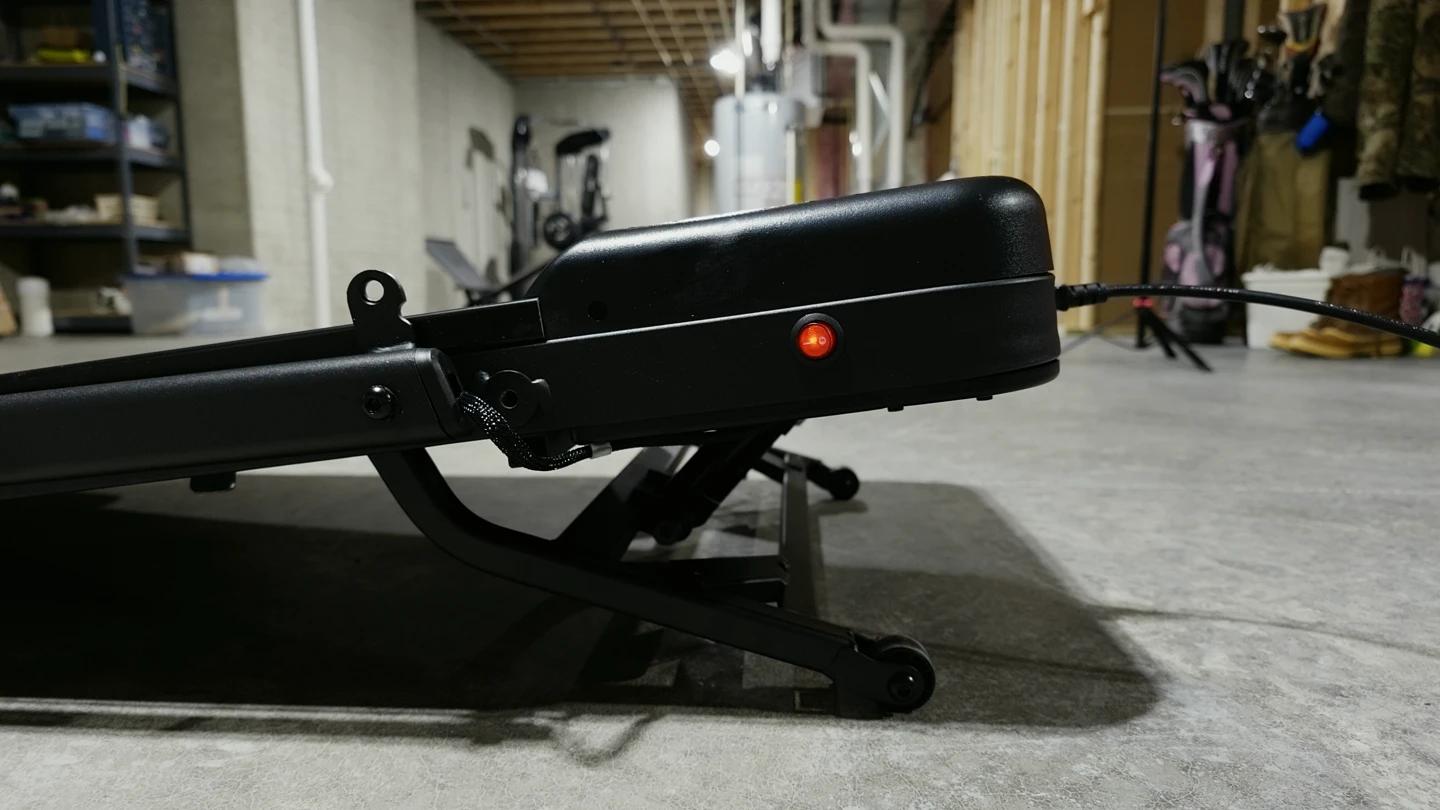
When the session is over, the handlebar folds down and wheels at the front let you tip the treadmill and roll it aside. I could move it around the room that way. Wellfit lists the folded dimensions at 53.5 inches long, 24.8 inches wide and 6.9 inches high. Measure the opening and the floor space before counting on it fitting under furniture. At about 56 pounds, it’s worth checking that you have room to tip it onto the wheels.
How the belt felt underfoot
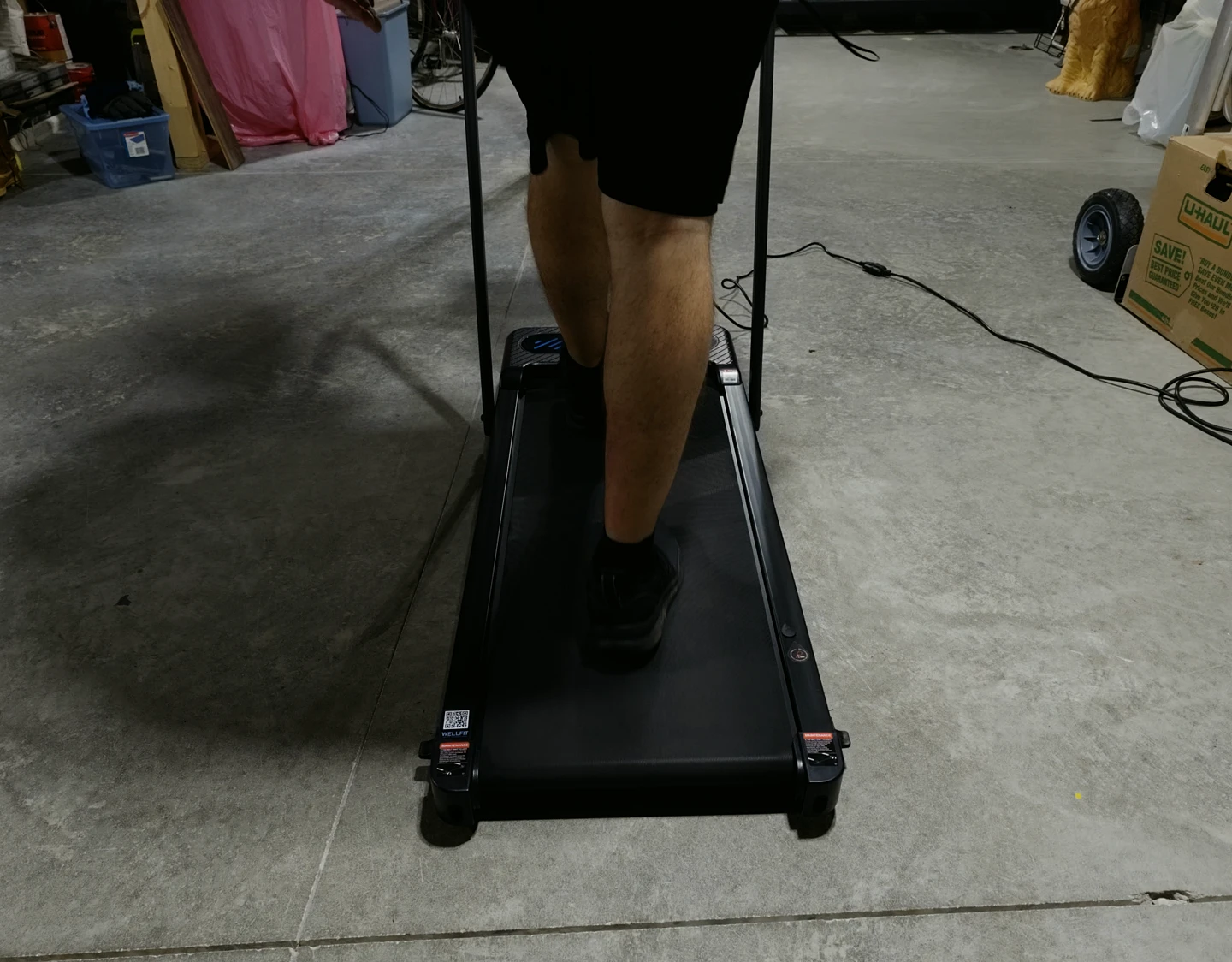
I wear size 12 shoes and had enough room at my normal walking pace. When I opened up my stride, I got closer to the ends of the belt and appreciated having the rails within reach. That’s why the 40-inch deck matters more to me than the top speed. If your usual pace brings out a longer stride, the deck is the spec to check first.
I also tried a weighted walk with a backpack, also called a ruck. With me and the pack, the load was close to 300 pounds. The treadmill handled that walk fine. Wellfit rates it for up to 375 pounds, and the loaded walk gave me a useful look at how the machine behaved with the kind of weight I’d actually put on it.
What comes in the box
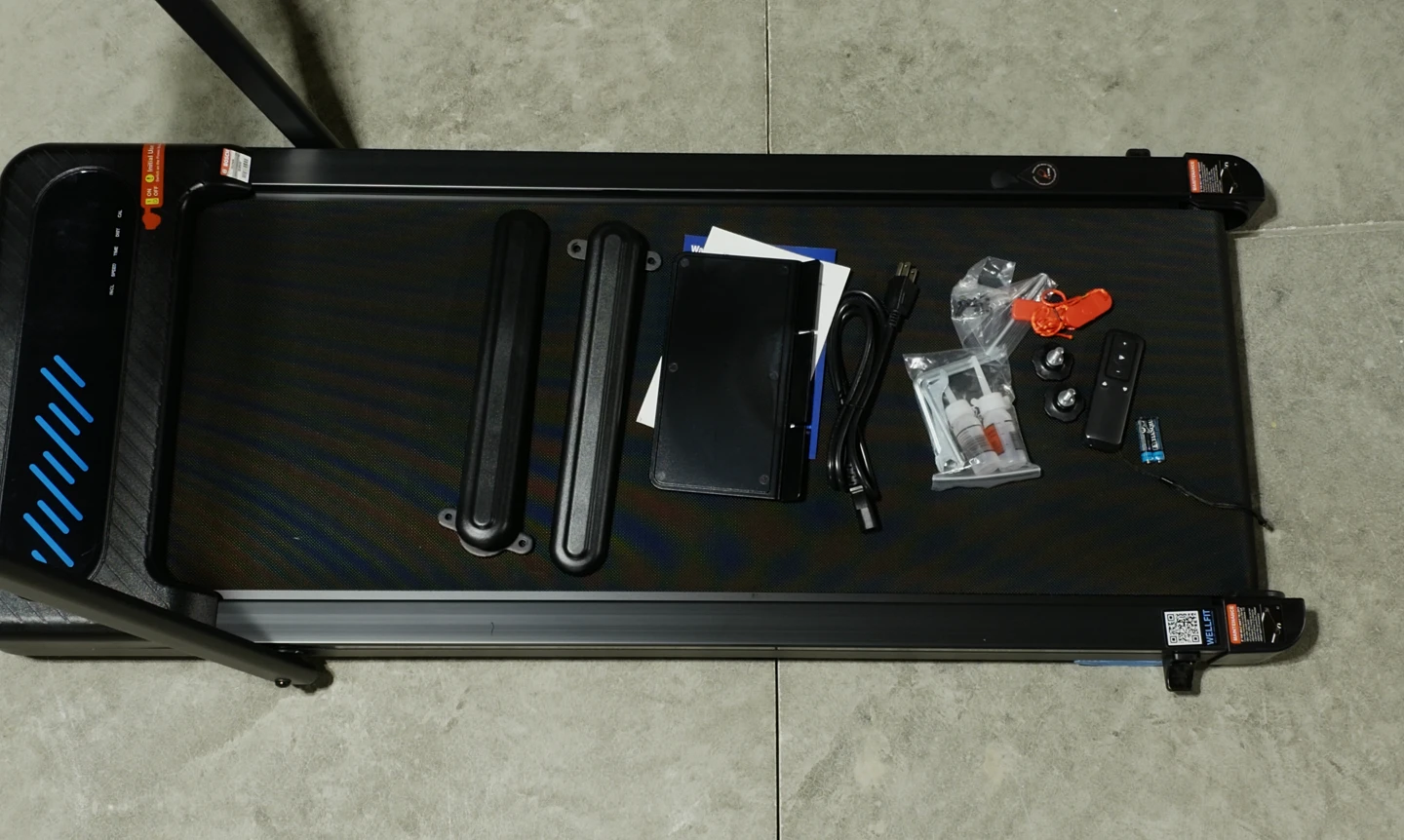
The deck and handlebar come together. In the accessory pack I found the two side rails, phone and tablet holder, remote with batteries, magnetic safety key and clip, folding knobs, power cord, mounting hardware, tools, belt lubricant and paperwork.
Setup was mostly attaching the rails and sliding the holder into the console. My floor gave the machine a little rock at first. Adjusting a leveling foot took care of it. If you set it up on a different surface from where you’ll use it, check for that wobble again once it’s in place.
What the Wellfit app adds
The treadmill works with the included remote, and the raised handlebar gives you physical console controls. The free Wellfit app pairs over Bluetooth and adds an on-screen remote, a workout log and scenic routes. I pulled up a scenic route with my phone sitting in the included holder. That’s the app feature I can see myself reaching for on a longer indoor walk.
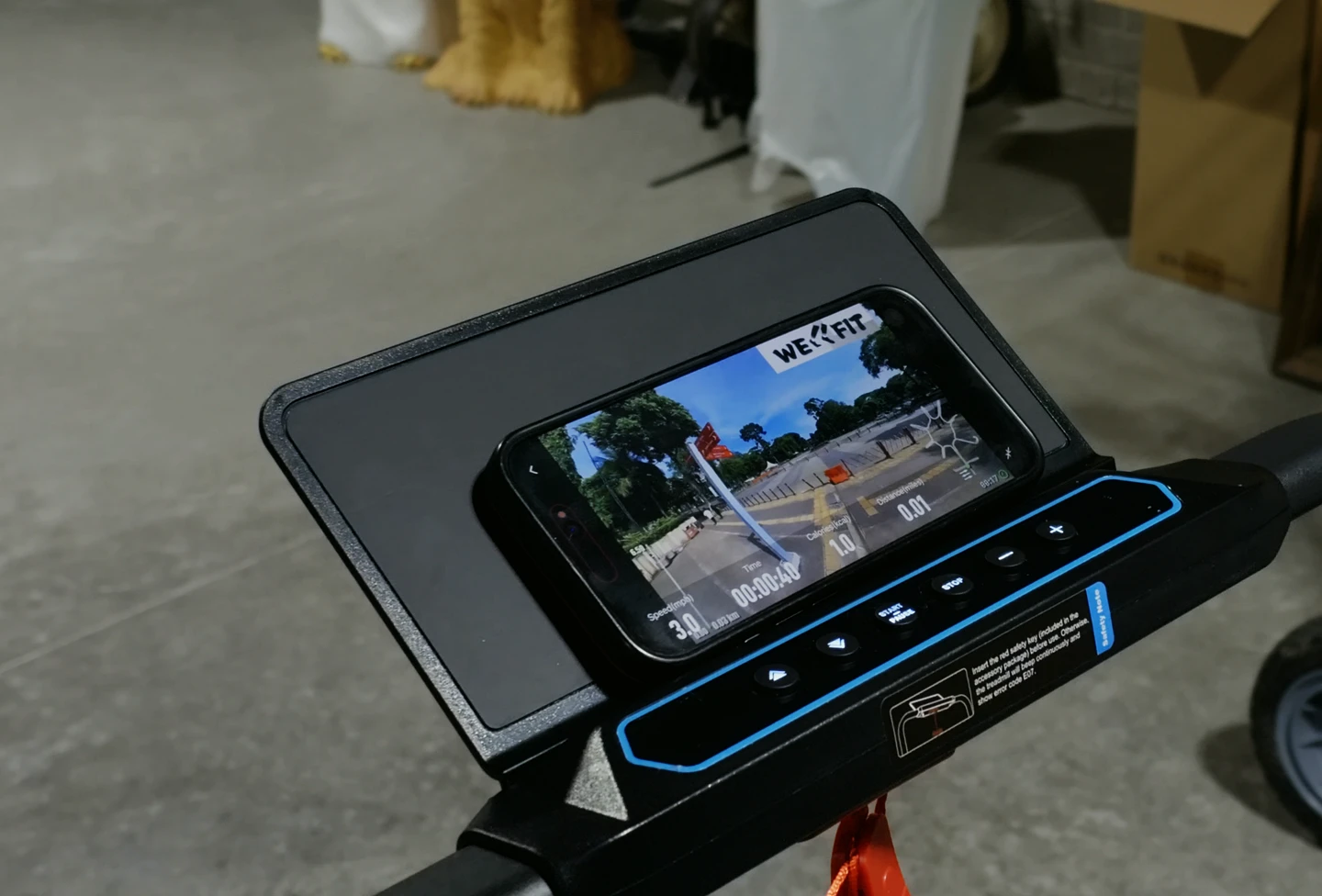
For a quick walk, the remote is enough. The app earns its place when you want the treadmill to log the session or you want something to look at beyond the wall in front of you. See Wellfit’s app guide.
Wellfit TM037 Pro specs
| Spec | Detail |
|---|---|
| Handlebar down | 0.6–3.8 mph |
| Handlebar up | 0.6–7.6 mph |
| Incline | 0–12%, six powered levels |
| Belt size | 16 in wide × 40 in long |
| Rated user capacity | 375 lb |
| Controls | Remote, raised-handlebar console, optional Bluetooth app |
| Folded dimensions | 53.5 × 24.8 × 6.9 in (L × W × H) |
| Unit weight | 56.4 lb |
Manufacturer figures for the TM037 Pro reviewed here. Sources: Wellfit product specifications and TM037 Pro manual.
Kit Authority verdict
A folding treadmill worth buying for the incline.
The TM037 Pro makes sense for a home office or a shared room where the treadmill needs to move out of the way. The fold-down handlebar makes it easy to work into the day, and powered incline gives it enough range for a dedicated walking workout. If that’s how you plan to use it, the main thing to check is that a 40-inch belt fits your stride.
Compare other options in our best walking pads guide, or read walking pad vs treadmill for more on choosing between formats.
Common questions
Can you use the TM037 Pro without the app?
Yes. The remote works without a phone, and the console controls are available when the handlebar is up.
Can you change the incline from the remote?
Yes. The remote has dedicated incline buttons, so you can adjust the grade while keeping your walking pace.
Does the belt fold in half for storage?
The handlebar folds down onto the deck. The deck stays full length and rolls on the front transport wheels when tipped.