
A pocket SSD gives travel footage a place to land, then lets you keep editing from a laptop instead of juggling camera cards. It keeps files handy for a first sort or rough cut between shoots. For most trips, a 10Gbps USB drive is quick enough. The bigger question is whether the computer can use a drive's advertised interface and whether a long write stays fast after its cache fills.
Jump to a pick
- Quick comparison
- Samsung T7 Shield
- SANDISK Extreme Portable SSD V3
- OWC Envoy Ultra
- Plan the connection and backup
- FAQ
Quick comparison
| Drive | Suits | Main limit |
|---|---|---|
| Samsung T7 Shield | Routine travel copies and project handoffs | 10Gbps USB; sustained-write figures apply to 1TB and 2TB only |
| SANDISK Extreme Portable SSD V3 | Compact 20Gbps USB setup | Many Macs connect at the 10Gbps USB tier |
| OWC Envoy Ultra | Large projects on TB5, USB4, or supported Thunderbolt hosts | Attached short cable, 341g weight, and host-specific rates |
Check the host, cache, and backup plan
USB-C is the connector, not the speed. SANDISK uses USB 3.2 Gen 2x2 at 20Gbps; USB4 and Thunderbolt are different modes. Apple lists USB 3 up to 10Gbps on current MacBook Pro models, so check the exact computer and drive before expecting 20Gbps. See Apple's port specifications and the SANDISK product details.
Peak speeds are not full-card-copy rates. Host bandwidth and the drive's cache affect long writes; after-cache figures help when the maker publishes them. IP ratings describe specific tests. Follow the manual, keep cable ends dry, and keep a second verified copy before clearing camera cards. See our travel photo and video backup routine.
Samsung T7 Shield
The Samsung T7 Shield suits travel copies and editing from a 10Gbps USB port. Samsung rates it up to 1,050MB/s read and 1,000MB/s write. Its data sheet reports sustained writes above 900MB/s for 1TB and 1,000MB/s for 2TB at 25°C, but gives no equivalent figure for 4TB. See the T7 Shield data sheet.
Its IP65 rating and 3m drop test describe controlled conditions. Samsung's manual says liquid, dust, and drop damage are not covered by warranty. Its three-year limited warranty is shorter than SANDISK's five-year limited term.
Everyday travel copies
T7 Shield Portable SSD
Best for: Travelers who want a ruggedized 10Gbps drive for card copies and project handoffs.
- 10Gbps interface fits common USB 3.2 Gen 2 hosts
- Does not use USB 3.2 Gen 2x2, USB4, or Thunderbolt for higher link rates
Check current price
Buy at SamsungProduct details
A 10Gbps USB portable SSD with a rubberized shell and published sustained-write notes for 1TB and 2TB models. The cited figures are Samsung test results, not an independent comparison.
- Interface
- USB 3.2 Gen 2, 10Gbps
- Rated speed
- Up to 1,050MB/s read, 1,000MB/s write
- Protection
- IP65; manufacturer 3m drop test
- Warranty
- 3-year limited
More strengths
- Samsung publishes sustained-write notes for 1TB and 2TB
- IP65 and a specified drop test add travel protection
Other tradeoffs
- Sustained-write figures are not stated for 4TB
- Samsung excludes liquid, dust, and drop damage from warranty coverage
SANDISK Extreme Portable SSD V3
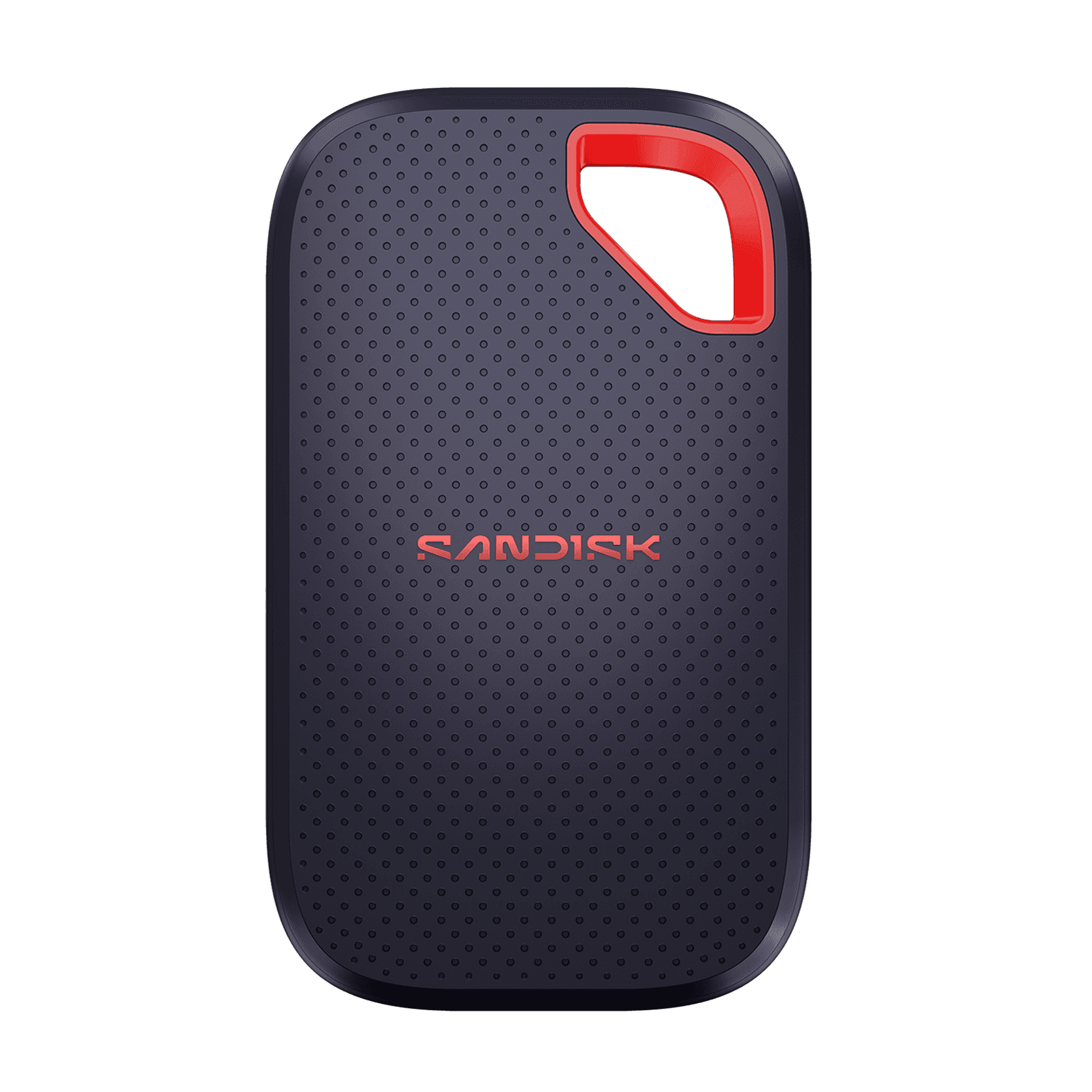
The SANDISK Extreme Portable SSD V3, model family SDSSDE70, uses 20Gbps USB. It is not the older SDSSDE61 Extreme or SDSSDE81 Extreme PRO. SANDISK lists up to 2,000MB/s read and 1,700MB/s write for 1TB through 4TB, plus IP65, a 3m drop claim, and a five-year limited warranty. See the product page and data sheet.
Choose it when the host supports Gen 2x2. SANDISK publishes no after-cache sustained-write result for SDSSDE70, so the peak write rate says little about a long footage dump. For Thunderbolt or USB4, consider the OWC Envoy Ultra.
20Gbps USB travel drive
Extreme Portable SSD V3
Best for: Travelers who want a compact 20Gbps USB drive and have a compatible host.
- Light 20Gbps USB option for a host that supports Gen 2x2
- USB Gen 2x2 is not the same interface as USB4 or Thunderbolt
Check current price
Buy at SANDISKProduct details
A compact 20Gbps USB drive, model family SDSSDE70. Host support determines whether it reaches the top link rate; SANDISK does not publish an after-cache sustained-write result for this model.
- Interface
- USB 3.2 Gen 2x2, 20Gbps
- Rated speed
- Up to 2,000MB/s read, 1,700MB/s write for 1TB–4TB
- Protection
- IP65; manufacturer 3m drop claim
- Warranty
- 5-year limited
More strengths
- IP65 protection and a 3m drop claim
- Five-year limited warranty
Other tradeoffs
- Many Macs list USB 3 up to 10Gbps rather than Gen 2x2
- No published after-cache sustained-write figure for SDSSDE70
OWC Envoy Ultra
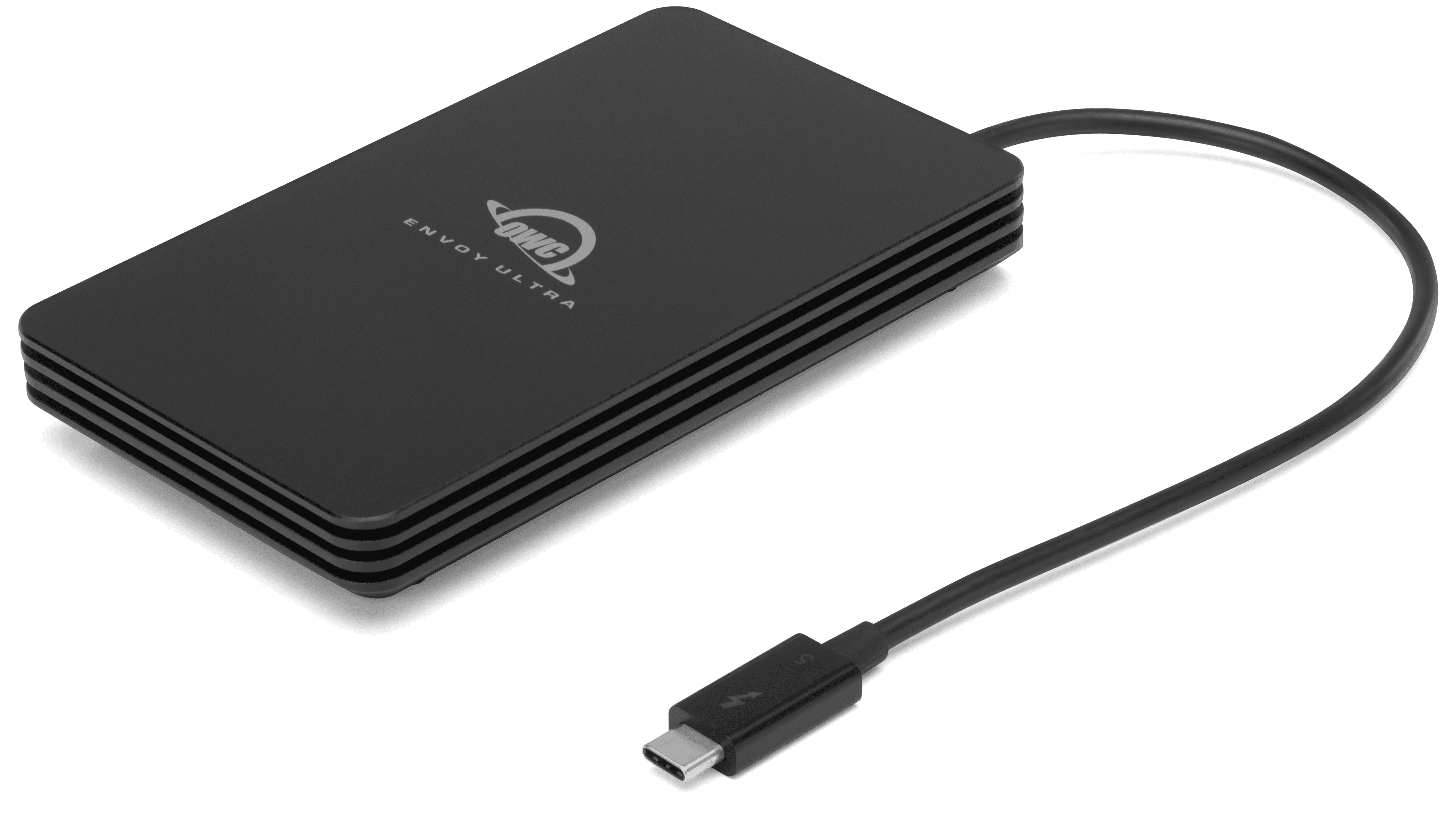
The OWC Envoy Ultra is a bus-powered Thunderbolt 5 drive with a built-in 9.2-inch cable. OWC lists host-specific rates for TB5, USB4, TB4, and Mac-only TB3. Its 6,000MB/s-plus peak test used a 2TB model on a Windows 11 desktop. After cache, OWC lists write rates of 1,350MB/s for 2TB and 1,700MB/s for 4TB, with no equivalent figure for 8TB. See the host table and test notes.
It weighs about 341g, and its short integrated cable is less flexible than a separate lead. OWC says the cable is user-serviceable, but replacement requires servicing rather than swapping a standard loose cable. The drive is rated IP67, but the plug end is not waterproof. OWC calls it crushproof without publishing a measured drop or crush result.
Thunderbolt 5 editing drive
Envoy Ultra
Best for: Editors moving large projects on a Thunderbolt 5 or supported USB4 workstation.
- Host table covers TB5, USB4, TB4, and Mac-only TB3
- 341g body is heavier than the USB picks
Check current price
Buy at OWCProduct details
A bus-powered Thunderbolt 5 SSD with an integrated cable and published host-specific speed guidance. OWC's continuous-write figures differ by capacity and are not stated for 8TB.
- Interface
- Thunderbolt 5; host support also listed for USB4, TB4, and Mac TB3
- Capacity
- 2TB, 4TB, or 8TB
- After-cache write
- 1,350MB/s for 2TB; 1,700MB/s for 4TB
- Protection
- IP67; cable plug end must stay dry
More strengths
- OWC publishes after-cache write results for 2TB and 4TB
- Integrated cable stays attached to the drive
Other tradeoffs
- Short integrated cable is less flexible than a separate lead; replacement requires servicing
- Cable plug end is not waterproof and published drop/crush test details are limited
Plan the connection and backup
Check the computer's port and operating system, then size the drive for footage, project files, and exports. Leave room for proxies and new exports as a project grows. For direct editing, codec, resolution, frame rate, and stream count matter too. If moving between Mac and Windows, confirm the file system before formatting. See our portable workstation guide and carry-on electronics guide.
FAQ
Will a 20Gbps USB SSD run at full speed on a Mac?
Only if that Mac supports USB 3.2 Gen 2x2. Many list USB 3 up to 10Gbps, so check the exact model specifications.
Is Thunderbolt 5 always faster in a travel workflow?
No. The host sets the link ceiling, and writes can slow after cache. OWC publishes after-cache figures for selected capacities.
Can I use a rugged SSD in the rain or underwater?
Follow the manual. IP65, IP67, and IP68 describe different tests; OWC's cable plug has its own water limit.
Does a recovery service or warranty protect my footage?
A warranty covers defined hardware remedies. Keep a verified copy on separate storage before deleting originals.
Can I edit directly from a travel SSD?
Often, if the connection and drive can keep up with the media. Codec, resolution, frame rate, and the number of simultaneous streams all affect playback and editing.
Source note: Specifications and compatibility details were checked against manufacturer pages, data sheets, manuals, and warranty terms on October 28, 2026. Speed figures are published results, not our measurements. Image credit: Samsung, SANDISK, and OWC.
Keep going
Related buying guideBest portable white noise machines: 4 travel sound machines compared

Our recommendations draw on manufacturer documentation, retailer listings, owner feedback, and comparisons with alternatives.
As an Amazon Associate I earn from qualifying purchases. We may earn a commission from links here, at no extra cost to you. How we research →