A useful travel workstation starts with the laptop you already know, its charger, and one compact way to make the desk fit your work. Add a second display only if your tasks benefit from one, and choose between a physical monitor and AR glasses based on text, setup, and host support. A travel router can make a hotel connection easier to manage, but it is not a cellular hotspot and cannot improve a weak internet feed.
Build around the laptop
Use the laptop as the core, with its familiar files, apps, camera, and keyboard. For email, writing, and calls, its screen may be enough. Add a compact mouse or folding keyboard when it solves a clear problem, such as using the laptop on a stand.
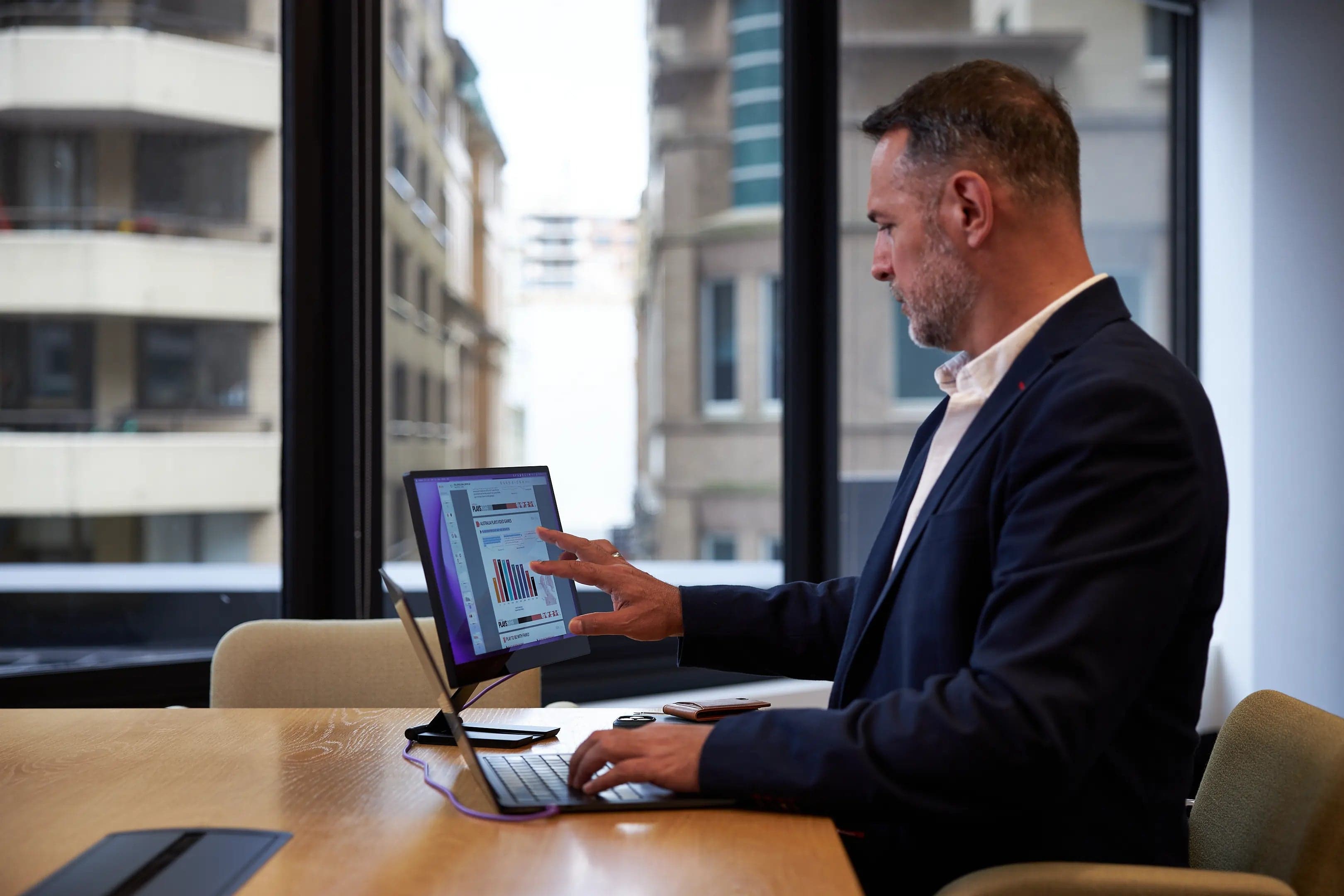
For longer desk sessions, a second screen can reduce window switching. A portable monitor gives you a physical panel and is easy to position beside the laptop. AR glasses take less flat space but depend on fit, optical clarity, and software support for your exact host. Some desktop apps create separate virtual displays; others provide one large canvas. The guide to AR glasses vs. a portable monitor explains which tasks suit each.
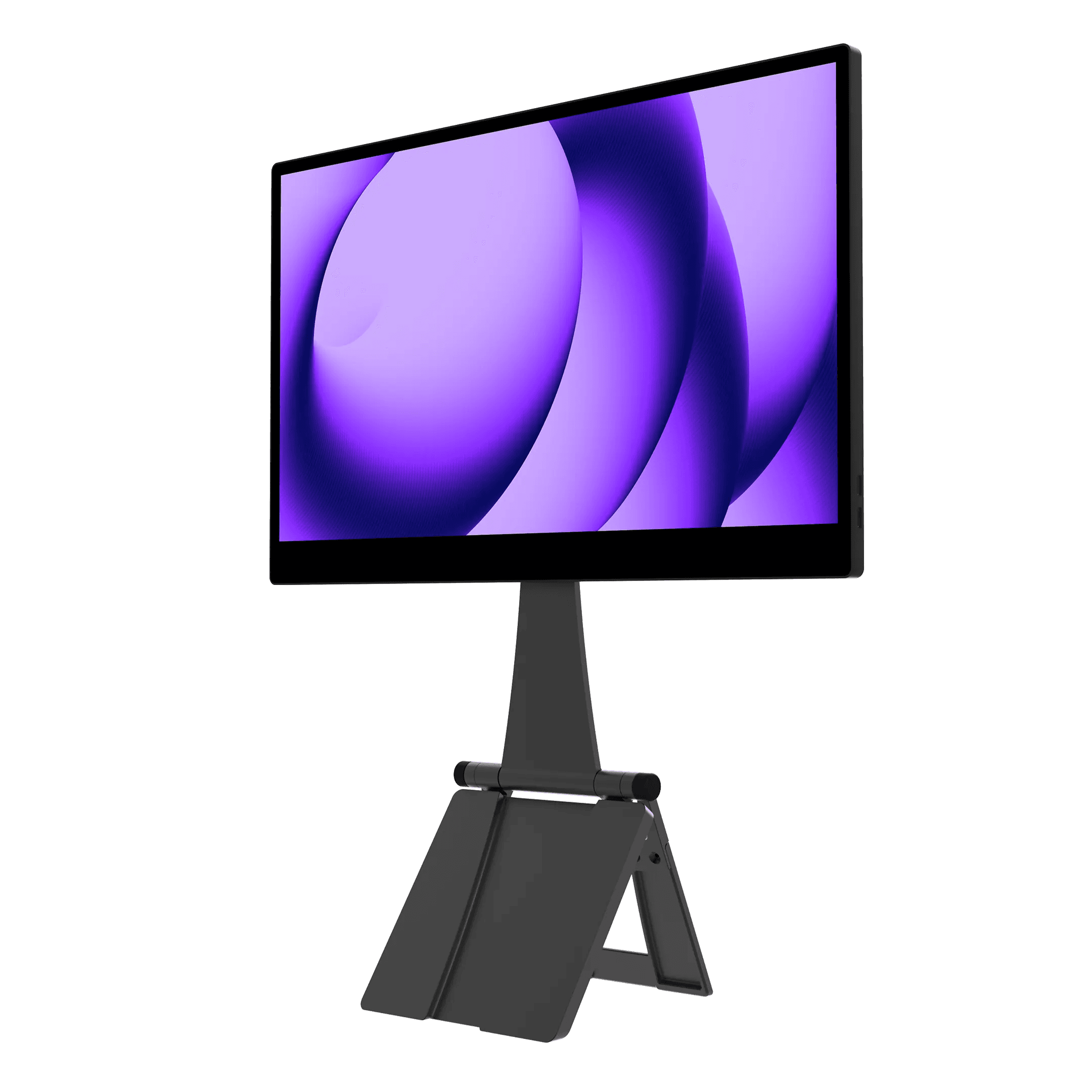
The espresso Pro 15 is a high-spec physical option. espresso's product specifications list a 4K touch display and include the Stand+. Check the packed dimensions with the stand and cable, then compare them with your carry-on and typical desk.
A second screen
Pro 15
Best for: Travelers who need a physical second screen for documents, timelines, or shared work.
- 4K touchscreen provides a high-resolution physical workspace
- 15-inch panel, stand, and cables take flat bag space
Check current price
Buy at espressoProduct details
A conventional portable touchscreen monitor with a 4K panel. It provides a separate physical display, but takes more flat bag space than glasses and still needs a stable surface and host connection.
- Size
- 15-inch class
- Resolution
- 4K
- Touch
- Touchscreen
- Stand
- Stand+ included per product page
More strengths
- Stand+ is included
- Fixed screen position can be easier for spreadsheets and reference material
Other tradeoffs
- Touch functions depend on the connected computer and software
- Needs a compatible video connection and enough host power
Choose input you will use
With an external screen, decide where to put your hands. A compact mouse works well at a table; an elevated laptop may call for a separate keyboard and pointing device. A narrow hotel desk may not have room for both.
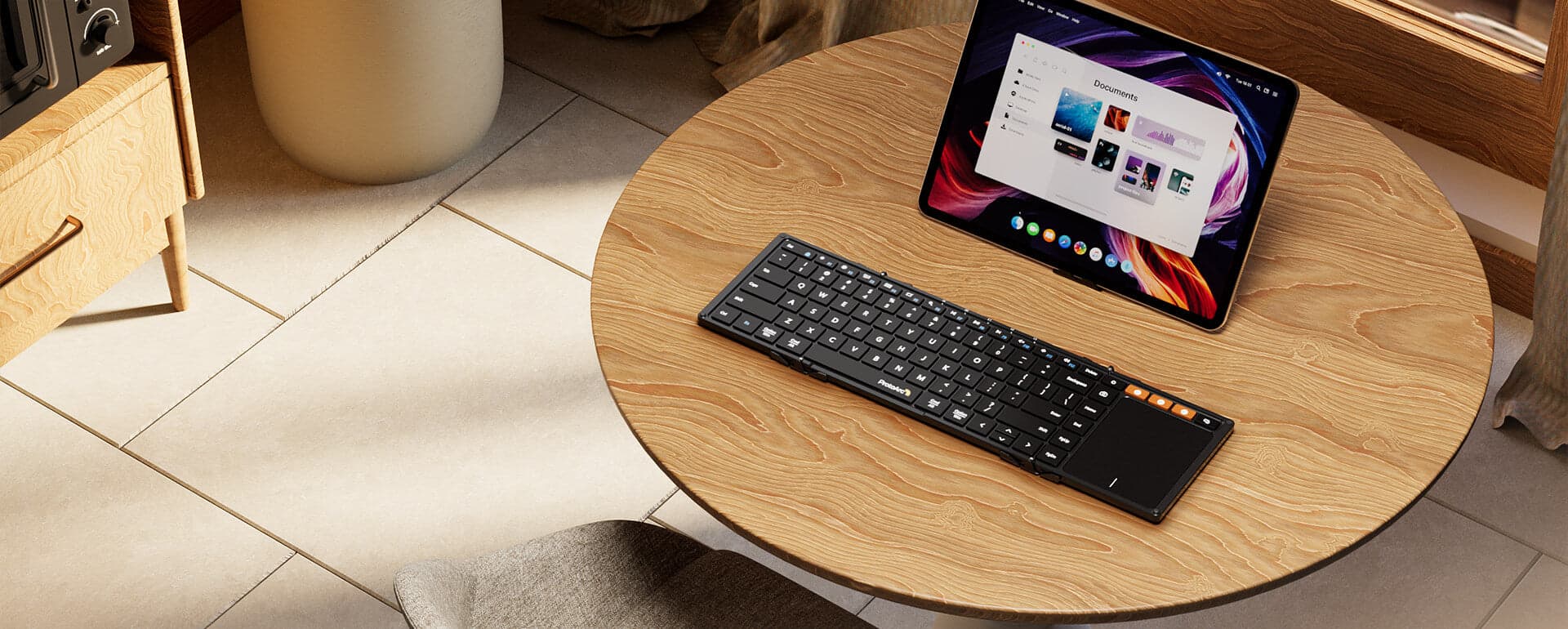
The ProtoArc XK01 TP folds a keyboard and touchpad together, according to its product page. Check its key layout, gestures, and Bluetooth behavior with your operating system before relying on it for work.
Keyboard and touchpad
XK01 TP
Best for: Travelers pairing a tablet or compact display setup with a single folding input device.
- Combines keyboard and pointer input
- Typing feel and hinge stability need hands-on evaluation
Check current price
Buy at ProtoArcProduct details
A folding Bluetooth keyboard with an integrated touchpad. It can make a compact tablet or glasses-based setup easier to control, though typing feel, shortcuts, and touchpad behavior depend on the host.
- Layout
- Foldable keyboard with integrated touchpad
- Connection
- Bluetooth
- Device switching
- Multi-device support
More strengths
- Folding format is designed to pack small
- Bluetooth avoids a separate receiver on compatible hosts
Other tradeoffs
- Compact layout may take adjustment
- Touchpad gestures and shortcuts vary by operating system
Plan for power and charging
Pack the laptop's own charger first. Check its input rating and the destination's plug shape. Many laptop supplies accept a broad range of AC voltage, but confirm the label. A plug adapter changes shape; a voltage converter changes voltage.
For one charger for laptop and small devices, compare its USB-C Power Delivery output with the laptop's input needs. A phone charger may charge too slowly, especially during use. Carry a cable rated for that power, plus a smaller cable for your phone or earbuds if needed.
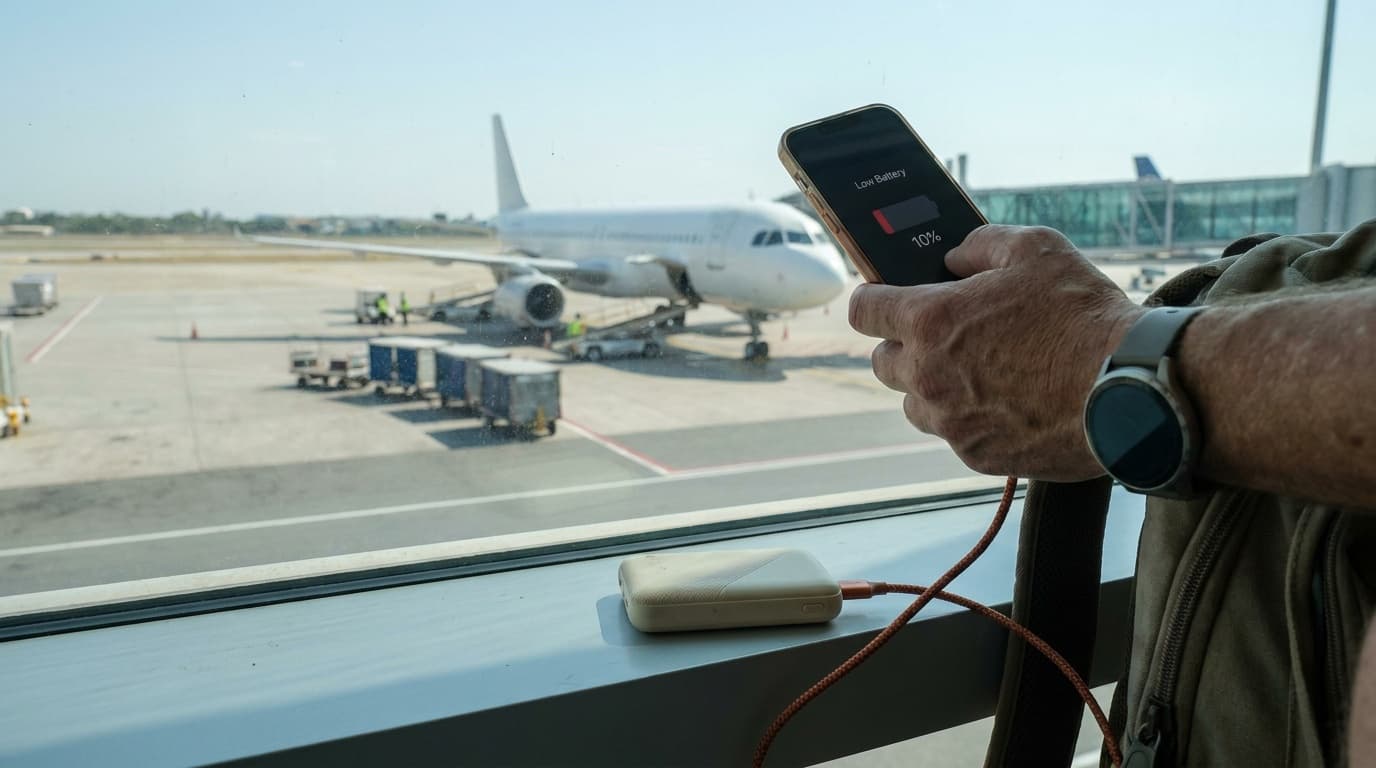
A power bank can back up a phone or small device. It can charge a laptop only if its USB-C output meets the computer's needs. The Nitecore NB10000 Gen4 review covers a 39Wh bank rated up to 22.5W on one port, useful for small devices. See how to pack electronics in a carry-on for airline packing.
Separate the network options
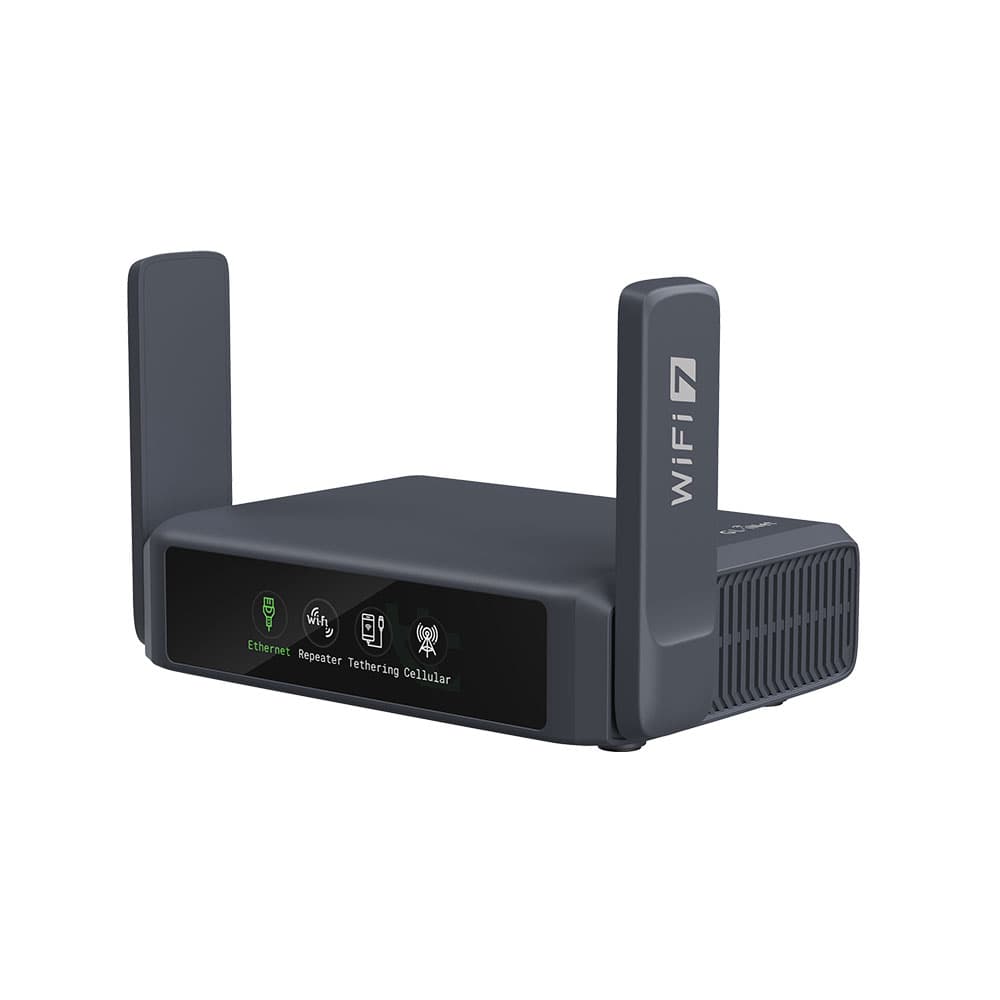
Hotel Wi-Fi supplies the internet. A travel router such as the GL.iNet Slate 7 can repeat that network and give your devices one familiar connection. The Slate 7 guide explains setup. A router can simplify reconnecting devices, but it cannot speed up a slow hotel connection.
Cellular data comes from a carrier through a phone or dedicated hotspot, with coverage, plan, and roaming limits. Some routers can connect to a phone hotspot or supported modem, but do not provide mobile data themselves. Check coverage and data costs before relying on a phone hotspot as backup.
For captive portals, the hotel may require terms or a room code. Read the router's current setup guide and confirm you can complete the login on your device.
Your own travel network
Slate 7
Best for: Travelers who regularly connect several devices to hotel or other shared Wi-Fi.
- Lets several devices reuse one hotel Wi-Fi sign-in
- Repeater setup still depends on the hotel's captive portal
Check current price
Buy at GL.iNetProduct details
A travel router that can share an existing wired or Wi-Fi connection with your devices. It does not provide cellular service on its own, and hotel sign-in rules and the upstream connection still apply.
- Wi-Fi
- Wi-Fi 7, dual band
- Model
- GL-BE3600
- Network source
- Existing Wi-Fi or wired internet
More strengths
- Repeater mode can share a hotel connection across your own network
- Wi-Fi 7 support for compatible devices
Other tradeoffs
- It needs an existing internet connection and does not provide cellular data
- Adds a router and power cable to the travel kit
Pack a repeatable desk kit
Group the charger, display cable, and adapters together. Protect the screen in a sleeve, and keep the router and short network cable with the laptop accessories.
Before departure, connect the display, test charging at the same time, and confirm your keyboard or mouse reconnects after sleep. Save important files for offline use. At the hotel, connect power, screen, and input, then join Wi-Fi and test the connection before a call.
Browse more options in cool travel tech, including small devices that earn their space by making a real travel task easier.
Quick packing checklist
- Laptop and its charger
- Plug adapter for the destination, if needed
- One screen only if the work benefits from it, plus its cable and sleeve
- Mouse or compact keyboard, not both unless the layout calls for them
- Phone charging cable and a suitable power bank for small devices
- Travel router if you need repeatable Wi-Fi setup, plus its power cable
- Mobile hotspot plan or phone tethering as a separate backup connection
- Offline copies of files needed during a connection outage
Do I need a second screen for working while traveling?
No. A laptop screen is enough for email, writing, calls, and many short work sessions. Add a second screen when your regular work benefits from comparing documents, viewing a timeline, or keeping reference material visible.
Is an AR display or portable monitor better for a travel workstation?
A portable monitor gives you a stable physical screen and predictable text placement. AR glasses take less flat space but depend on fit, vision, host support, and the software's display mode. Match the choice to your tasks and test it with your laptop before the trip.
Does a travel router provide internet without Wi-Fi?
A typical travel router does not provide cellular service on its own. In repeater mode it shares an existing Wi-Fi connection. For internet without hotel Wi-Fi, use a phone hotspot, a dedicated cellular hotspot, or a router with a compatible modem and active data plan.
Can a power bank charge my laptop?
Only if the power bank supports enough output for that laptop and the right charging standard. Check the laptop's input needs and the bank's USB-C output. A small phone bank such as the 22.5W Nitecore NB10000 Gen4 is intended for small devices, not as a general laptop charger.
What should I test before traveling with a portable workstation?
Connect each device as you plan to use it, including power and the external screen at the same time. Check display compatibility, keyboard layout, Bluetooth reconnection, hotel router sign-in steps, and whether important files are available offline.
Sources
This guide compares published specifications and setup documentation. We have not hands-on tested these products. Sources checked October 28, 2026.
- GL.iNet Slate 7 setup guide
- VITURE SpaceWalker host requirements
- ProtoArc XK01 TP setup and compatibility
- espresso Pro 15 specifications
Product imagery: respective manufacturers.
Keep going
Related buying guideBest portable white noise machines: 4 travel sound machines compared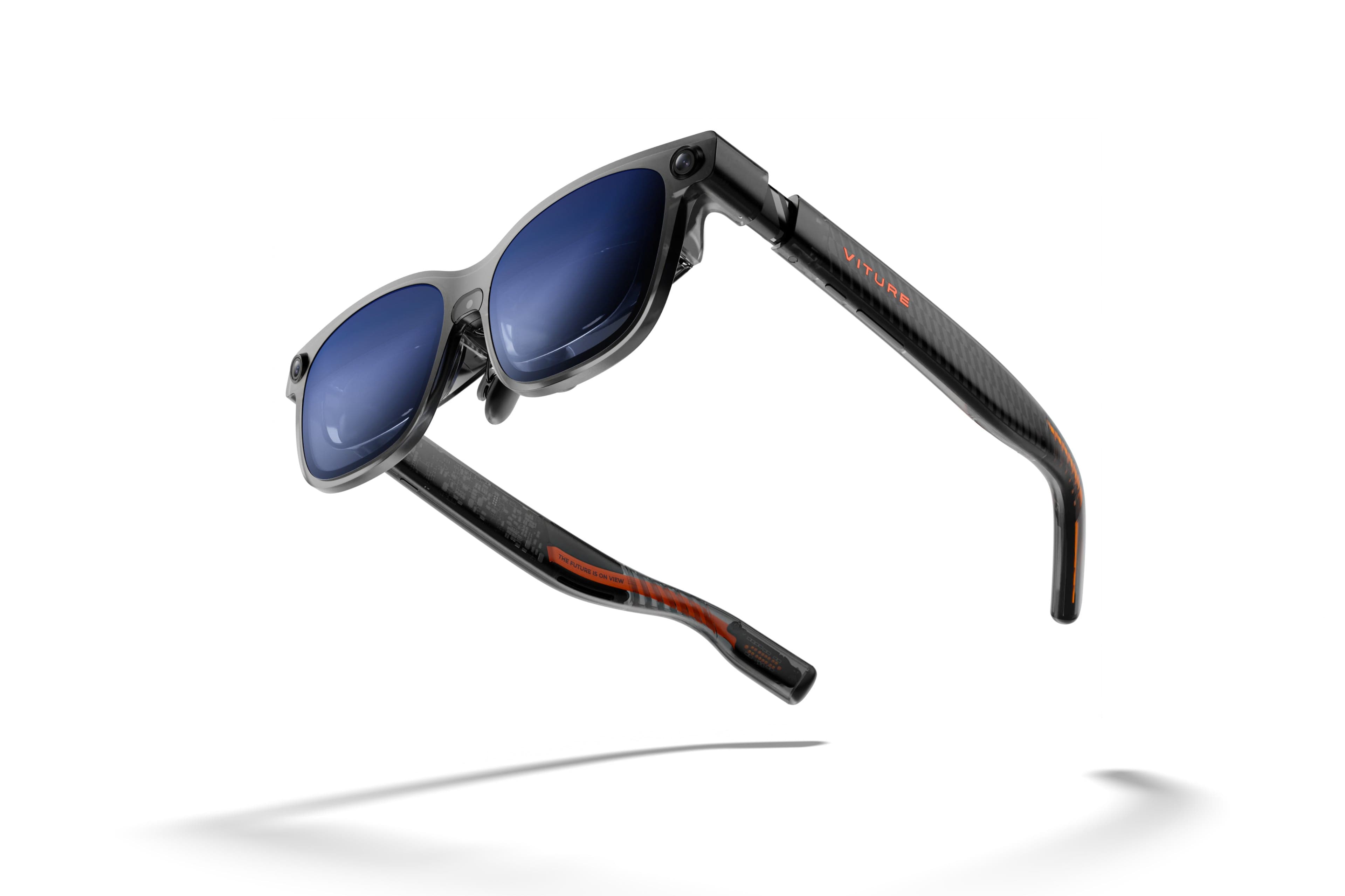
Our recommendations draw on manufacturer documentation, retailer listings, owner feedback, and comparisons with alternatives.
As an Amazon Associate I earn from qualifying purchases. We may earn a commission from links here, at no extra cost to you. How we research →