For long writing sessions, spreadsheets, or design work, a portable monitor is the safer choice: its text stays in one physical place, and it works without a glasses-specific display app. AR glasses make more sense when bag space matters more than a familiar screen, especially for focused writing, research, and private viewing. Your laptop and the glasses still have to cooperate, and advertised screen size does not tell you whether small text will look clear to your eyes.
Pick by the work you do
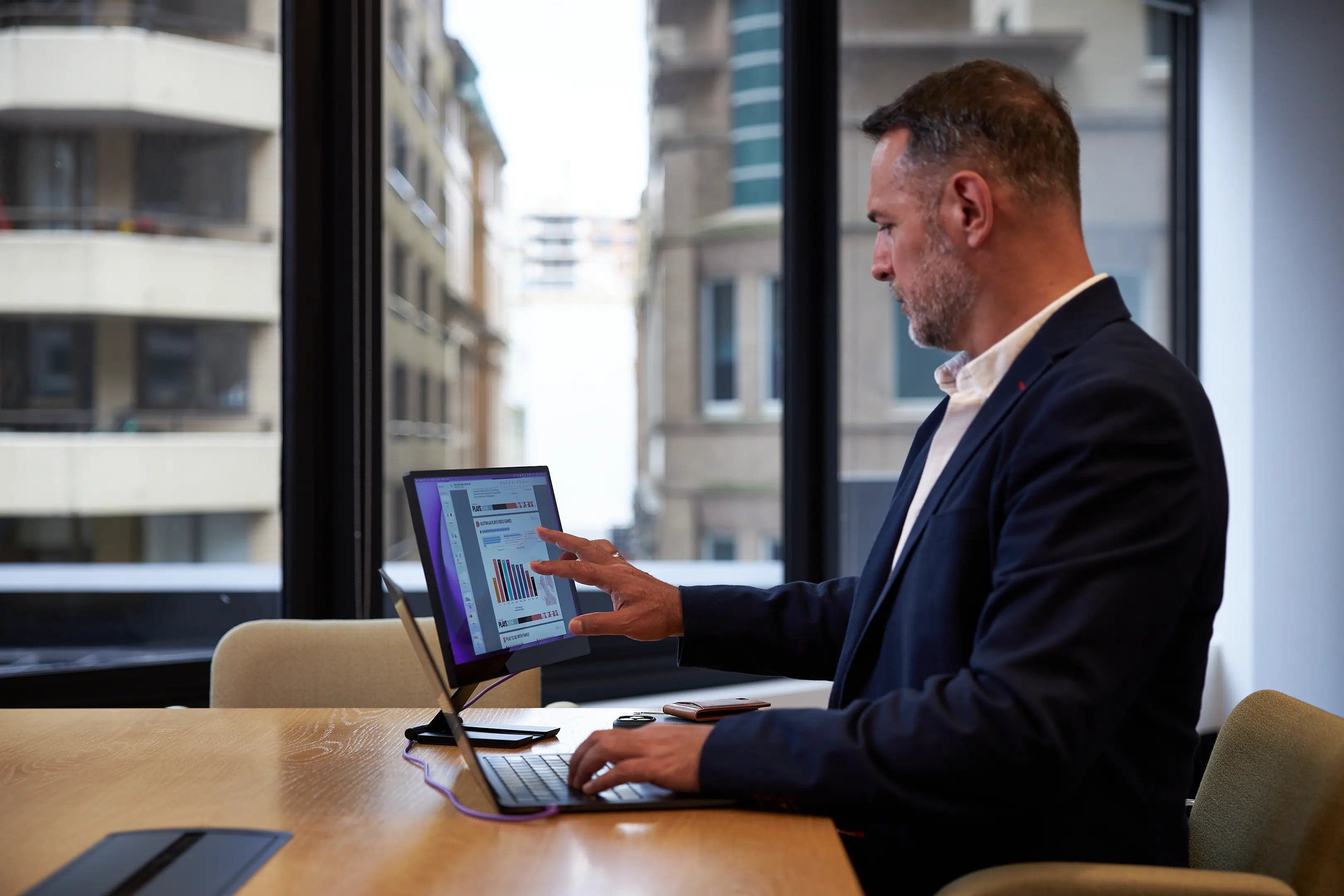
An external monitor gives you a second panel beside the laptop. You can move a document or chat window onto it and look between two fixed screens. That is useful for reference-heavy work, design timelines, spreadsheets, and video calls where you want to keep the camera near the laptop display.
Glasses put a virtual image in front of your eyes. Depending on the glasses, host, and companion software, that image may be a single desktop, a wide virtual screen with windows arranged across it, or several virtual displays. Those are different workflows. A wide canvas with three windows is not the same thing as three independently positioned screens, and neither automatically feels like a physical monitor.
For drafting or reading, one large virtual screen may be enough. If you compare documents or keep several windows visible, check the software's display modes before traveling. A portable display gives you two reliable physical work surfaces with less software setup.
| What matters on this trip | AR display glasses | Portable monitor |
|---|---|---|
| Space in the bag | Small case, plus cables and any adapters | Flat panel, protective sleeve, and stand |
| Working surface | Still need somewhere to use the laptop or keyboard | Need room for both screens |
| Viewing comfort | Depends on fit, optics, prescription, and session length | Familiar viewing, but desk height and glare matter |
| Multiple screens | Depends on the model, app, and computer | A separate physical display alongside the laptop |
| Showing someone your work | The image is for the wearer | Easy to share across a table |
Text clarity depends on fit as well as specs
AR glasses do not present a screen directly to the eye like a phone. Small displays and optics project an image into your view. The result can vary with eye position, interpupillary distance, nose fit, prescription inserts, and how far the virtual screen is set. Manufacturer resolution and field-of-view figures cannot settle whether a 10-point spreadsheet label will be crisp for you.
Try the glasses with your usual text. Check document edges, browser tabs, and small labels during a full work block. If you use prescription lenses, confirm the correction method and frame fit. Owner reports can suggest what to check, but they do not show how common a clarity or fit issue is.
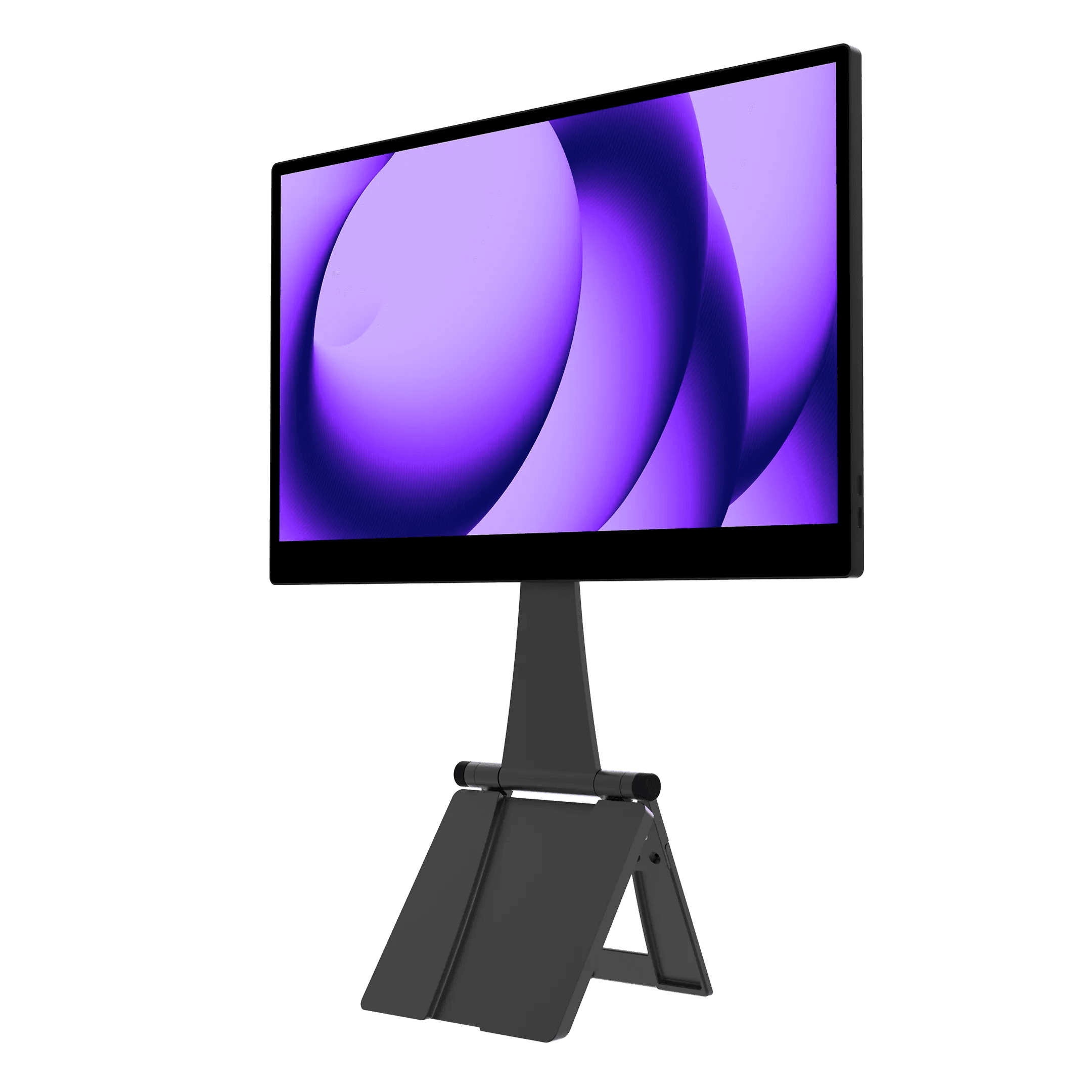
A physical screen has its own compromises: it needs a stand or stable surface and can be harder to position in a cramped seat. But text does not shift when you move your head, and glasses fit is out of the equation. The espresso Pro 15 is one physical-screen option to compare; espresso's product specifications list a 4K touch panel and include the Stand+.
Physical second screen
Pro 15
Best for: Travelers who need a physical second screen for documents, timelines, or shared work.
- 4K touchscreen provides a high-resolution physical workspace
- 15-inch panel, stand, and cables take flat bag space
Check current price
Buy at espressoProduct details
A conventional portable touchscreen monitor with a 4K panel. It provides a separate physical display, but takes more flat bag space than glasses and still needs a stable surface and host connection.
- Size
- 15-inch class
- Resolution
- 4K
- Touch
- Touchscreen
- Stand
- Stand+ included per product page
More strengths
- Stand+ is included
- Fixed screen position can be easier for spreadsheets and reference material
Other tradeoffs
- Touch functions depend on the connected computer and software
- Needs a compatible video connection and enough host power
Count the whole setup
Count the glasses, cable, prescription inserts, adapters, optional tracking accessory, case, and input device. Include the software setup and charging arrangement. The glasses save bag volume, but the small accessories can be easy to leave behind.
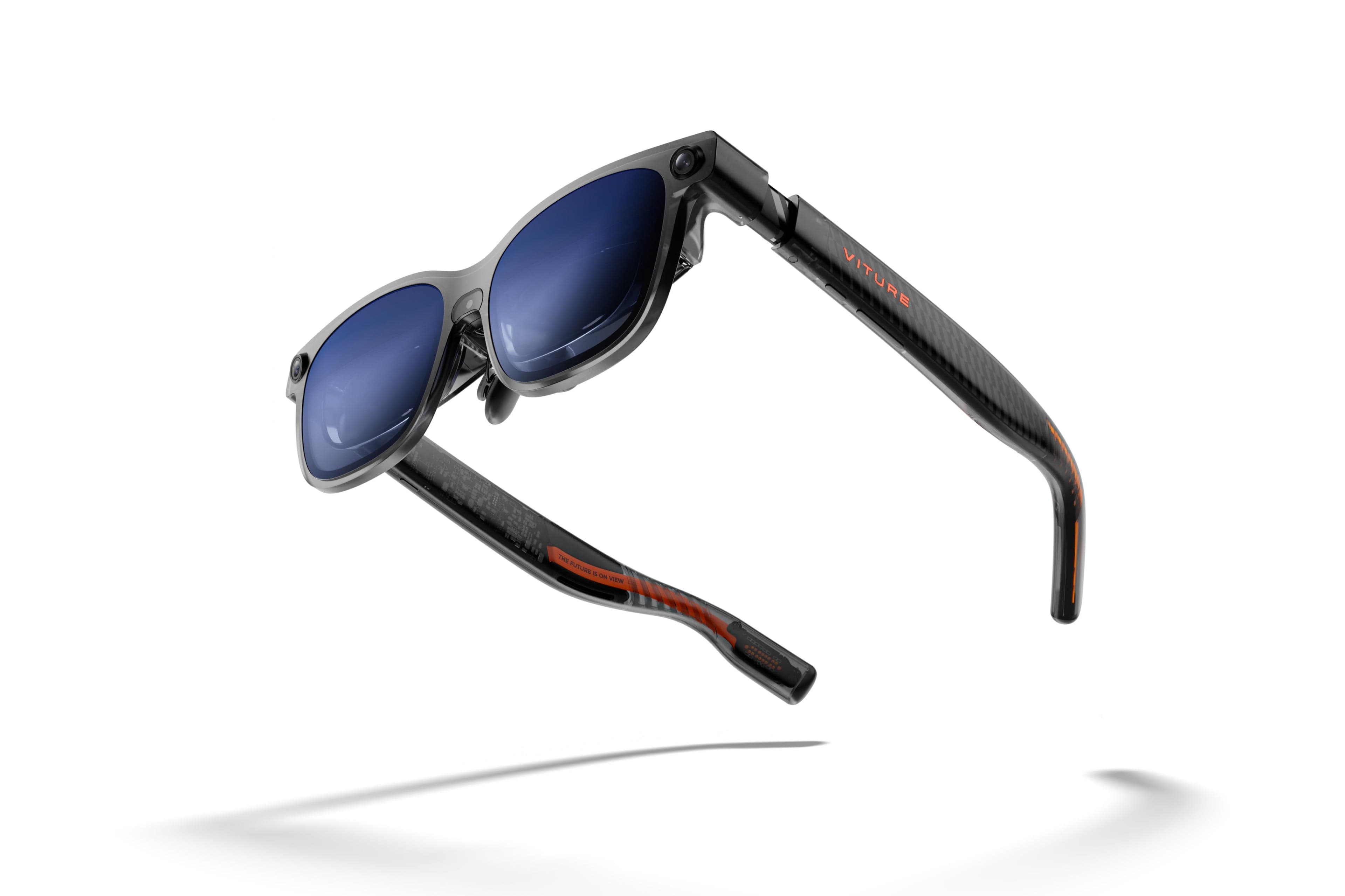
The VITURE Luma Ultra is worth considering when you want SpaceWalker's multi-display desktop modes. VITURE's SpaceWalker desktop documentation describes the supported layouts and host requirements. For Luma Ultra on a Mac, that means an Apple silicon machine running macOS Ventura 13 or newer and SpaceWalker 1.7.0 or newer. Intel Macs are excluded. On Windows, VITURE lists Windows 10 x64 (1903 or newer) or Windows 11, at least 16 GB of RAM, and a USB-C port that carries DisplayPort video. Check the processor and graphics requirements too; a USB-C socket alone does not establish compatibility.
Virtual work screens
Luma Ultra
Best for: Travelers considering a compact virtual workspace who can verify host support and try the fit first.
- SpaceWalker offers virtual desktop layouts
- VITURE's documented SpaceWalker setup does not support Intel Macs
Check current price
Buy at VITUREProduct details
Display glasses designed to pair with compatible phones, computers, and VITURE's SpaceWalker software. Host support and fit determine whether the virtual display suits a work session.
- Display
- Micro-OLED; 1200p per eye
- Field of view
- 52°
- Tracking
- 6DoF with supported setup
More strengths
- Six-degree tracking can anchor the view as your head moves
- Small glasses case takes less flat bag space than a monitor
Other tradeoffs
- Fit, prescription, and text clarity vary by wearer
- Desktop layouts depend on compatible host software
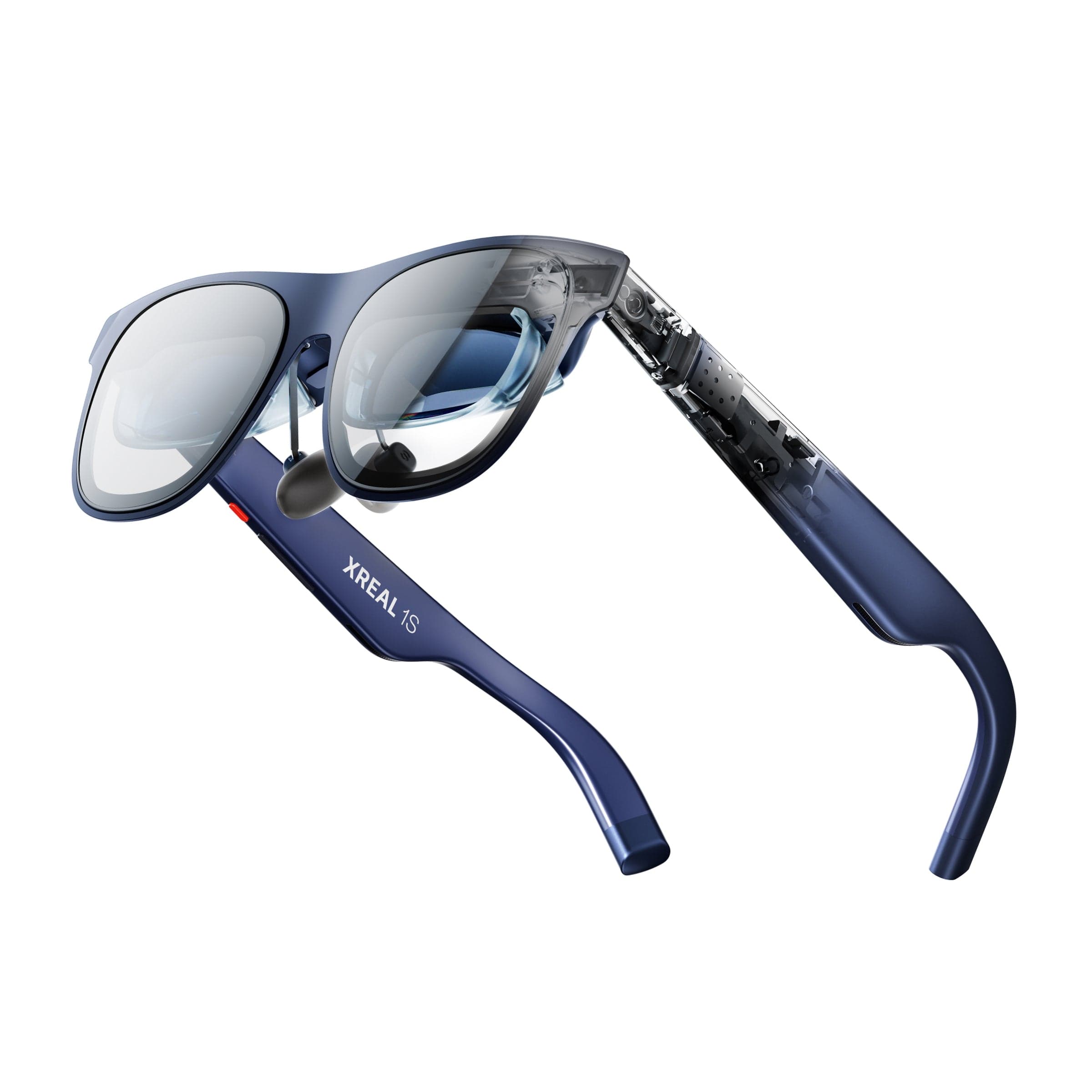
For a straightforward single-screen experience, the XREAL 1S has a 1200-pixel vertical resolution and 52-degree field of view in XREAL's One Series specifications. Those figures describe the display, not desktop compatibility or readable text at every edge. Confirm whether your intended workflow needs an adapter or a separate software layer, and whether the connection leaves the laptop's port available for power.
Private widescreen viewing
1S
Best for: Travelers who want a compact private display for compatible phones or computers.
- 52-degree field of view and 1200-pixel vertical resolution
- Small-text clarity depends on fit and eye position
Check current price
Buy at XREALProduct details
A wearable display for compatible devices. XREAL lists a 52-degree field of view and 1200-pixel vertical resolution; those figures do not guarantee edge-to-edge text clarity or compatibility with every computer.
- Vertical resolution
- 1200 pixels
- Field of view
- 52°
- Display
- Micro-OLED
More strengths
- Compact private display for compatible devices
- Small case takes less flat bag space than a monitor
Other tradeoffs
- Computer display modes can require additional software or adapters
- A single wearer view is harder to share than a physical monitor
A portable monitor also needs more than its panel: add the stand, video cable, and power cable or adapter if the laptop cannot supply enough power. A 15-inch class screen occupies more flat bag space than glasses. It is also easier to hand to a colleague, use for a console, or set up without wearing anything on your face.
Make the call before packing
Choose glasses if you mostly work in one app at a time, want privacy in shared spaces, and can verify support for the exact host and display mode. Choose the portable monitor if you need a second physical screen, dependable small text, simple screen sharing, or a setup another person can use without a walkthrough.
If you're undecided, borrow or buy from a seller with a return window and try the glasses against the same tasks you would do on the road. Include the keyboard and trackpad in the trial; looking at a virtual desktop is not the whole workstation. Our portable workstation for travel guide covers the other pieces, including power and hotel networking. For more ideas, browse cool travel tech.
Can AR glasses replace a portable monitor for work?
They can replace one for some people and tasks, especially focused writing or viewing. They are a poor assumption for everyone: fit, text clarity, host support, and virtual display behavior all matter. Check those with your own computer before leaving the physical monitor behind.
Do AR glasses give you multiple monitors?
Some combinations of glasses and desktop software offer multiple virtual displays. Others show one display or one wide canvas with windows arranged across it. Check the current software documentation for the exact glasses and computer, then confirm what each display mode does.
Are AR glasses good for reading small text?
They may be, but resolution alone cannot predict your experience. Eye position, fit, prescription, and the location of text in the image affect clarity. Test small labels and document text at the center and edges during a normal-length session.
Do AR glasses work with any USB-C laptop?
No. USB-C describes the connector, not guaranteed support for every display feature or app. Check the glasses maker's host, operating-system, and software requirements, including exclusions such as Intel Mac support for Luma Ultra's documented SpaceWalker setup.
Are AR glasses easier to pack than a portable monitor?
Usually they take less flat space, but pack the case, cable, adapters, prescription parts, and input device too. A monitor takes more room but may need fewer compatibility steps and can be used by anyone at the desk.
Sources
This guide compares published specifications and setup documentation. We have not hands-on tested these products. Sources checked October 28, 2026.
- VITURE SpaceWalker layouts and requirements
- XREAL One Series specifications
- espresso Pro 15 specifications
Product imagery: respective manufacturers.
Keep going
Related buying guideBest portable white noise machines: 4 travel sound machines compared

Our recommendations draw on manufacturer documentation, retailer listings, owner feedback, and comparisons with alternatives.
As an Amazon Associate I earn from qualifying purchases. We may earn a commission from links here, at no extra cost to you. How we research →