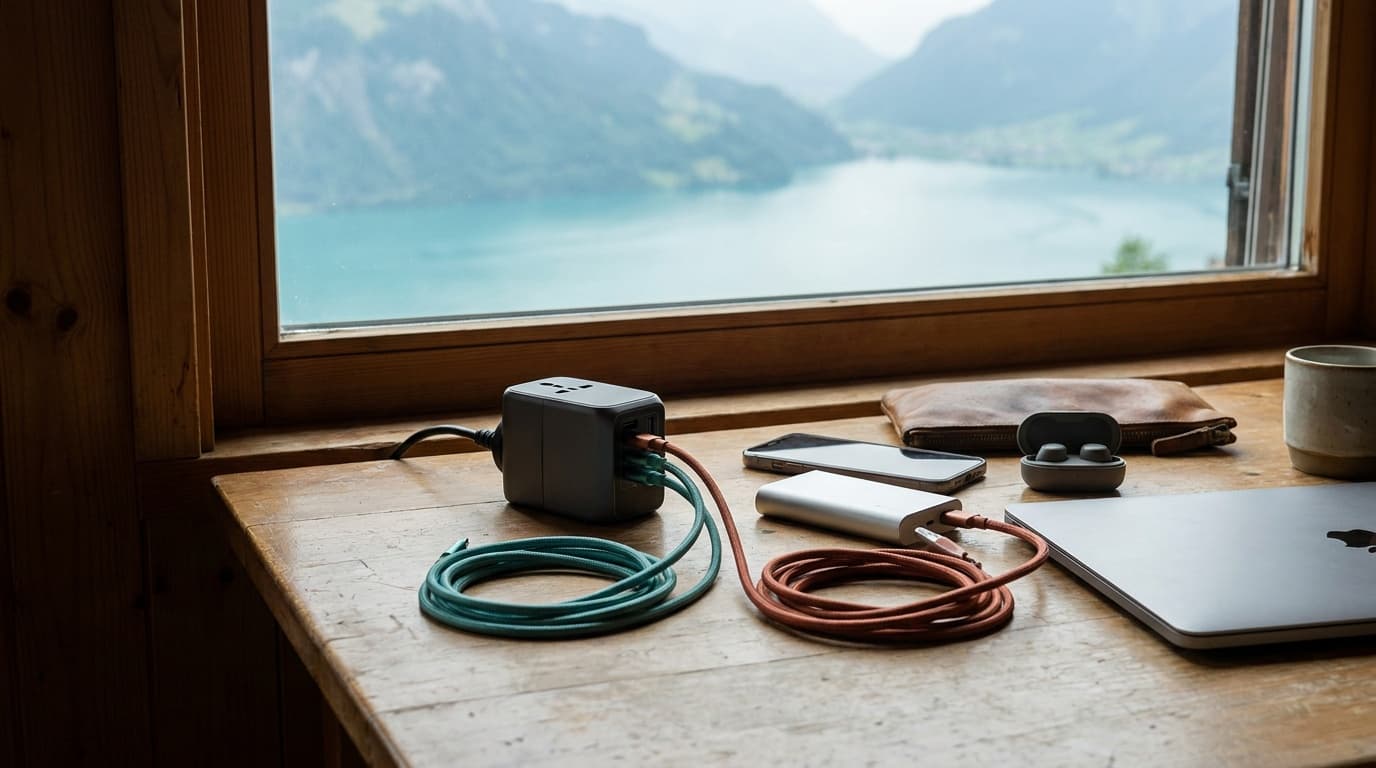
Getting your electronics through airport security without a bag pull, a missed flight, or a confiscated power bank comes down to knowing a handful of firm rules and building one repeatable packing system.
Why lithium batteries are carry-on only
The FAA bans lithium-ion batteries in checked baggage when they are spare (not installed in a device). The risk is thermal runaway: a damaged or defective cell can ignite, and a fire in the cabin can be seen and suppressed; a fire in the cargo hold cannot. This is not a TSA preference, it is a federal aviation safety rule.
That means every power bank, every spare laptop battery, and every spare camera battery travels with you in the cabin. Installed batteries (the one inside your phone or laptop) are fine in either bag, but it still makes sense to keep those devices in your carry-on to avoid damage and theft.
How to read watt-hour ratings
Most power banks list capacity in milliamp-hours (mAh), not watt-hours (Wh). Airlines and the FAA use watt-hours. The conversion: multiply mAh by the battery voltage (usually 3.7V) and divide by 1,000.
A 20,000 mAh bank at 3.7V works out to 74 Wh, comfortably under 100 Wh, and even the 24,000 mAh Anker 737 PowerCore 24K lands around 87 Wh. A 26,800 mAh bank hits roughly 99 Wh, still fine without approval. Anything above 27,000 mAh starts pushing past 100 Wh and may require checking with your airline before you fly.
Getting through the checkpoint efficiently
The biggest source of delay at security is not the rules, it is not being ready to meet them. A few habits eliminate almost all checkpoint friction.
Checkpoint prep in five steps
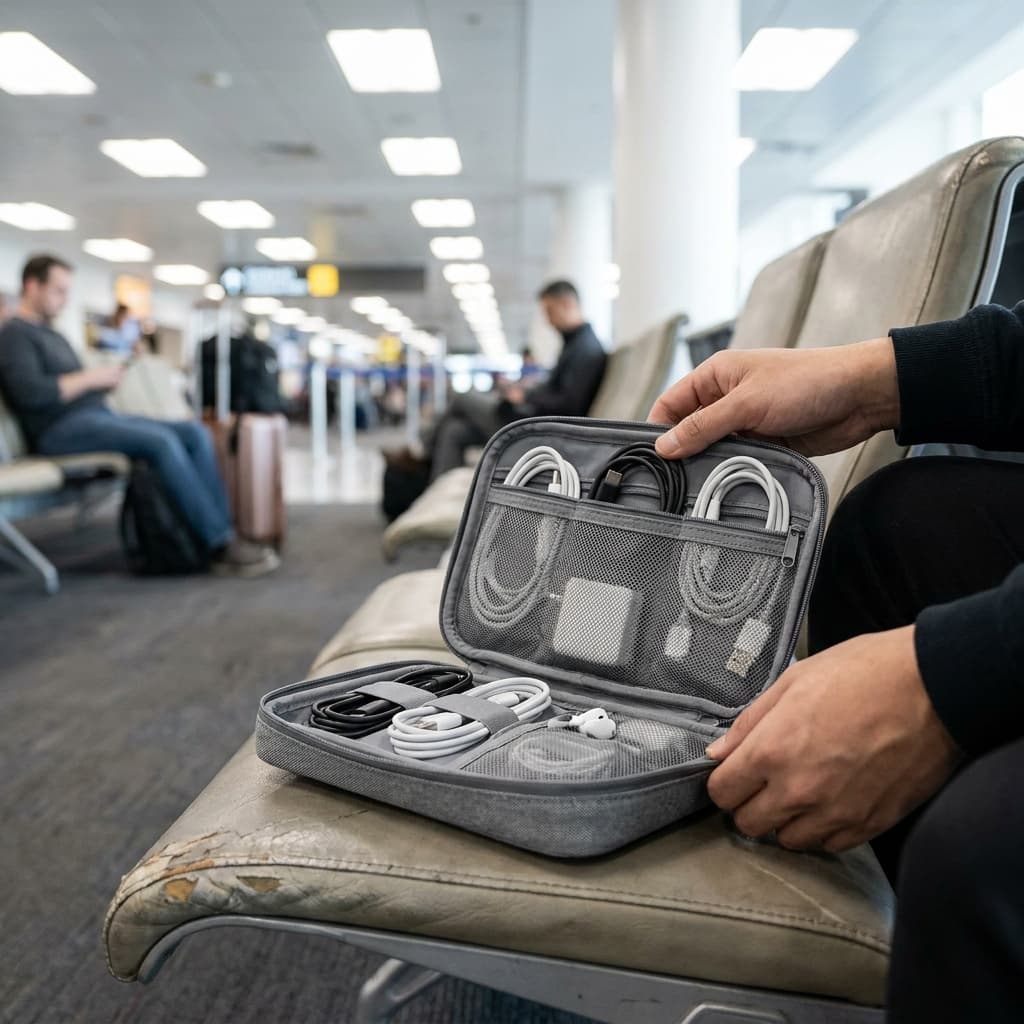
Pack a dedicated pouch
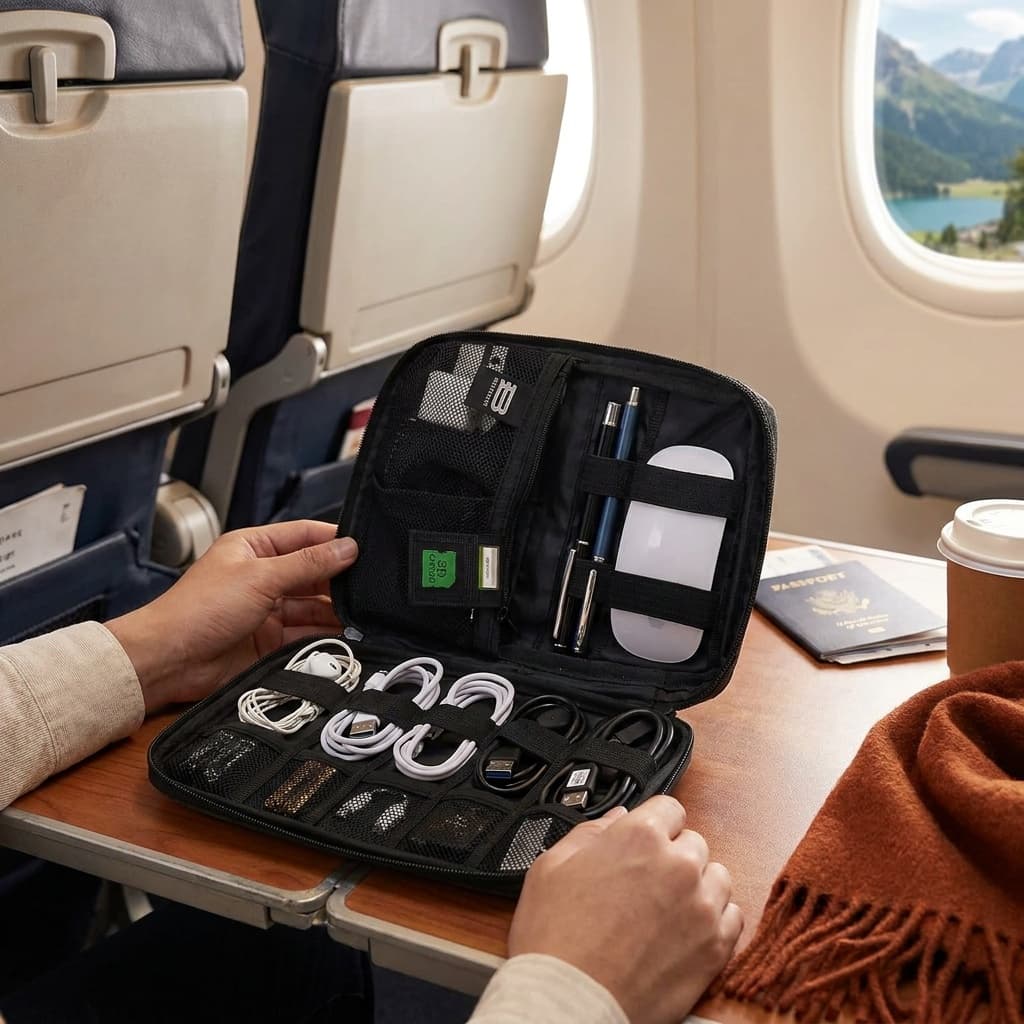
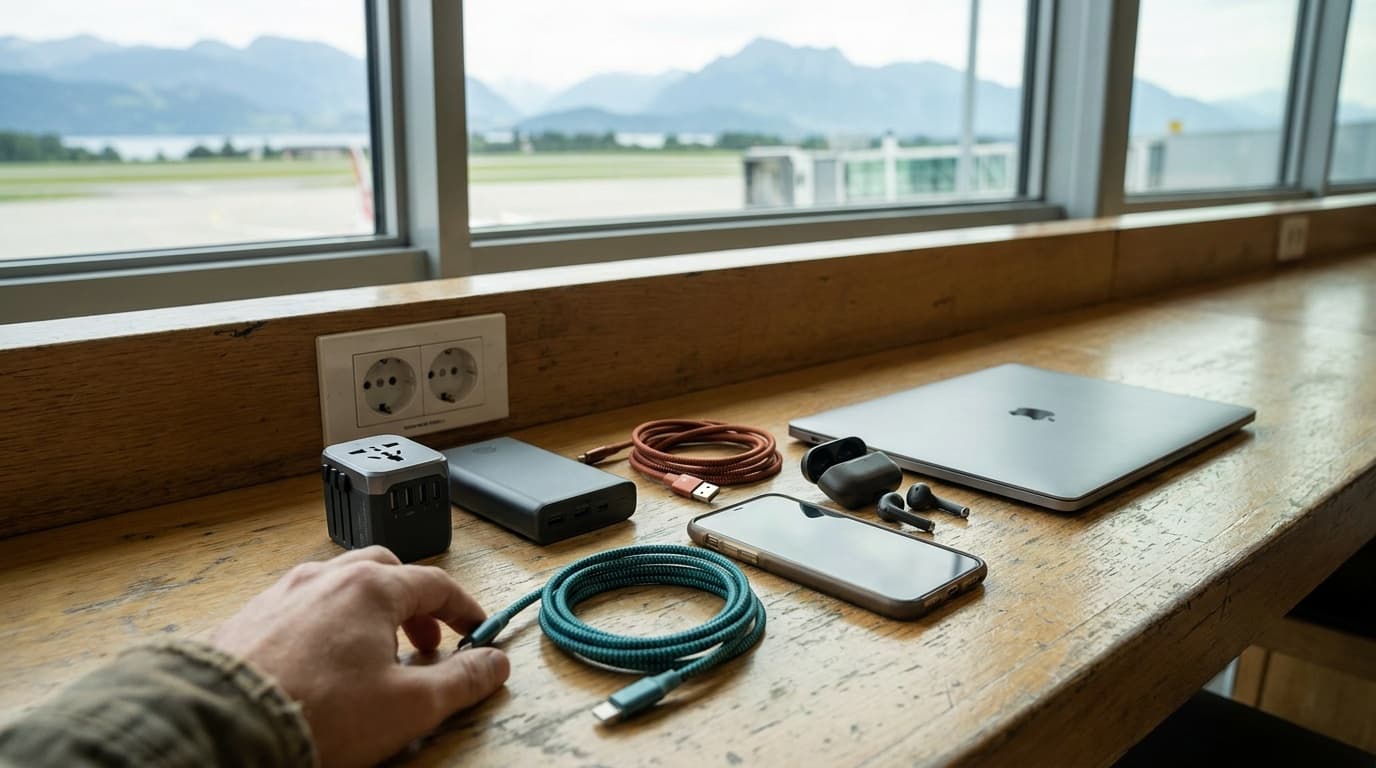
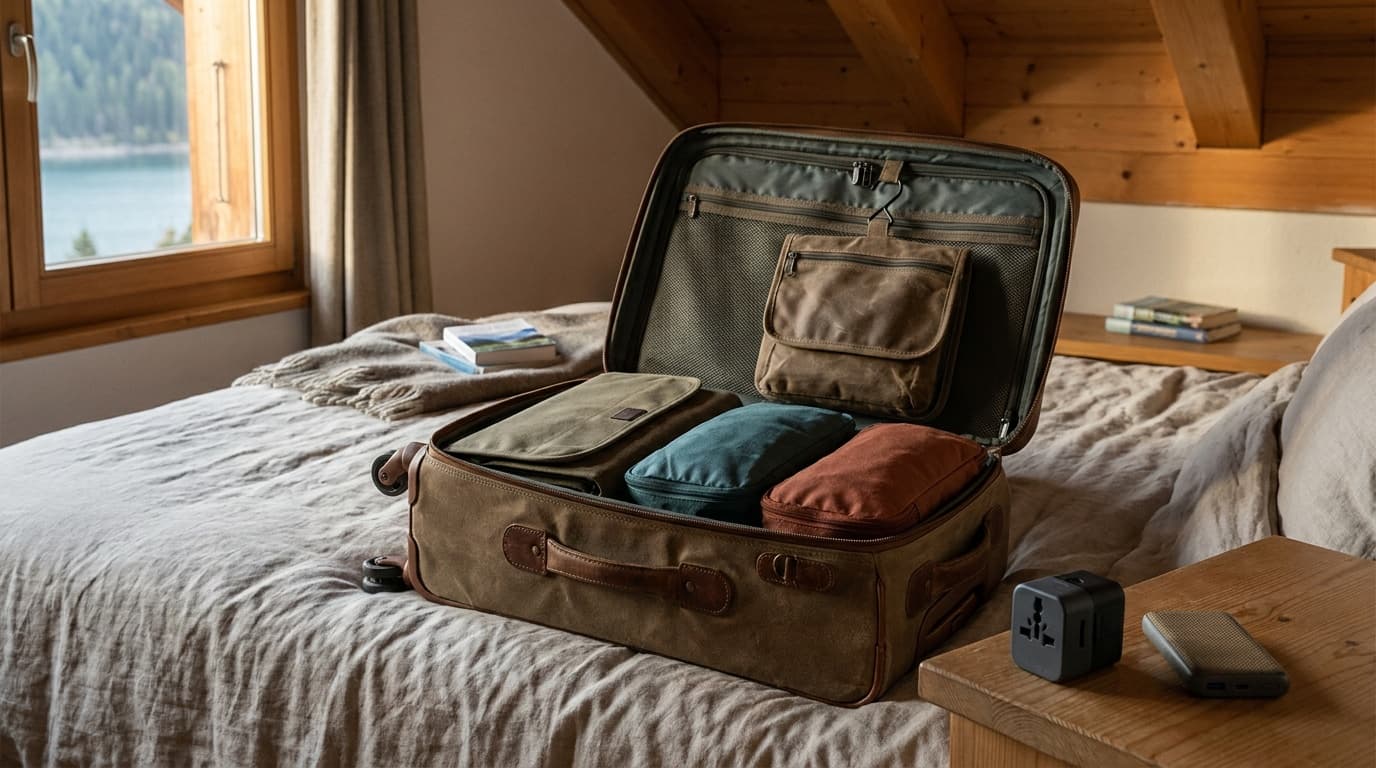
Keep all cables, chargers, and power banks in one removable organizer like the [BAGSMART Electronics Organizer](/api/go?product=bagsmart-large-electronics-travel-organizer&retailer=amazon&article=how-to-pack-electronics-in-a-carry-on) so you can place it in a bin in seconds.
Lap top comes out
At a standard lane, remove laptops (and tablets larger than a standard paperback) from your bag and place them flat in their own bin.
Liquids bag on top
Your 3-1-1 liquids bag should sit at the top of your carry-on for fast access, since toiletries and electronics often get screened together.
Coats and shoes after
Send your bag down the belt first so it does not wait behind your coat while the X-ray is clear.
PreCheck skips most of this
With TSA PreCheck you keep laptops and liquids in your bag; a dedicated electronics pouch is still useful for finding things at your seat.
Protecting devices in transit
Airport bins are hard on gear. Cameras, laptops, and tablets get stacked and slid. A padded sleeve for your laptop and a rigid case like the Pelican Electronic Organizer or padded pouch for cameras adds meaningful protection without much weight.
For cables, a roll-up organizer or a zippered flat pouch prevents the tangle problem and makes every cable findable. Label both ends of less obvious cables (a small piece of tape and a pen works) if you travel with more than four or five.
For earbuds and headphones, a hard clamshell case matters more than most people realize. Headphone hinges and cables are fragile, and a soft bag in a packed carry-on provides almost no crush protection.
The organizer you can pull out in one motion at the checkpoint is the one that actually gets used.
Checked bag versus carry-on: what actually belongs where
Beyond the mandatory carry-on rules for batteries, most electronics belong in your carry-on for practical reasons: checked bags get lost, delayed, and handled roughly. Laptops, cameras, power banks, and anything irreplaceable should never go below the plane.
What can go in checked bags: heavy AC adapters and wall chargers (no lithium cells), USB hubs, and wired peripherals like a travel mouse. These are bulky, low-risk items that free up space in your carry-on.
One exception worth noting: if you are traveling internationally and using a voltage converter or power strip, check whether it contains any surge-protection circuitry with a lithium backup. A small number of smart power strips do, and those must come in the cabin.
Frequently asked questions
Can I bring two power banks on a plane?
Yes. The FAA allows multiple spare lithium batteries in carry-on bags as long as each one stays within the watt-hour limits. For batteries up to 100 Wh there is no stated quantity limit, though airlines can impose their own policies. For batteries between 100 and 160 Wh, you are limited to two per passenger with airline approval. Carry them in your personal item or carry-on, terminals protected (a battery case or tape over the contacts prevents accidental discharge).
Do I need to take my power bank out at TSA?
Officially, power banks do not have to come out of your bag the way laptops do. In practice, a dense electronics pouch can trigger a secondary screen. Placing your organizer pouch in a separate bin (even if not required) speeds up the process and reduces the chance of a bag pull. At PreCheck lanes, you can leave everything packed.
What happens if I accidentally pack a power bank in my checked bag?
If the bag has not been loaded onto the aircraft, TSA or airline staff may retrieve it and return the power bank to you to carry on. If the bag has already been checked and the battery is discovered during screening, it will be removed and may not be returned. Airlines take this seriously because the fire risk in cargo is real. Double-check your bag before you head to the airport.
For specific picks to keep your cables and chargers organized, see our guide to the best electronics travel organizers. Browse all travel guides or read how we research and rate gear.
Recommended gear
Our current top picks from the Best electronics and cable organizers for travel ($8-$45) guide, if you are ready to buy.
TOMTOC
tomtoc Light-T12 Electronics Organizer Travel Case
Best Overall
Kit Score 8.5/10
$18.89 Price checked Oct 23, 4:16 PM CDT
Best for: Travelers who carry a compact daily kit (a couple of cables, earphones, a small charger) and want a well-built, lightweight pouch with a strong owner-verified track record.
- RPET 600D polyester shell is PFAS-free and more durable than standard Oxford nylon at this price point
- 1L capacity limits how much gear fits: not suited for a full cable kit plus a power bank
- Dimensions
- 9.25 x 4.72 x 2.56 in
- Weight
- 300 g (0.66 lb)
- Capacity
- 1 L
- Material
- RPET 600D polyester, PFAS-free
- Compartments
- Zippered mesh pocket, lining pockets, sleeve, pen loop
- Handle
- Wrist strap
About this pick
The tomtoc Light-T12 is a compact 1-liter accessory pouch built from sustainable RPET 600D polyester with a compact clamshell layout. It keeps cables, adapters, earphones, and small chargers sorted in a zippered mesh pocket, lining pockets, and a sleeve, stands upright on a desk, and fits easily into a carry-on pocket or tote.
Strengths
- RPET 600D polyester shell is PFAS-free and more durable than standard Oxford nylon at this price point
- Compact 1L footprint and wrist strap make it practical as a daily grab-and-go pouch or travel insert
- 4.8 stars from 3,800+ verified Amazon buyers, one of the highest ratings in this category
Weaknesses
- 1L capacity limits how much gear fits: not suited for a full cable kit plus a power bank
- Few dedicated loops, so users with complex cable sets may find it less structured than folder-style organizers
Kit Score breakdown
BAGSMART
BAGSMART Large Electronics Travel Organizer Case
Best Value
Kit Score 8.4/10
$14.99 Price checked Oct 23, 4:16 PM CDT
Best for: Budget-focused travelers who carry a predictable cable set, a couple of adapters, and a slim charger and want a well-reviewed, flat organizer under $15.
- Elastic loops across multiple sizes handle everything from USB-A cables to bulkier GaN chargers without doubling up
- The 1.2-inch depth is too shallow for thicker power banks, which need to go in a separate pouch or carry-on pocket
- Dimensions
- 10.6 x 7.5 x 1.2 in
- Weight
- Light (flat profile, under 0.5 lb loaded)
- Material
- Water-resistant nylon
- Elastic loops
- Multiple sizes: small item loops, headphone loops, cable loop
- Pockets
- 2 zippered mesh pockets for phones or power banks
- Card slots
- Dedicated SD card slots
About this pick
BAGSMART's flat-lay organizer unfolds like a folder to expose multiple sized elastic loops, dedicated SD card slots, and zippered mesh pockets across a 10.6-inch span. The slim 1.2-inch profile slides flat into any carry-on or laptop bag without adding noticeable bulk.
Strengths
- Elastic loops across multiple sizes handle everything from USB-A cables to bulkier GaN chargers without doubling up
- Flat-lay layout means you can see the entire contents at a glance at airport security or on a hotel desk
- 4.6 stars from over 9,600 Amazon buyers at under $15 represents genuinely strong value for the price
Weaknesses
- The 1.2-inch depth is too shallow for thicker power banks, which need to go in a separate pouch or carry-on pocket
- A newer model is now available; this version has fewer compartment options than current BAGSMART organizers
Kit Score breakdown
FYY
FYY Travel Cable Organizer Pouch
Best Budget
Kit Score 8.1/10
$9.85 Price checked Oct 23, 4:16 PM CDT
Best for: Light packers or day-trip travelers who carry one cable, earphones, a flash drive, and a small charger and want a sub-$12 splash-resistant pouch with a strong track record.
- At 91 g (3.2 oz), it adds almost no weight to a carry-on and fits inside a jacket pocket or personal item bag
- The compact footprint means it cannot fit a full travel cable set plus a power bank at the same time
- Dimensions
- 7.5 x 4.3 x 2.2 in
- Weight
- 91 g (3.2 oz)
- Material
- Water-resistant Oxford fabric with sponge lining
- Compartments
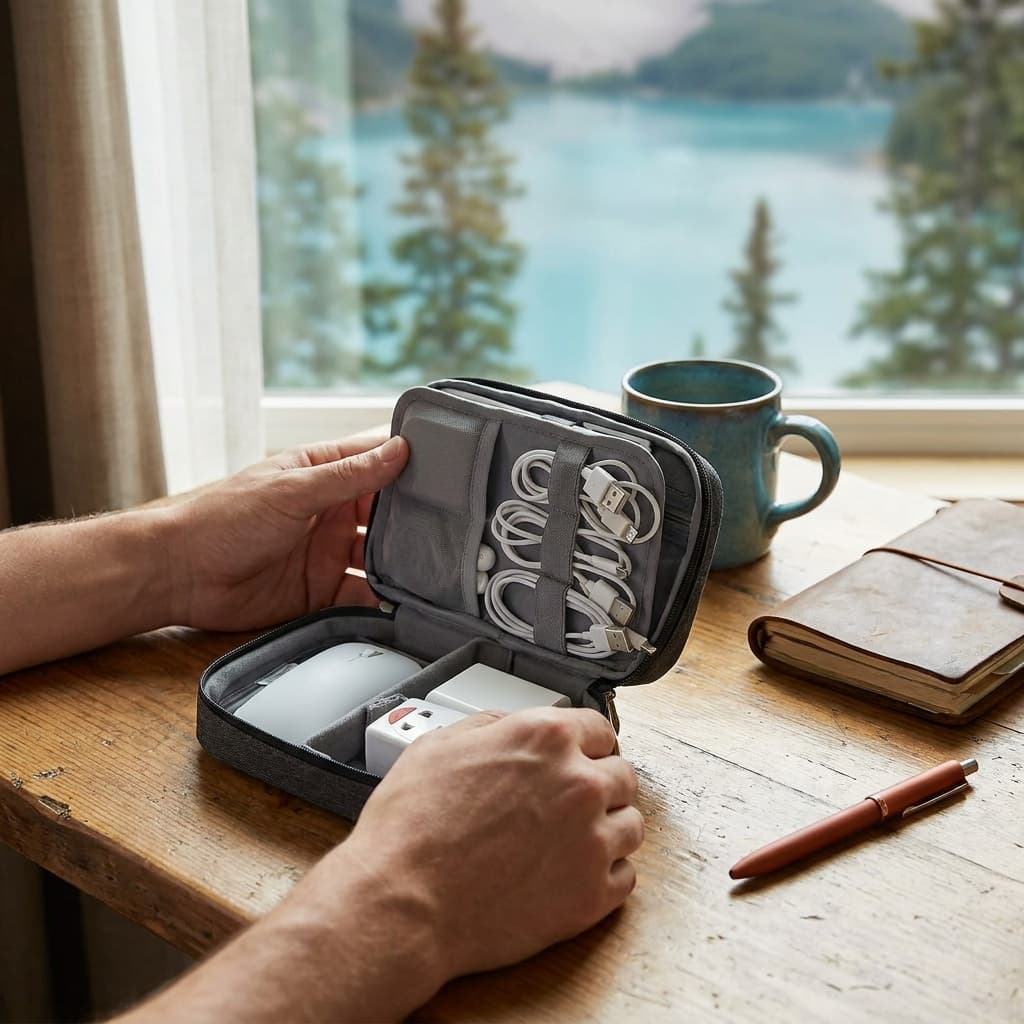
- Double-layer: 6 mesh pockets + 2 large pockets
- Capacity
- Cables, earphones, flash drives, compact charger
- Colors
- Multiple available
About this pick
The FYY cable pouch is a 91-gram double-layer clamshell that fits roughly the footprint of a large phone, with six mesh pockets on one side for small items and two open pockets on the other for a compact charger or power bank. It has one of the largest owner review bases in the category.
Strengths
- At 91 g (3.2 oz), it adds almost no weight to a carry-on and fits inside a jacket pocket or personal item bag
- Water-resistant Oxford fabric with a soft sponge lining shrugs off splashes and cushions small gadgets
- Over 38,000 Amazon ratings at 4.6 stars make it the most owner-validated option in this roundup
Weaknesses
- The compact footprint means it cannot fit a full travel cable set plus a power bank at the same time
- No dedicated elastic loops or SD card slots, so smaller items can shift inside mesh pockets
Kit Score breakdown
See all picks in Best electronics and cable organizers for travel ($8-$45)
Keep going
Free toolPower Bank Size CalculatorHow big a power bank your trip needs, and whether it can fly.Related guides
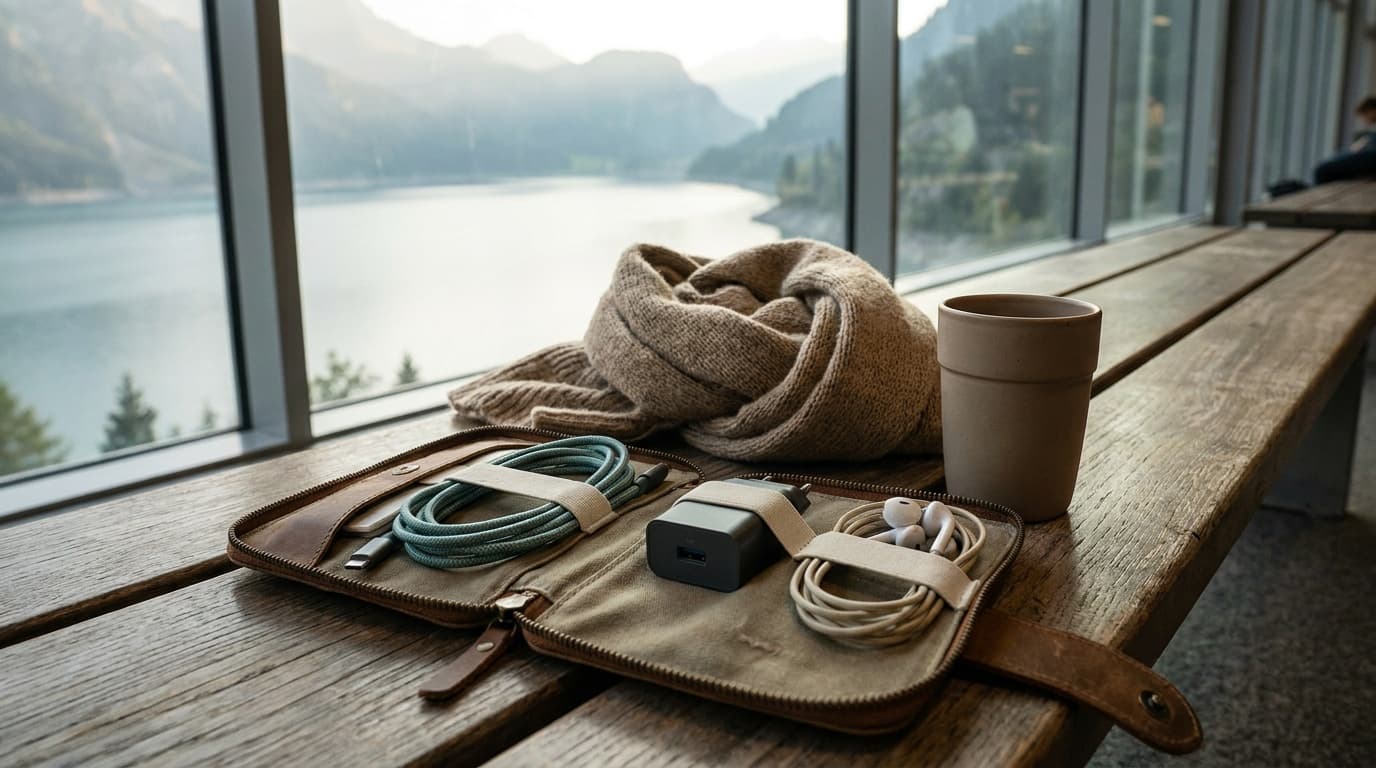

 Complete travel loadoutCarry-on travel kitBuild the complete kit
Researched, not hands-on tested
Updated Jun 4, 2026Our recommendations draw on manufacturer documentation, retailer listings, owner feedback, and comparisons with alternatives.
As an Amazon Associate I earn from qualifying purchases. We may earn a commission from links here, at no extra cost to you. How we research →