Contents
Check the whole power path
Start with the device, then match its connections and power source
A matching connector alone does not establish compatibility. Check the device and source manufacturers' requirements. For powered medical equipment, plan backup power with the care team and equipment provider.
Sources: Anker cable and device compatibility example; CDC backup-power planning
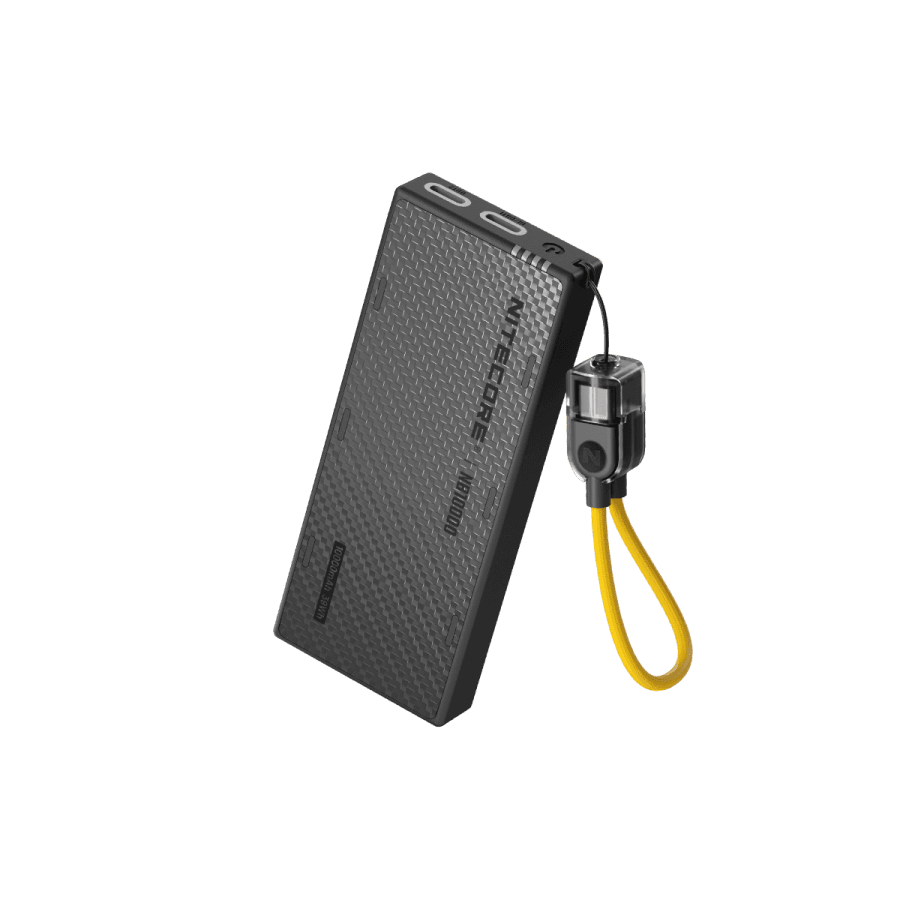
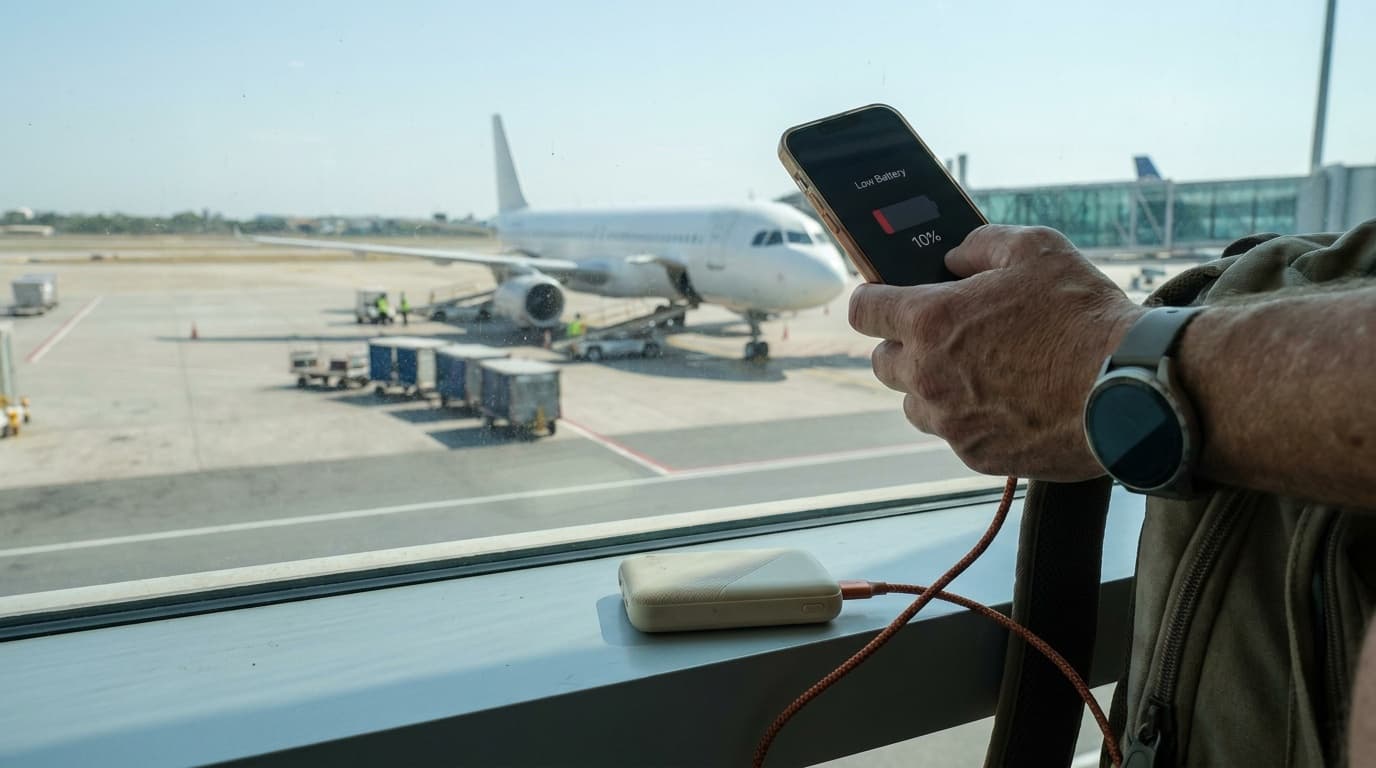
Power bank
Start here for phones and other compatible USB devices.
Compare power banks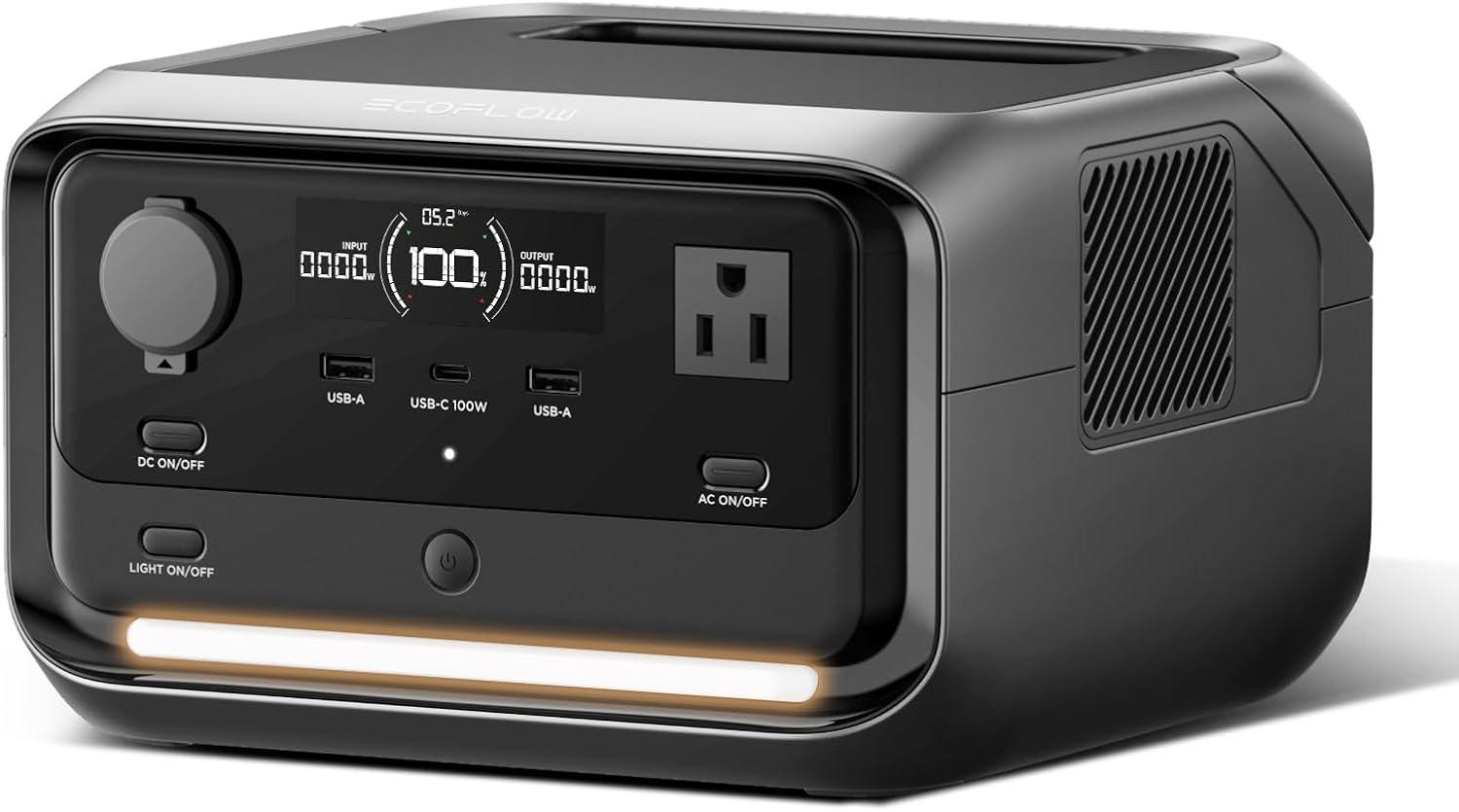
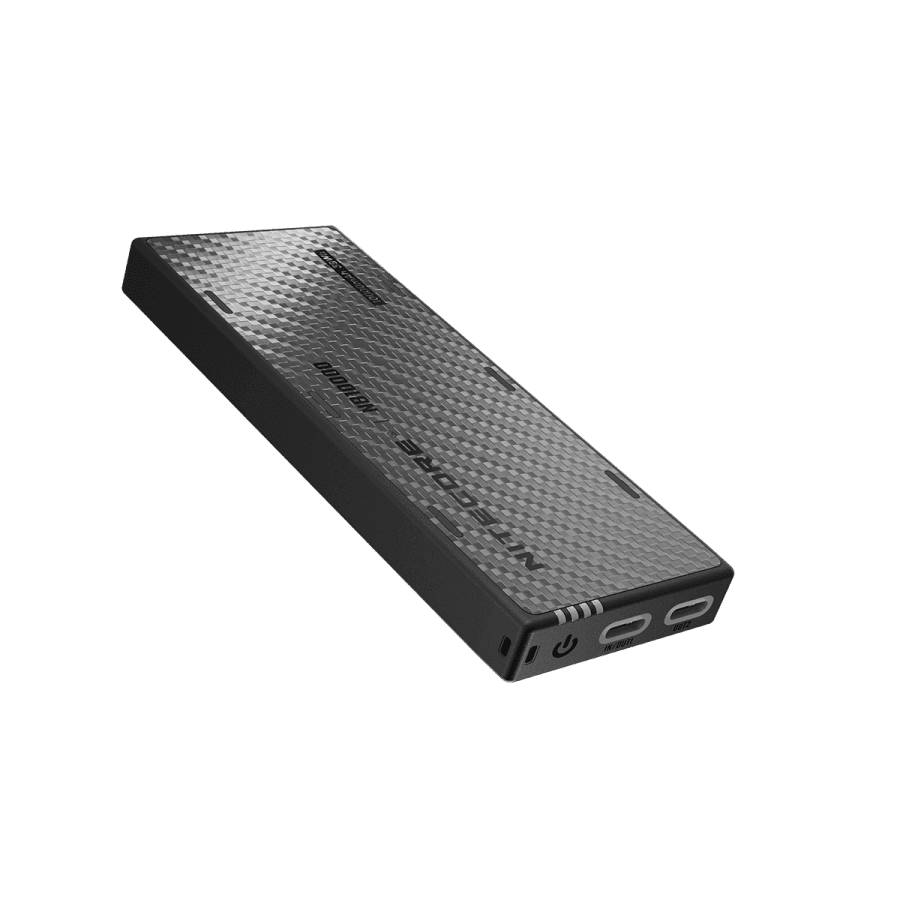
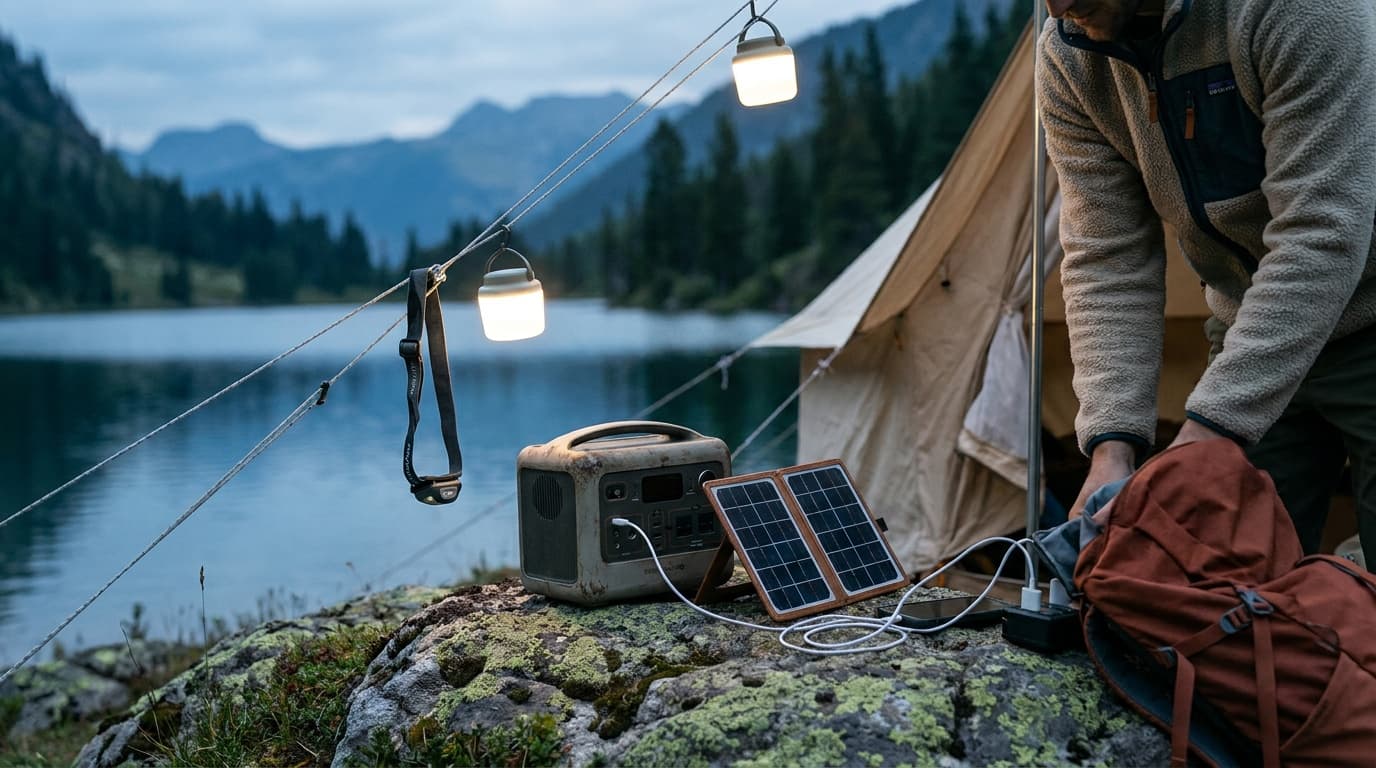
Portable power station
Consider this when your equipment needs compatible AC outlets or more stored energy.
Compare power stations| Your priority | Start with | Compare before buying |
|---|---|---|
| Phones and small USB devices | A power bank | USB output, charging profiles, capacity and cables. See travel power banks. |
| USB devices plus equipment that needs an AC outlet | A portable power station | AC output, starting demand, usable energy and recharge options. See portable power stations for camping. |
| A router during an outage | Check the router and network first | Its input and adapter must match the power source; internet service may also depend on equipment outside your home. |
Those roundups cover travel and camping gear, respectively. They are useful places to compare models, not rankings of products tested for household outages.
Start with the devices, not the battery size
Write down each device, its input, and how long you want it available. A phone generally needs USB charging; a laptop may need a specific USB-C charging profile and more power than a small phone charger supplies. A router may use a separate power adapter. Match the device, cable and power source rather than relying on the connector shape alone.
For example, Anker lists the 737 Power Bank with two USB-C ports, one USB-A port, a 24,000 mAh capacity and up to 140 W total output. Those specifications describe the bank, not what every connected device will draw. Check the output available from the port you intend to use, especially when charging more than one device.
A power station adds options such as AC outlets, but an AC plug fitting into a socket does not mean the station can run the appliance. Check the appliance's requirements against the station's output and the manufacturer's compatibility guidance.
Watt-hours and watts answer different questions
Two different power checks
Capacity and output answer different questions
A capacity-to-load calculation is only a rough comparison. Losses, starting demand and changing loads affect actual operation; runtime is not guaranteed.
Sources: EIA electricity units
Watt-hours (Wh) describe stored energy; watts (W) describe power at a moment in time. A larger energy capacity can support a compatible load for longer, while the output rating limits what the station can supply at once. A device that starts with a brief high demand can need more than its ordinary running figure suggests.
As a rough starting estimate, divide battery capacity in Wh by a device's load in watts. Real runtime is lower or variable because conversion, the power station's own consumption, temperature, device behavior and battery condition affect the result. Appliances that cycle on and off are especially hard to predict from a single rating. Treat the calculation as a comparison, not a guarantee.
EcoFlow lists the RIVER 3 Plus with a 286 Wh base battery and a 600 W rated output; compatible expansion batteries are offered separately. Manufacturer boost modes have conditions and are not a blanket promise that every higher-rated appliance will work. Check the exact model and the load's starting requirements.
Plan how to recharge it
Before choosing a large battery, decide where and how you will recharge it. Wall charging works while mains power is available; vehicle or solar charging requires compatible equipment and takes time. Actual solar input changes with conditions, so a panel's nameplate rating is not a reliable recharge timetable.
Keep required cables and adapters together, check the charge periodically, and follow the manufacturer's storage and charging instructions. For a router, test the complete setup while normal service is available, but remember that a powered router cannot guarantee an active internet connection during an outage.
Battery power stations are different from fuel-burning generators, but still require the maker's operating instructions. Never connect a portable unit to household wiring unless a qualified professional has installed an appropriate connection. The CDC warns against using generators or camping stoves inside a home because of carbon monoxide.
Common questions
Is a power bank enough for an outage?
It can be a practical choice when your priority is charging USB devices. Check the ports, output and capacity against your actual devices, and keep the right cables with it.
Can a power station run a refrigerator?
Some can, but compatibility depends on the refrigerator's running and starting demands, the station's output and available energy. Check both manufacturers' information; a capacity figure alone is not enough to promise runtime.
Should I buy both?
Not necessarily. Start with the devices you need. A separate bank may be convenient for carrying a phone away from the larger station, but it is an additional item to keep charged.
Sources and limits
Manufacturer specifications above describe the named examples, not independent performance measurements. For a household checklist that includes supplies beyond electronics, see the American Red Cross emergency kit guidance.
Explore the preparedness hub or compare an emergency lantern and flashlight.
Keep going
Free toolPower Bank Size CalculatorHow big a power bank your trip needs, and whether it can fly.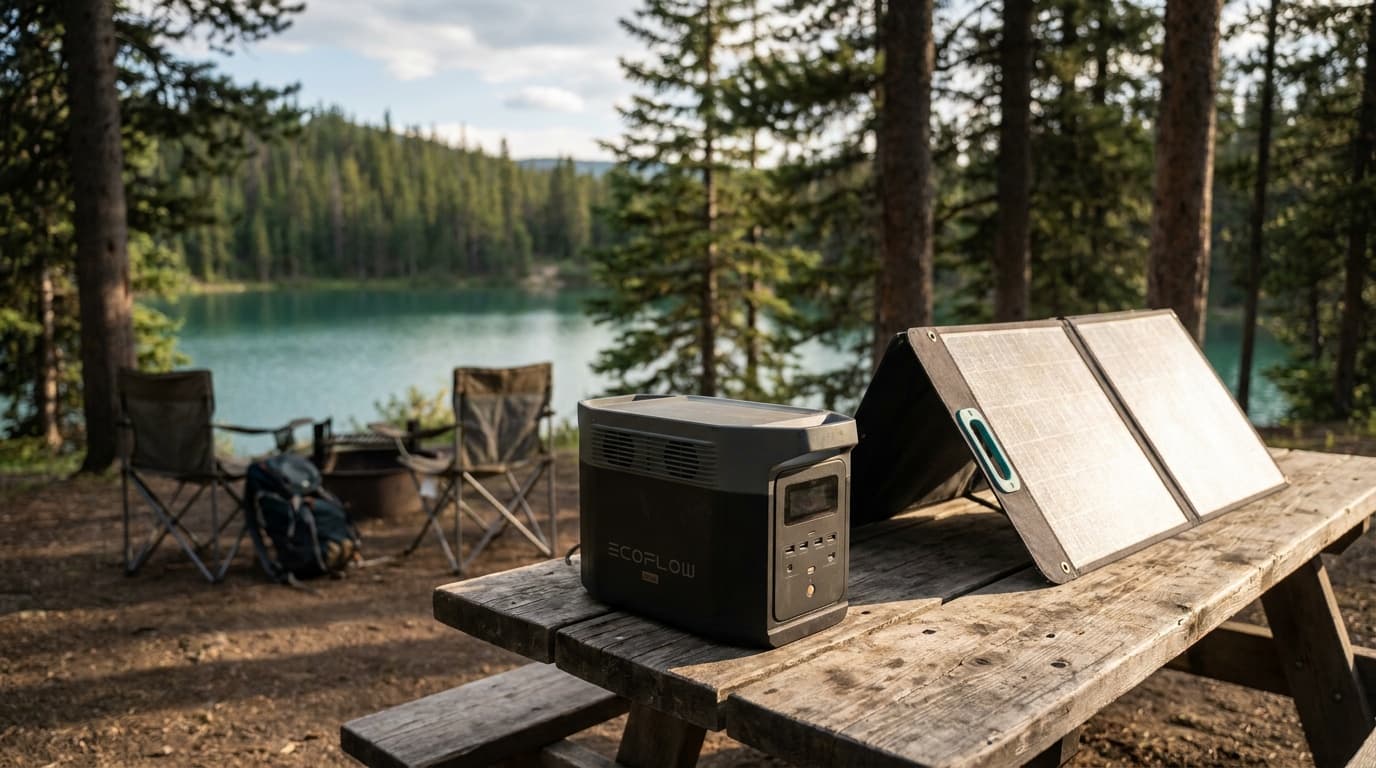
Our recommendations draw on manufacturer documentation, retailer listings, owner feedback, and comparisons with alternatives.
As an Amazon Associate I earn from qualifying purchases. We may earn a commission from links here, at no extra cost to you. How we research →