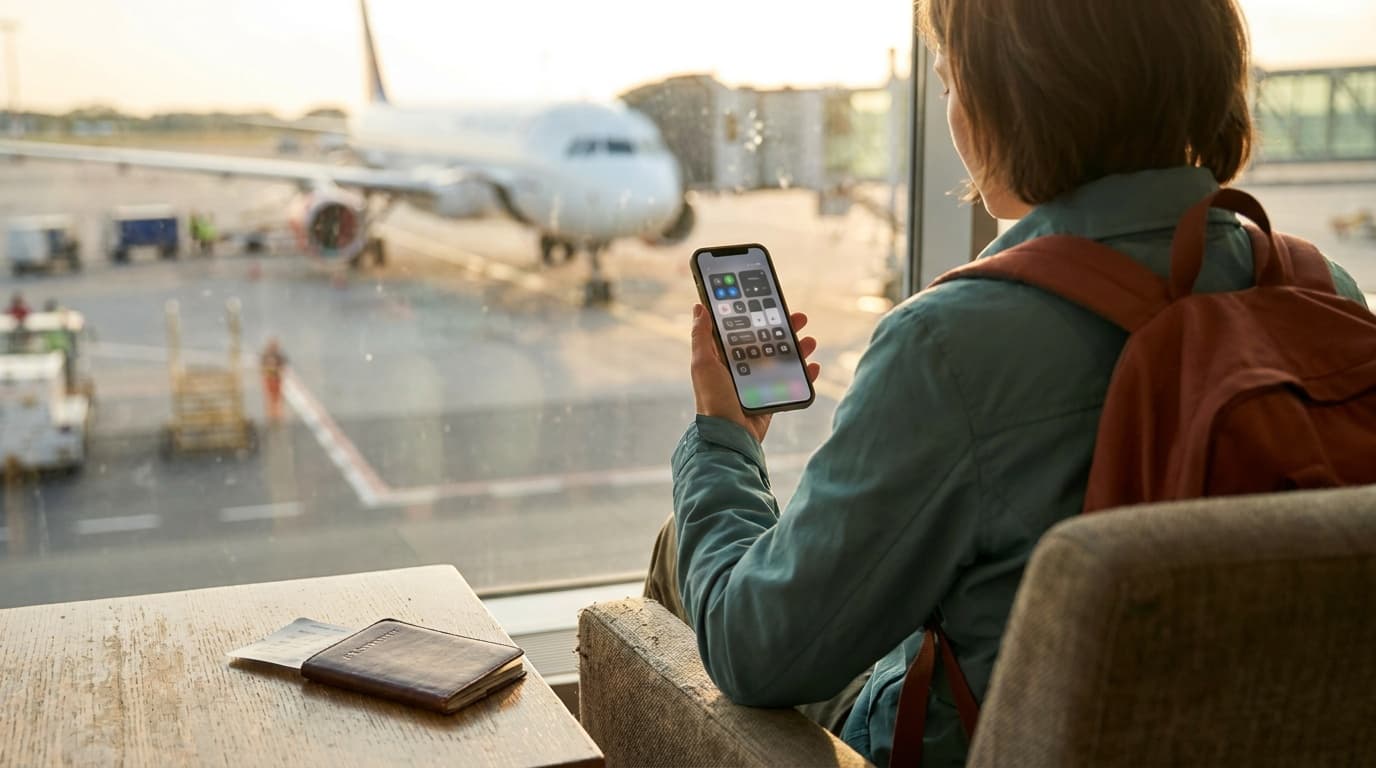
Three ways to have working data in another country: pay your carrier a daily fee, install a travel eSIM before you go, or buy a local SIM when you land. The right one is decided almost entirely by how long you are gone, and the wrong one quietly costs more than the flight upgrade you talked yourself out of.
How the three options actually differ
The marketing makes these sound like competing products. They are really three different billing models, and that is what decides the winner for your trip.
Carrier day pass
Your existing plan follows you abroad, and you are billed a flat fee for each day you actually use data. It is the only option with zero setup: you land, your phone connects, your number works for calls and texts exactly as it does at home.
The catch is the multiplication. A daily fee is fine for a weekend and punishing for two weeks, because you pay it again every single day. Rates sit in the rough range of five to twelve dollars a day depending on the carrier, and carriers change them, so check your own before you assume: Verizon, AT&T, and T-Mobile each publish current pricing.
Two exceptions worth knowing, because they can make this whole decision moot. Verizon and AT&T include Mexico and Canada in most unlimited plans at no extra charge. Many T-Mobile postpaid plans include data in a long list of countries at no charge, but at a throttled speed that is fine for messaging and too slow for maps, video calls, or loading a boarding pass in a hurry.
Travel eSIM
An eSIM is a digital SIM profile. Instead of a card in a tray, your phone downloads the profile, and modern phones can hold several at once. You buy a data plan for your destination before you leave, install it from your couch, and it connects when you arrive.
You pay once for a block of data over a set window, so cost does not scale with trip length the way a day pass does. The tradeoff is that most travel eSIM plans are data only. Your home phone number does not ride along on the eSIM, which matters more than people expect, and is covered below.
Local SIM
Bought at the destination, usually at an airport kiosk or a carrier store. Almost always the cheapest per gigabyte, and the most work: finding a store, showing a passport, and in some countries a registration process that adds real time to your first day. It earns its place on long stays, not on a week.
The math that decides it
Take your carrier's daily rate, multiply by the number of days you will use data, and compare it to a single eSIM plan for the same destination and duration. That is the whole calculation.
A ten day trip on a ten dollar day pass is about a hundred dollars. A travel eSIM covering the same ten days with a sensible data allowance frequently lands somewhere between ten and thirty dollars depending on destination and how much data you need. The gap is why eSIMs took over, and it widens with every extra day.
The comparison flips when the trip is short. For two days, a day pass costs less than the twenty minutes you would spend setting up an eSIM, and it keeps your number fully live. Convenience is worth something, and on a weekend it is worth more than the difference.
Before you buy: two checks that prevent the common failure
Your phone supports eSIM. iPhone XS and later, Samsung Galaxy S20 and later flagships, and Google Pixel 3 and later all support it. US iPhone 14 models and newer have no physical SIM tray at all, so eSIM is the only option. Some handsets sold in certain regions, notably phones bought in mainland China, ship with eSIM disabled regardless of model.
Your phone is carrier-unlocked. A phone still on a carrier payment plan is often locked, and a locked phone will refuse the profile no matter how correct the plan is. Check in your phone settings or ask your carrier before you pay for anything.
Run both checks while you are still home and can fix a problem. A locked phone discovered at baggage claim is a bad afternoon.
Keeping your home number working
This is the part that surprises people. A travel eSIM gives you data, not your phone number. Your number lives on your original line, and what happens to it depends on how you set things up.
On a dual SIM phone, keep your home line active for calls and texts, and set the travel eSIM as the data line. Then turn data roaming off for the home line. That single setting is what prevents your original carrier from quietly charging you roaming fees while the eSIM handles the actual browsing. Skipping it is the most common way people end up paying twice.
Calls and texts to your home number will still arrive over the home line, which may incur your carrier's international rates, so most travelers route conversations through an internet app instead and reserve the home line for verification codes from banks and airlines.
Common mistakes
Installing the eSIM at the airport. Installation needs internet. Do it at home on wifi, and let the plan activate on arrival.
Buying data for a country you are only connecting through. A layover does not need coverage unless you plan to leave the terminal or use data during it.
Guessing at data needs. Maps, messaging, and email are light. Video calls, streaming, and uploading photos are not. If you plan to work or post video, buy more than you think, or choose a plan you can top up.
Forgetting the return leg. Plans expire on a fixed window. A fourteen day plan bought the day before a two week trip runs out on the way home, exactly when you need a rideshare.
Which one should you pick
Pick by trip length
Two or three days
Use your carrier's day pass. Setup time is worth more than the savings, and your number stays fully live.
Four days to about three weeks
Buy a travel eSIM before you leave. This is the range where the day pass math turns bad and the eSIM is clearly cheaper.
A month or longer in one country
Get a local SIM after you arrive, and use an eSIM for the first day or two while you sort it out.
Mexico or Canada on an unlimited US plan
Check your plan first. It may already be included, in which case do nothing.
A day pass bills you again every morning. An eSIM bills you once. That single difference decides almost every trip.
For everything else that goes in the bag, the international travel packing list covers documents, power, and the rest of the electronics kit, and the carry-on travel kit shows how a week fits in one bag. If you are carrying a battery for all this, the power bank flight rules explain the watt-hour limits before you get to security.
Is an eSIM cheaper than international roaming?
For almost any trip longer than about three days, yes. A carrier day pass charges a flat fee for every day you use data, so the cost scales with trip length, while a travel eSIM charges once for a block of data. The exception is a trip your carrier already covers at no extra charge, such as Mexico and Canada on many US unlimited plans, where doing nothing is cheapest.
Will I keep my phone number with a travel eSIM?
Yes, but not on the eSIM itself. Most travel eSIMs are data only. Your number stays on your original line, which you keep active for calls and texts while the eSIM carries data. On a dual SIM phone, set the eSIM as the data line and switch data roaming off for your home line so your original carrier does not charge you roaming at the same time.
Which phones support eSIM?
iPhone XS and later, Samsung Galaxy S20 and later flagships, and Google Pixel 3 and later. US iPhone 14 models and newer are eSIM only, with no physical SIM tray. The phone also has to be carrier-unlocked, and some handsets sold in certain regions ship with eSIM disabled, so confirm both in your phone settings before buying a plan.
When should I buy a local SIM instead of an eSIM?
When you are staying a month or more in one country, or when you need a local phone number for deliveries, banking, or a rental. Local SIMs are usually the cheapest per gigabyte, but they cost you a store visit, an ID check, and sometimes a registration wait, which is a poor trade on a one week trip.
Do I need to do anything before I fly?
Three things. Confirm your phone supports eSIM and is carrier-unlocked, install the eSIM profile while you still have wifi at home, and turn off data roaming on your home line so it does not bill you alongside the eSIM. Installation needs an internet connection, which is exactly what you do not have when you land.
Keep going
Related buying guideBest travel pillows for side sleepers: seat by seatRelated guides
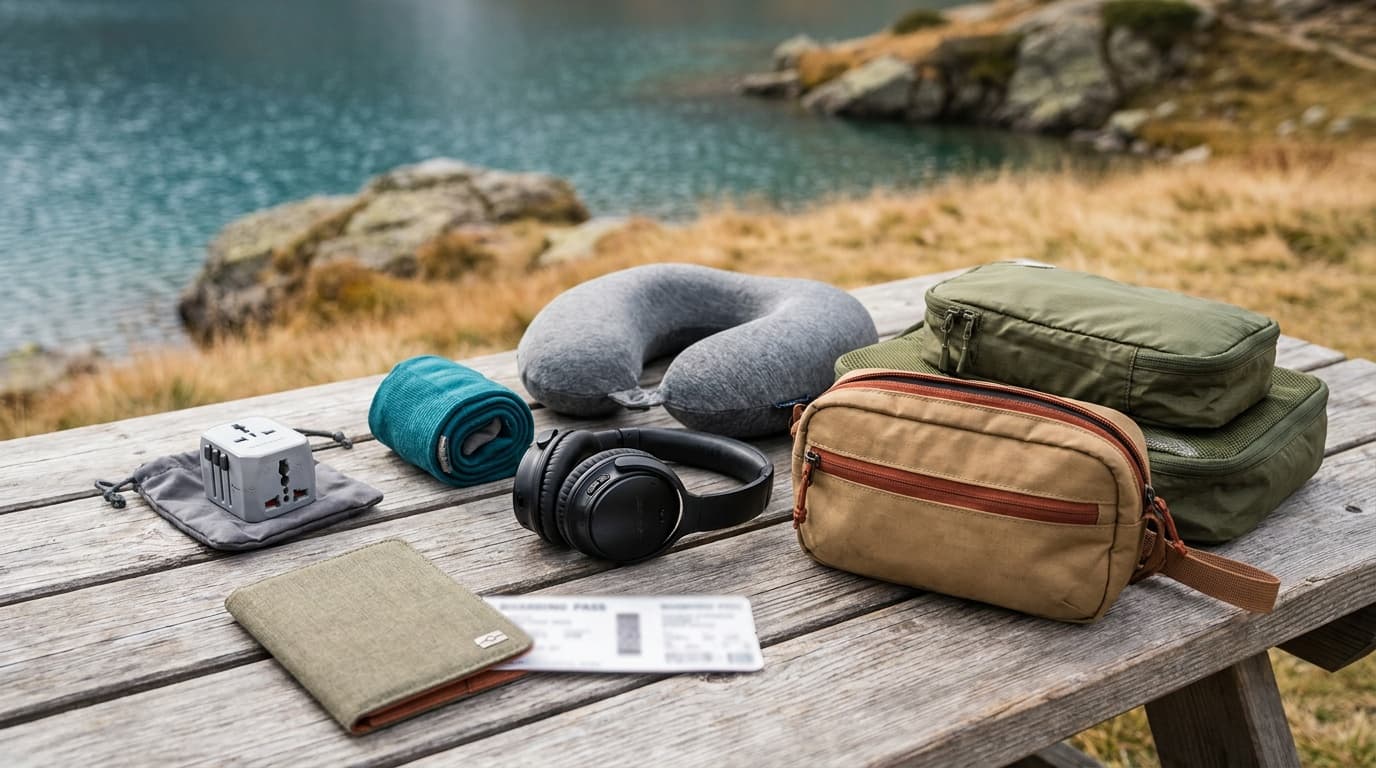
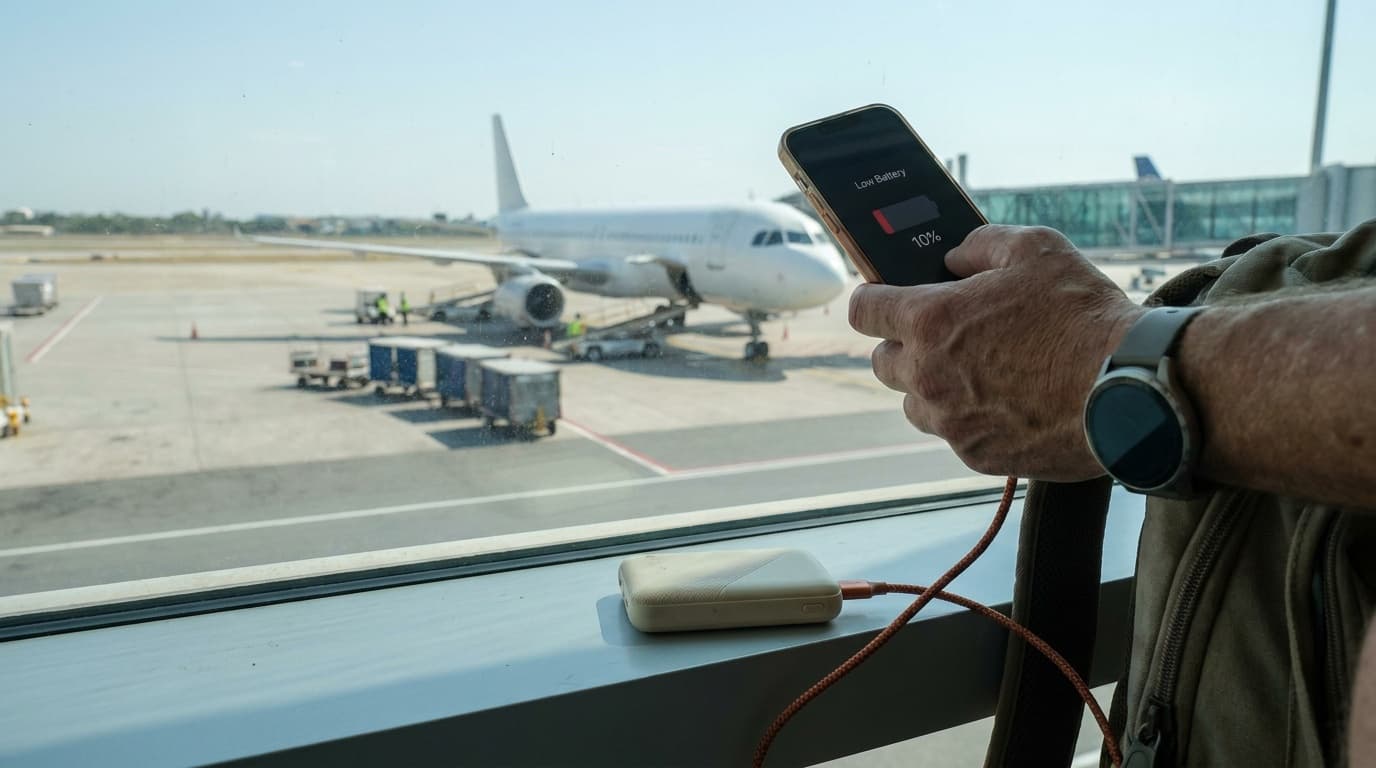
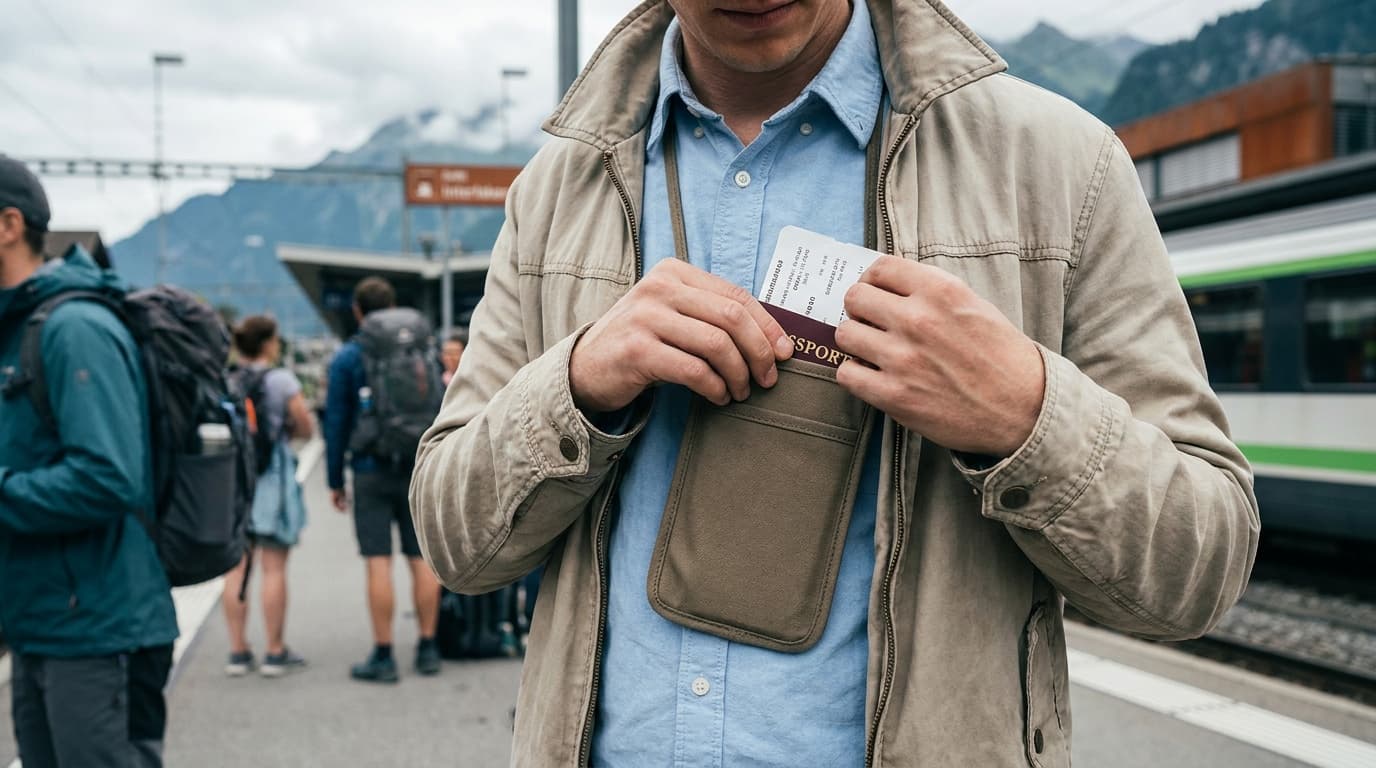
 Complete travel loadoutCarry-on travel kitBuild the complete kit
Researched, not hands-on tested
Updated Sep 3, 2026Our recommendations draw on manufacturer documentation, retailer listings, owner feedback, and comparisons with alternatives.
As an Amazon Associate I earn from qualifying purchases. We may earn a commission from links here, at no extra cost to you. How we research →
Related buying guide
Best travel pillows for side sleepers: seat by seat