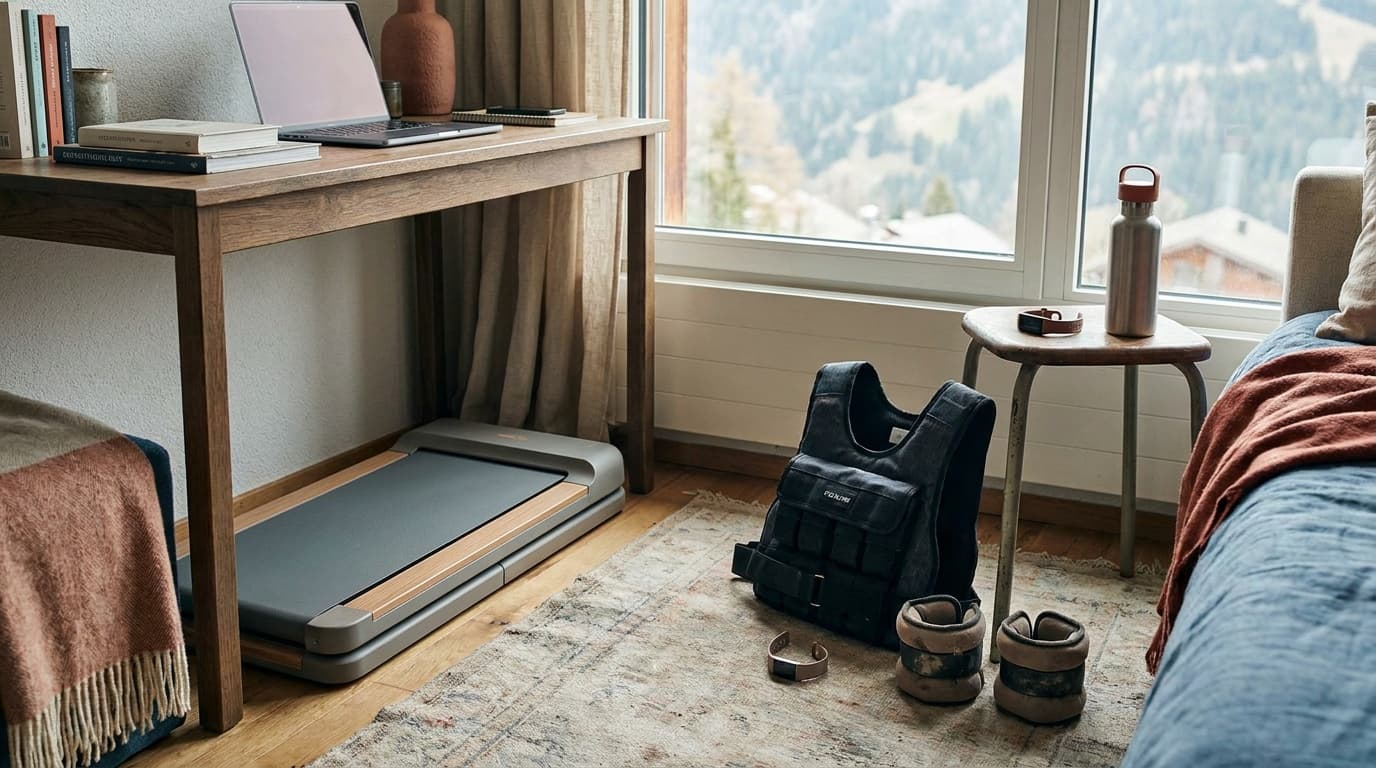
If you spend six or more hours a day sitting at a desk, a walking pad is one of the few pieces of equipment that can meaningfully change your daily movement without rearranging your schedule.
What NEAT actually is, and why it matters
Non-exercise activity thermogenesis (NEAT) is the energy your body burns through all movement that is not formal exercise: walking to the kitchen, fidgeting, standing. Research published in journals like Science and Obesity Reviews consistently shows that NEAT can vary by up to 2,000 calories per day between individuals with similar body weights, and that people who sit for long stretches have dramatically suppressed NEAT compared to those who move casually throughout the day.
A walking pad addresses exactly this gap. At 1.5–2 mph you are not training; you are simply not sitting. That distinction matters because the metabolic cost of prolonged sitting is partly independent of whether you exercise before or after. Short walks scattered through the day appear to blunt post-meal glucose spikes and support cardiovascular markers in ways a single 30-minute run does not fully replicate.
The honest calorie math
At 170 lbs (77 kg) and a pace of 2 mph, expect roughly 150 calories per hour. Two hours of walking-pad time spread across a workday adds up to 300 calories. Over five working days that is 1,500 calories, equivalent to a meaningful weekly deficit without any change to your exercise routine.
That number shrinks if you are lighter and grows if you are heavier, but the range 100–200 calories per hour is a reliable bracket for most desk workers. Do not expect treadmill-workout numbers: you are walking, not jogging, and you need your hands and brain free.
Two hours of low-pace walking spread across a workday can add up to more weekly calorie burn than a single moderate gym session.
Where walking pads fall short is aerobic conditioning. You will not raise your VO2 max at 1.8 mph. If cardiovascular fitness is your primary goal, a walking pad is a supplement, not a substitute for dedicated cardio such as zone 2 aerobic-base training.
Who benefits most
Not everyone gets equal value from a walking pad. The payoff scales with how much you currently sit and what your work actually lets you do while moving.
Best-fit users for a walking pad
Knowledge workers
Writing, email, reading, and video calls are all manageable at slow walk speeds; complex spreadsheet work is harder.
Home-office users
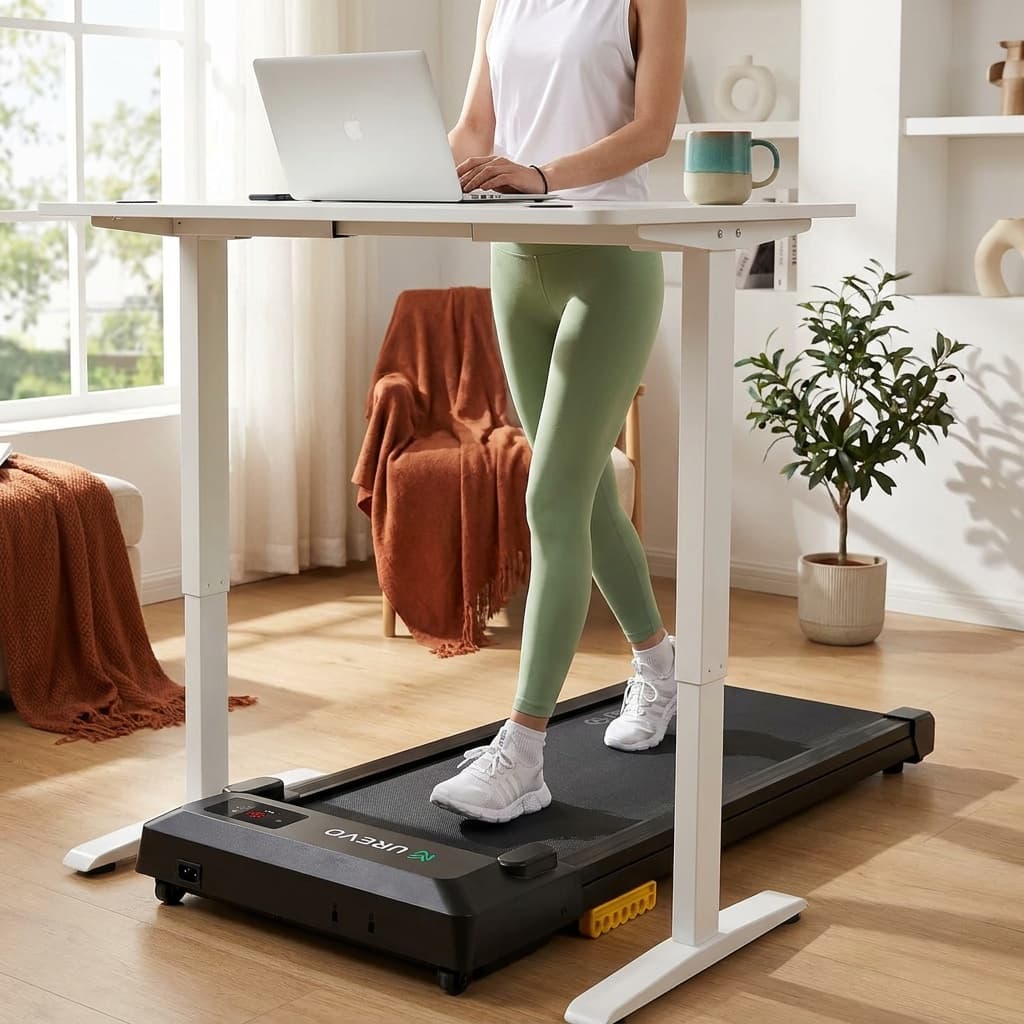
No commute means fewer incidental steps; a walking pad such as the [UREVO Strol 2E Pro](/api/go?product=urevo-strol-2e-pro-walking-pad&retailer=urevo&article=are-walking-pads-worth-it) directly replaces what the office building used to provide.
Post-injury or low-impact needs
The belt moves slowly and the surface is flat, making it one of the gentler ways to add daily steps during recovery.
Step-count chasers
If your goal is 8,000–10,000 steps per day and you currently hit 2,000, a walking pad closes most of that gap without a schedule change.
Parent or caregiver with limited gym time
Stacks movement on top of existing commitments rather than competing with them.
People who do highly visual or precision work, who take frequent in-person meetings, or who live in apartments with thin floors or noise-sensitive neighbors may find real friction with daily use.
The setup requirements you need to solve first
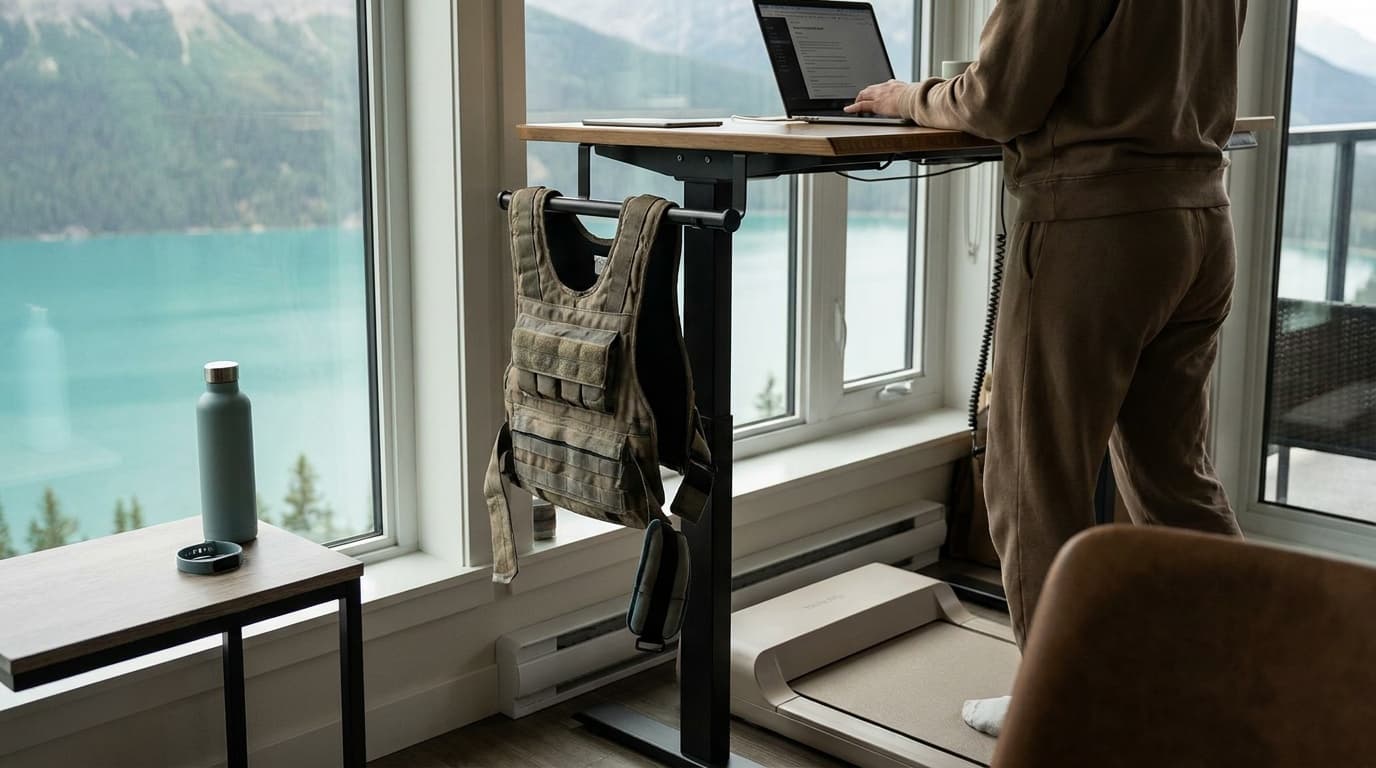
A walking pad only works if your desk is at the right height. When you are walking, your elbow height rises by roughly 2–4 inches compared to sitting. A fixed-height desk that was comfortable seated will force you to hunch or raise your shoulders while walking.
You need one of the following: a standing desk already set to your walking height, a height-adjustable (sit-stand) desk, or a high enough fixed surface. If you do not have this, budget for it before buying the pad. Ergonomic strain from the wrong desk height will end the habit faster than any lack of motivation.
Space is the other constraint. Most walking pads, like the WalkingPad C2, fold but are roughly 50–60 inches long when in use. They live under the desk while stored, but you need a clear lane in front of it during use.
Realistic expectations and common mistakes
The people who get the most from walking pads treat them like a background habit, not a workout. The goal is 60–120 minutes of slow walking distributed through the day, not a single 45-minute session at maximum speed.
Common mistakes: setting the pace too high (above 2.5 mph makes most cognitive tasks harder), expecting dramatic weight loss without any dietary awareness, and buying a pad without solving the desk-height problem first.
The realistic return is better daily step count, a reduction in the health risks associated with prolonged sitting, a modest but consistent calorie increase, and for many people a notable improvement in afternoon energy and focus. Those are genuine benefits. They are also incremental, not transformative.
If you want the pad to double as an exercise machine, the walking pad workouts guide lays out five routines, from a 20-minute starter to incline intervals, with a speed chart for picking paces. And if the real goal is simply more steps on cold or dark days, compare the no-equipment options in our indoor walking at home guide before you buy.
Frequently asked questions
Can I use a walking pad for running?
Most walking pads top out at 3.5–4 mph and are not designed for running gait. The belt length is shorter than a standard treadmill, and the motor and frame are sized for walking loads. Use a walking pad for walking; use a full treadmill or outdoor running for anything faster.
How many calories does a walking pad burn in a day?
At a typical desk-work pace of 1.5–2.5 mph, most people burn 100–200 calories per hour. Two hours of walking time across a workday adds 200–400 calories of burn. Over a full work week that is 1,000–2,000 calories, which is meaningful but not dramatic. Body weight, actual pace, and how much you use the pad all affect the number.
Do I need a standing desk to use a walking pad?
Yes, in practice. A fixed-height sitting desk positions your work surface too low once you are standing and walking. You need a surface at approximately elbow height while walking, which is typically 4–6 inches higher than your seated elbow height. A sit-stand desk is the standard pairing. Factor that cost into your decision if you do not already have one.
For specific picks, see our guide to the best walking pads. Browse all fitness guides or read how we research and rate gear.
Recommended gear
Our current top picks from the Best walking pads 2026: budget, incline, and heavy-duty picks guide, if you are ready to buy.
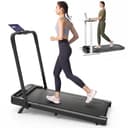
Best for: Desk walkers who also want manual incline and a raised-handlebar speed mode.
- URTM059 manual specifies a 265 lb / 120 kg maximum.
- The manual's 265 lb maximum differs from the 300 lb figure on UREVO's product page.
- Speed range
- 0.6–6.2 mph (walking mode 0.6–4 mph)
- Max incline
- 12% (manual, flip-down front legs)
- Weight capacity
- 265 lb / 120 kg maximum per URTM059 manual; UREVO product page says 300 lb
- Running surface
- 36.2" x 15.2"
- Handlebar-down dimensions
- 44.9" L x 21.9" W x 4.2" H
- Unit weight
- 43.4 to 43.6 lb per UREVO; 44 lb per the linked Amazon listing
About this pick
The UREVO Strol 2E Pro listing is crosswalked to model URTM059. Its manual sets a 265 lb / 120 kg maximum, while UREVO's product page lists 300 lb; use the manual limit. UREVO lists a 12% incline and the manual describes a support-leg setup. Walking mode is listed to 4 mph with the handlebar down and up to 6.2 mph with it raised. The linked listing gives handlebar-down dimensions of 44.9 x 21.9 x 4.2 inches; the belt is listed at 36.2 x 15.2 inches.
More specifications
- Motor
- 2.25 HP
Strengths
- URTM059 manual specifies a 265 lb / 120 kg maximum.
- UREVO lists a 12% incline and separate handlebar-down walking and handlebar-up speed modes.
- The linked listing provides handlebar-down dimensions for clearance checks.
Weaknesses
- The manual's 265 lb maximum differs from the 300 lb figure on UREVO's product page.
- The manual describes a manual support-leg incline setup; no noise figure is established here.
Best for: People seeking listed flat-walking, remote and app features for desk use.
- The exact listing identifies model URTM025 / part URTM057 and gives a 42 x 19 inch footprint.
- The exact listing's 265 lb capacity has not been verified against a manual.
- Speed range
- 0.6 – 4.0 mph
- Motor
- 2.5 HP
- Weight capacity
- 265 lb per exact-ASIN listing; operating limit not confirmed from a reviewed manual
- Belt size
- 35.43" x 15"
- Machine weight
- 39.68 lb per exact-ASIN listing
- Footprint
- 42 x 19 x 4 in per exact-ASIN item dimensions; listing copy separately claims 4.1-inch profile
About this pick
The linked Amazon listing identifies this Smart Walking Pad as UREVO model URTM025 / part URTM057. Listing dimensions are 42 x 19 x 4 inches, while separate listing copy calls the profile 4.1 inches; use 4.1 inches for preliminary clearance planning. The listing specifies a 35.43 x 15 inch belt, up to 4 mph, remote/app features and a 265 lb capacity claim. That capacity has not been confirmed against a reviewed manual. The listing does not establish upright-storage permission.
Strengths
- The exact listing identifies model URTM025 / part URTM057 and gives a 42 x 19 inch footprint.
- Remote and app features are listed for this exact item.
Weaknesses
- The exact listing's 265 lb capacity has not been verified against a manual.
- Listing dimensions state 4 inches high, while listing copy separately claims 4.1 inches.
- Upright-storage permission is unconfirmed.
GOPLUS
Goplus 2-in-1 Folding Under Desk Treadmill (SuperFit)
BEST BUDGET 2-IN-1
Kit Score 7.2/10
$113.99 Price checked Oct 23, 4:16 PM CDT
Best for: First-time buyers on a tight budget who want to walk at a desk and jog occasionally, and who accept a short warranty.
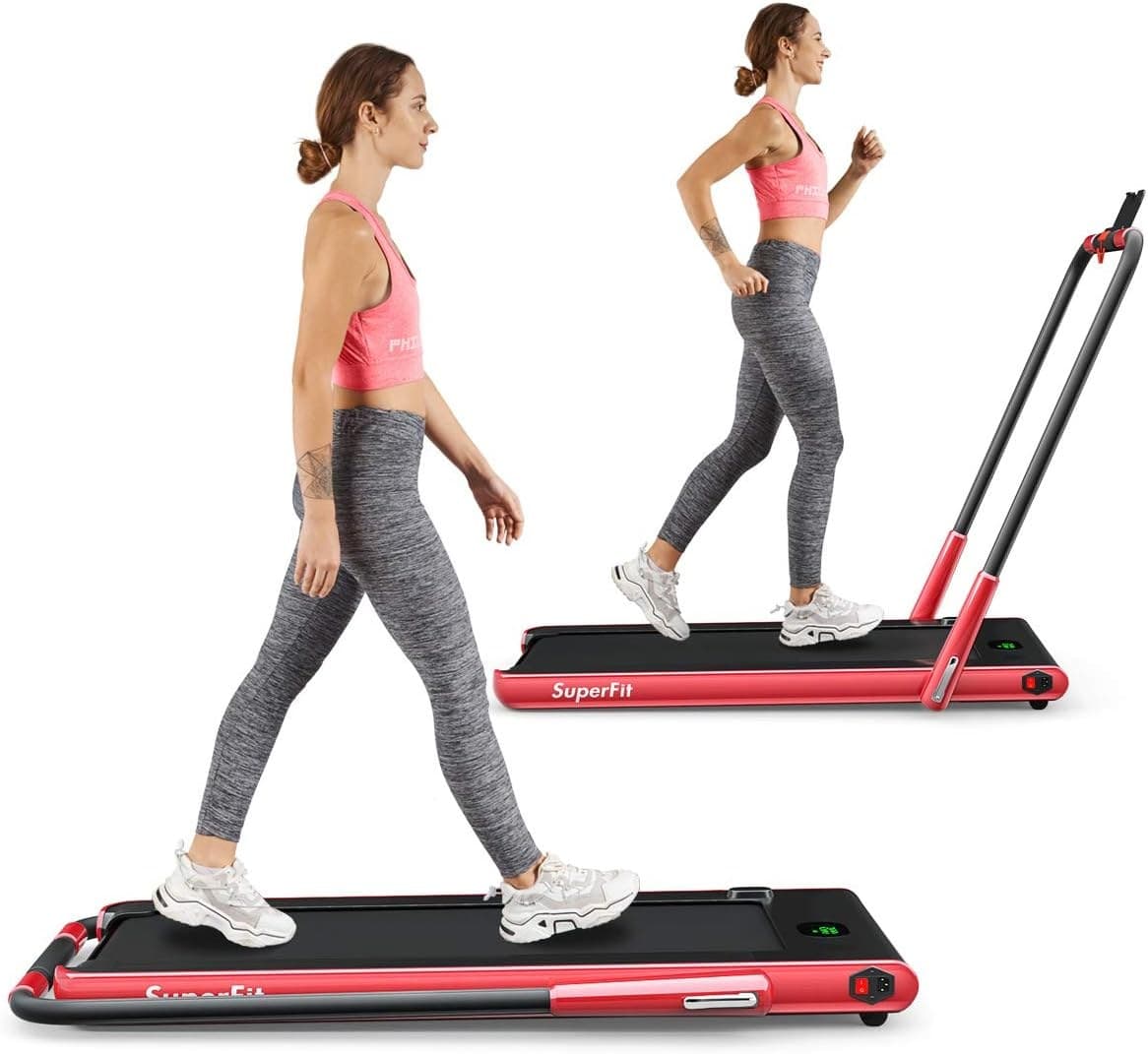
- The lowest price of any pad Kit covers, with a jogging mode to about 7.5 mph when the handrail is up
- Walking mode under a desk tops out near 2.5 mph, so brisk walks need the handrail raised
- Walking mode (handrail folded)
- 1–4 km/h (about 0.6–2.5 mph)
- Running mode (handrail up)
- 1–12 km/h (about 0.6–7.5 mph)
- Running area
- 40" x 16"
- Weight capacity
- 265 lb
- Folded size
- 52" x 27" x 5"
- Unit weight
- 69.5 lb
About this pick
The Goplus 2-in-1 (sold under the SuperFit name) is the budget way to get both a desk pad and an easy jogger. With the handrail folded flat it runs at 1 to 4 km/h, about 0.6 to 2.5 mph, for under-desk walking; with the handrail raised it reaches 12 km/h, about 7.5 mph. The running area is 40 by 16 inches, the user limit is 265 lb, and folded it measures 52 by 27 by 5 inches and weighs 69.5 lb. Every figure here is from the Amazon listing, which also states a 3-month warranty.
More specifications
- Motor
- 2.25 HP
- Warranty
- 3 months (Amazon listing)
Strengths
- The lowest price of any pad Kit covers, with a jogging mode to about 7.5 mph when the handrail is up
- 40 by 16 inch running area and a 265 lb rating, roomy for the money
- Remote, app control, Bluetooth speaker and phone holder included
Weaknesses
- Walking mode under a desk tops out near 2.5 mph, so brisk walks need the handrail raised
- 3-month warranty on the listing and mixed owner reports on noise and early failures
Kit Score breakdown
See all picks in Best walking pads 2026: budget, incline, and heavy-duty picks
Keep going
Free toolWalking Pad Fit CheckerWhich walking pad fits your height, weight, desk, and floor space.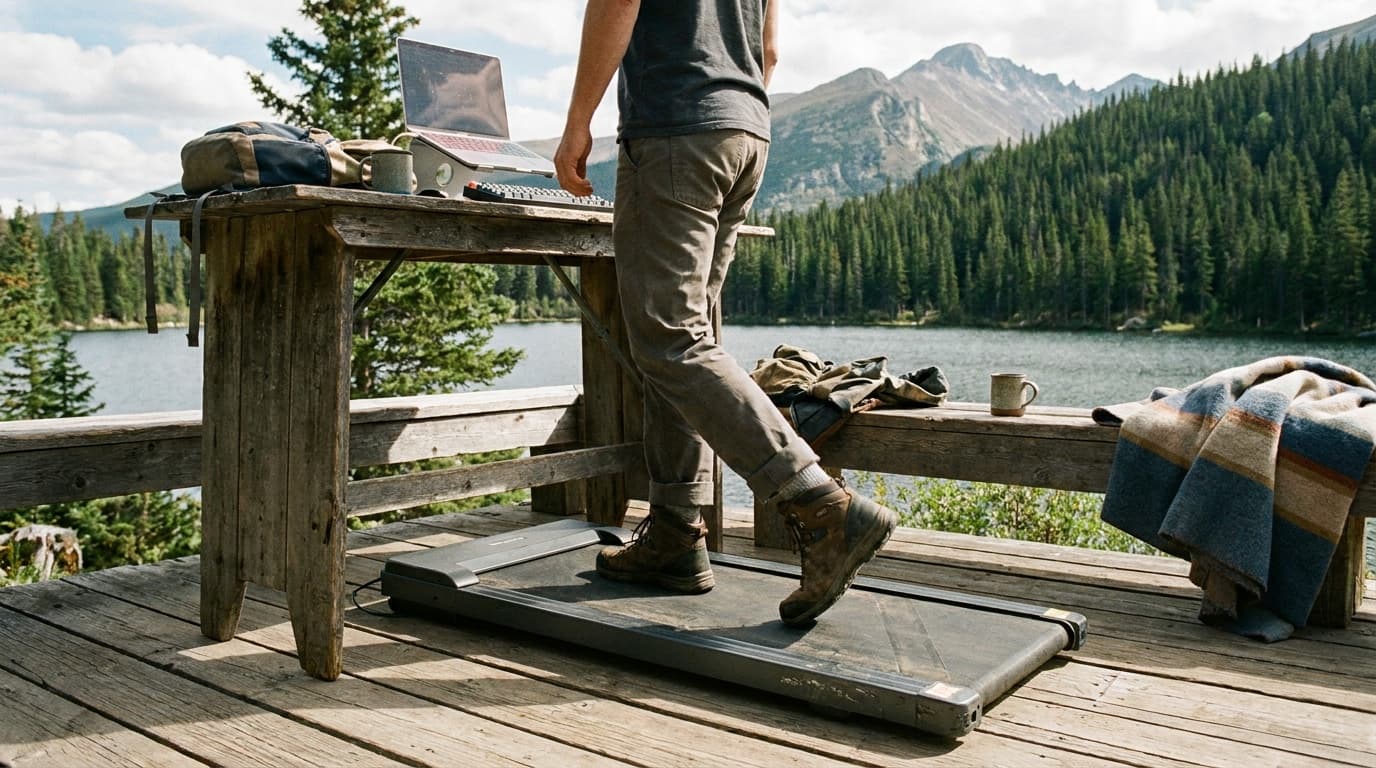
Researched, not hands-on tested
Updated Jun 4, 2026Our recommendations draw on manufacturer documentation, retailer listings, owner feedback, and comparisons with alternatives.
As an Amazon Associate I earn from qualifying purchases. We may earn a commission from links here, at no extra cost to you. How we research →